How to reduce appointment no-shows: a practical review for your clients
Quick answer
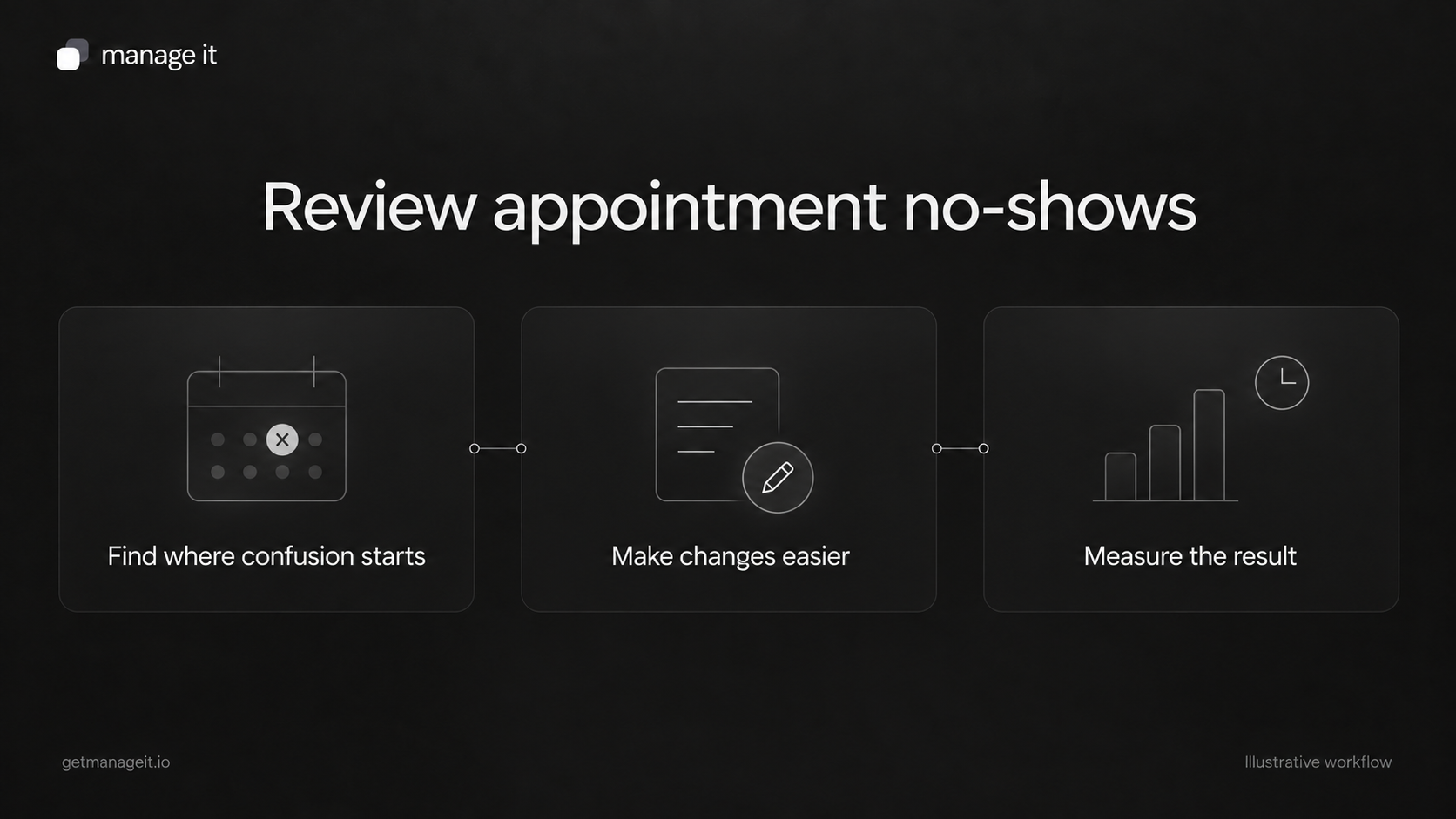
Look for avoidable confusion in the booking, confirmation, reminder, and change process.
Verify attendance records before deciding what caused a missed appointment.
Test one useful process change and compare clearly defined outcomes using the business's own records.
Review booking clarity, confirmations, reminders, and change routes to find avoidable appointment problems. Includes a practical attendance review worksheet.
When a client asks you to “add reminders so people turn up,” reminders may be part of the answer. Start by examining the whole appointment experience. A message cannot fix the wrong address, an unclear timezone, or a change request nobody received.
Your agency can help the business find those problems, make the process easier to use, and check what changes. The result may differ by service and customer; avoid promising a particular reduction in missed appointments.
Establish what happened
Choose a recent period with enough appointments to review meaningfully for that business. Include attended visits, cancellations, reschedules, and apparent no-shows.
Ask staff to check the diary against phone calls, messages, and job notes. An old booking that was replaced by a new one should not automatically count as a customer failing to attend. An appointment the business canceled belongs in a different category too.
Record “unknown” when the evidence is incomplete. Guessing makes the numbers look tidier while making the review less useful.
Use an appointment review worksheet
For each appointment under review, record:
Booking reference and service: Which appointment are you examining?
Final outcome: Attended, canceled, rescheduled, missed, or unresolved.
Status evidence: Who confirmed the outcome and where is it recorded?
Contact details: Were the email address and relevant phone details correct?
Confirmation: Did the message state the right status, date, time, and location?
Preparation: Was any necessary instruction clear and timely?
Change route: Could the customer cancel, reschedule, or reach staff?
Observed issue: What actually went wrong, if known?
Proposed change: What will the business alter, and who owns it?
This worksheet is a review method. It does not mean the agency can determine why every customer missed an appointment from message logs alone.
Review the booking page first
Open the booking page on a phone and choose a service as a new customer would. Check whether the service name, duration, location, price information where applicable, and available times make sense.
If staff must approve requests, state that clearly before the customer submits. A pending request should not create the same expectation as a confirmed appointment.
ManageIt's scheduler settings include duration, location, notice periods, booking limits, weekly availability, and date overrides. The public page shows slots in the guest's detected timezone. Test the resulting booking from the customer's perspective as well as the staff view.
Make each message useful
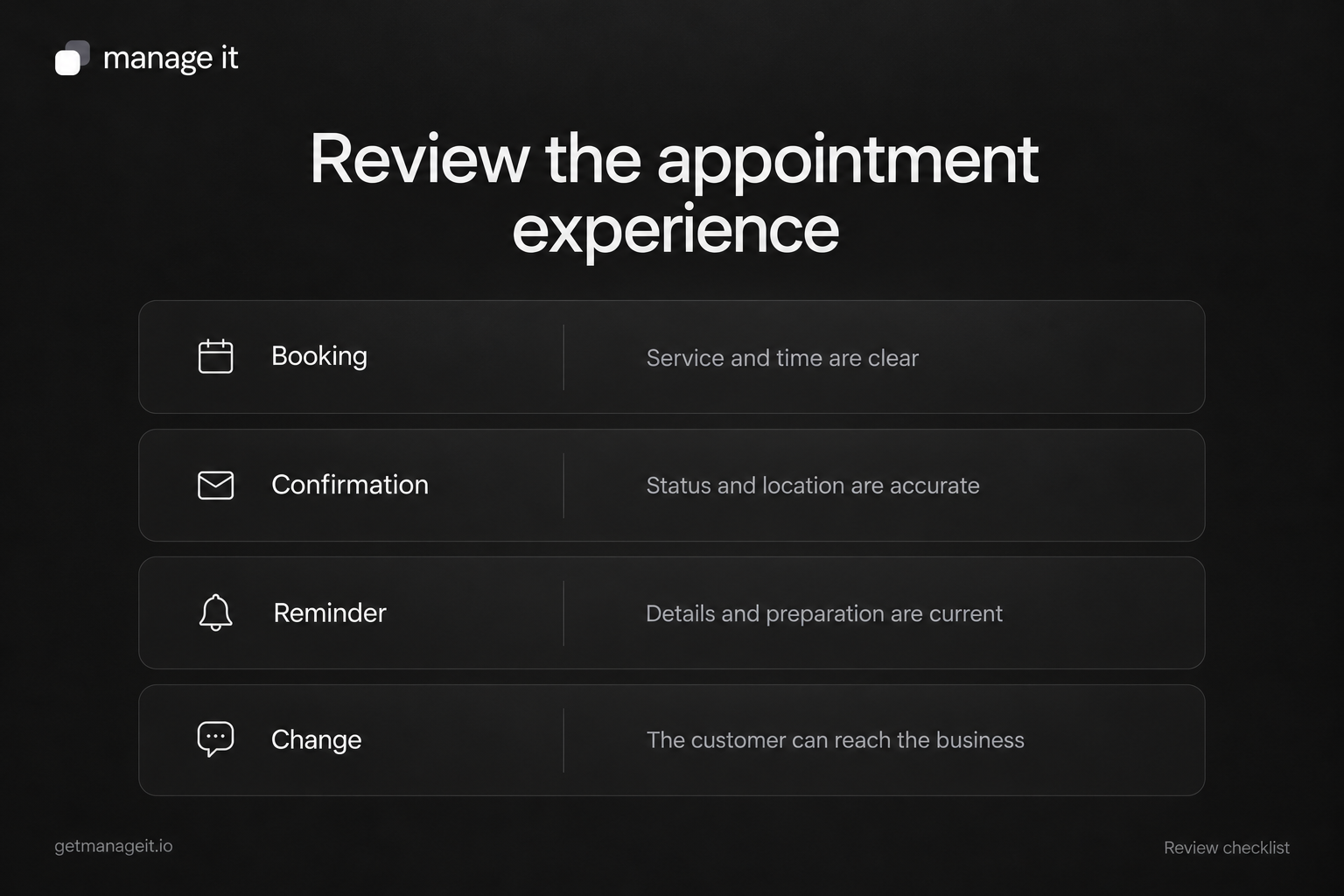
The confirmation should establish what has been arranged. The reminder should help the customer prepare or make a necessary change while there is still time to act.
Check that the messages use the latest time and location. Include a useful contact route and remove irrelevant instructions. Sending more messages is not automatically an improvement if they repeat the same information or contradict each other.
Acuity's reminder guide describes configurable timing and short-notice cases. Those cases are worth testing in the chosen scheduler. A booking made shortly before the appointment should not receive an old preparation instruction as if it had been booked weeks earlier.
ManageIt's notification controls provide reminder timing and email content settings. Agree on the purpose of each message with the client, then test rescheduled and canceled appointments before enabling the sequence.
Give customers a workable route for changes
Try the cancellation or rescheduling link from a test confirmation. Check any notice window and what happens when the link is no longer usable.
ManageIt's guest change links depend on configured permissions, notice rules, and token lifetime. A monitored contact route gives the customer a way to ask for help when self-service isn't available.
Also agree how staff record a phone or in-person change. The diary and future messages need to reflect it. A customer who contacted the business should not receive a missed-appointment message because that conversation stayed in one person's memory.
Measure a small change consistently
Choose one issue found in the review, such as an unclear location or a broken change link. Record the fix and when it went live.
For a simple attendance comparison, one possible measure is:
Missed appointments ÷ (attended appointments + missed appointments) × 100.
This definition excludes cancellations, rescheduled originals, and unresolved outcomes. Track those counts separately so a shift between categories remains visible. It may differ from a scheduler's built-in no-show metric; don't compare the two until you know their definitions.
For illustration, 3 missed appointments and 27 attended appointments produce 3 ÷ 30 × 100 = 10%. These are fictional numbers, not a benchmark or a target.
Compare similar services and periods, and note changes in volume or customer mix. A lower rate after a change is an observation, not proof that the change alone caused it.
Hand over the ongoing review
Assign responsibility for marking outcomes, checking failed notifications, and correcting customer details. Use a neutral missed-appointment follow-up when a visit is confirmed as missed.
The agency's service can include the review, scheduler configuration, test cases, and staff handoff. Keep attention on the concrete problems the business can improve: accurate details, useful messages, accessible change routes, and reliable records.