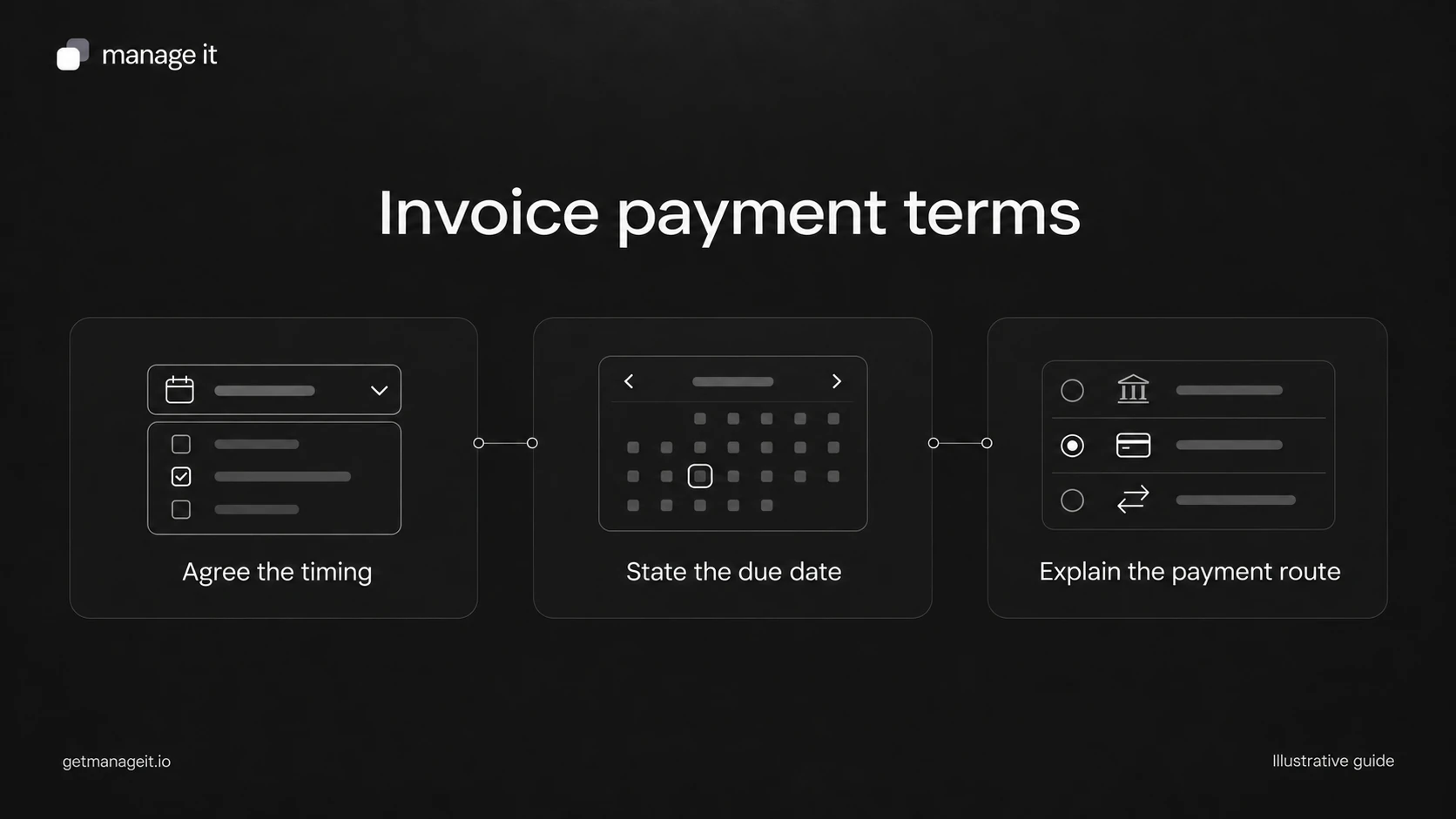
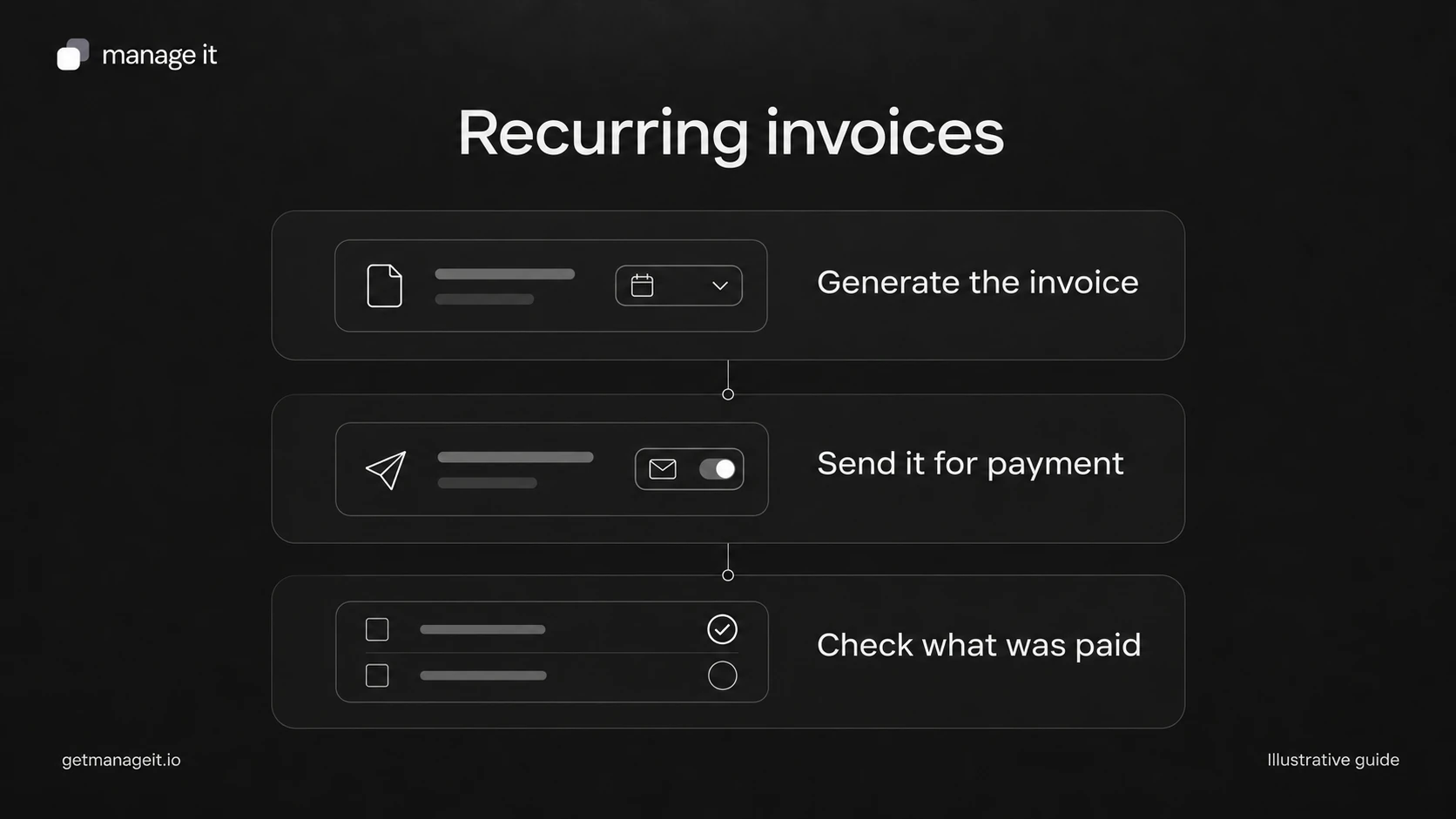
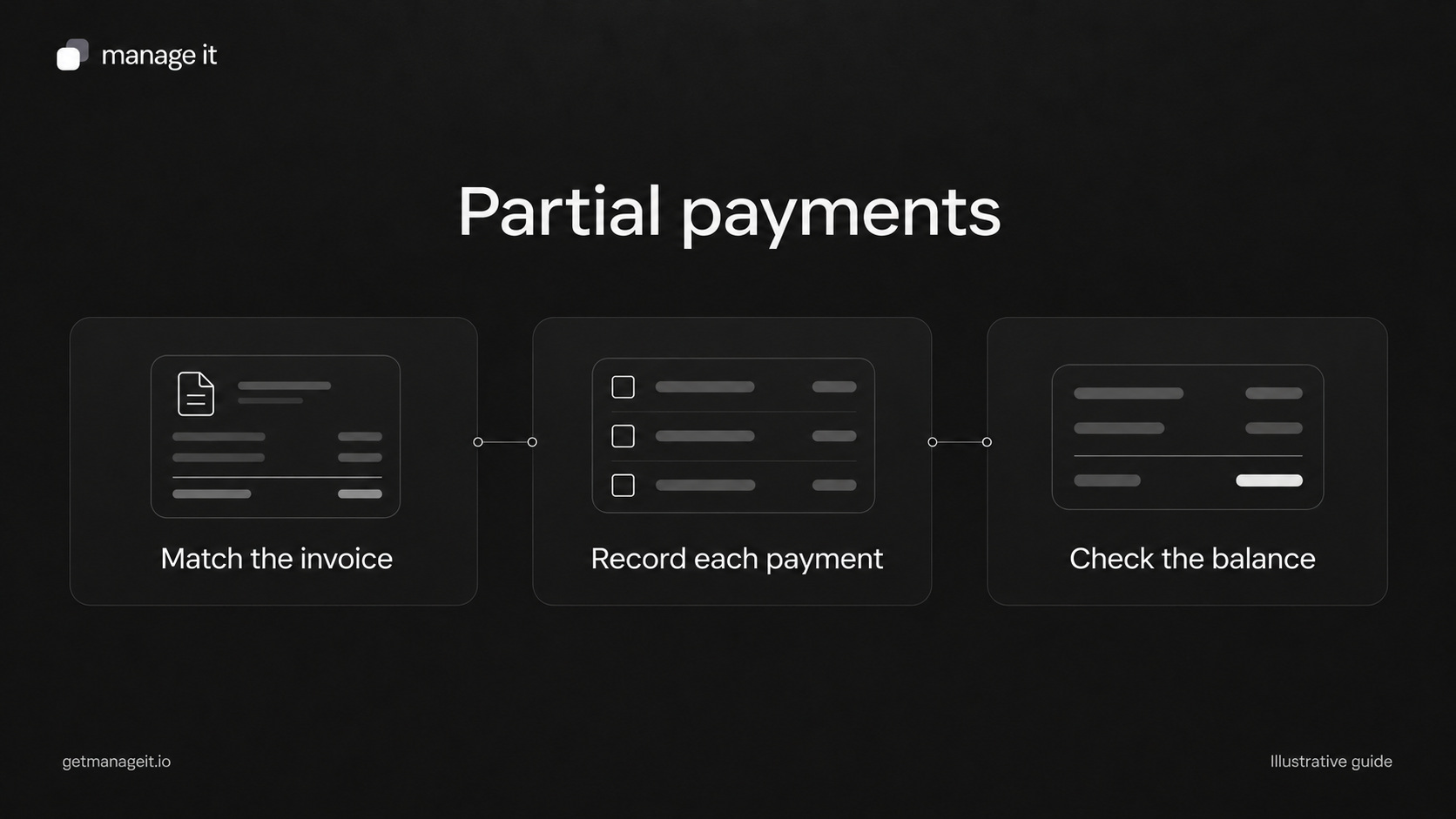
A payment schedule template for client projects
Quick answer
A payment schedule divides an agreed total into amounts due on named dates or events. Each row needs an amount, a trigger, and someone responsible for confirming it.
Keep expected payments separate from received payments. A completed milestone or a due date doesn't prove that money arrived.
Check that all installments add up to the agreed total, then explain how delays and approved changes affect the schedule.
Plan project installments with clear amounts, dates, milestones, and owners. Includes a worked example and a downloadable payment worksheet.
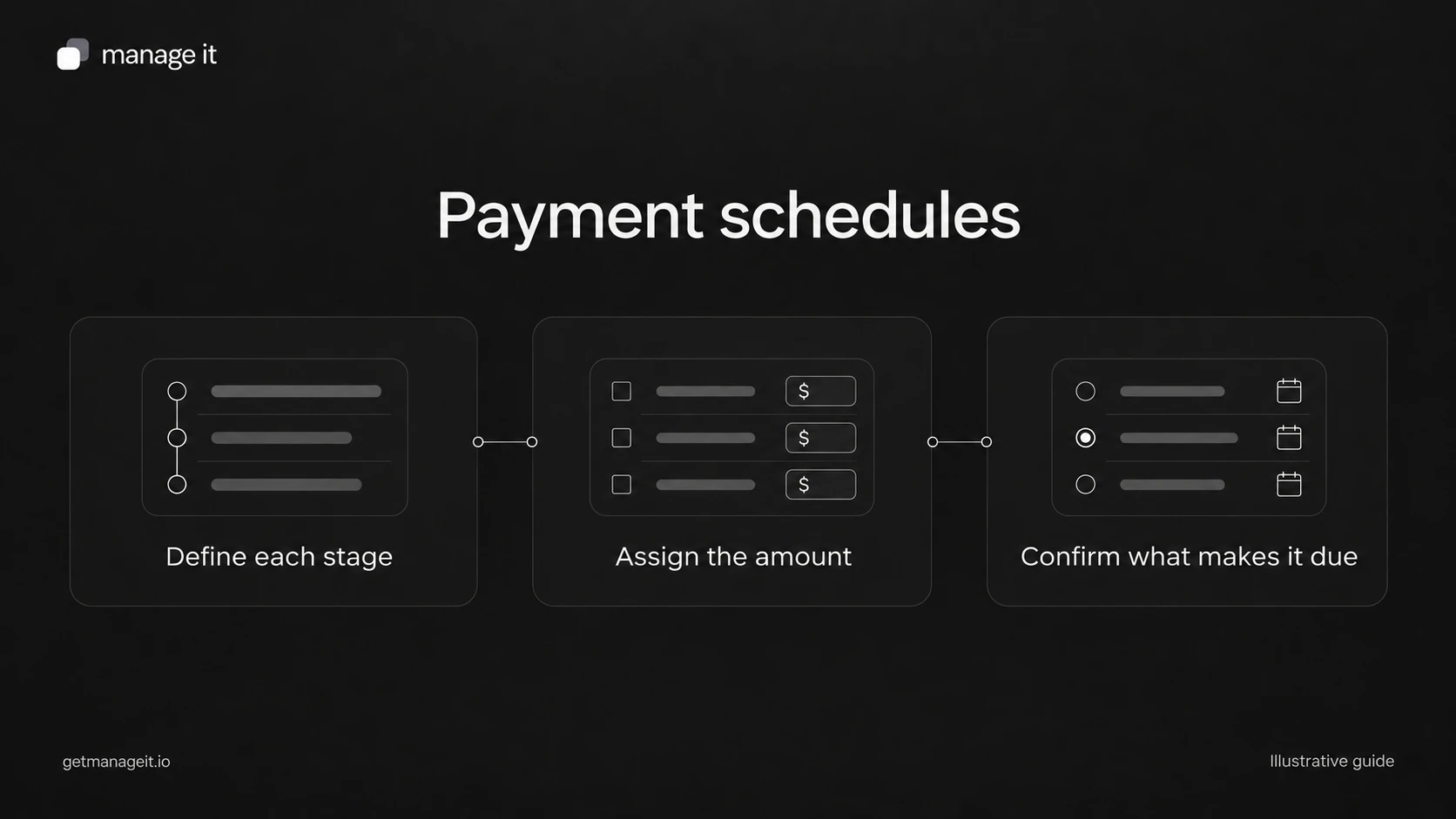
A schedule saying “30% upfront, 50% at milestone, 20% on completion” leaves several decisions open. Which milestone? Who confirms completion? Does the customer pay immediately, or a set number of days later?
Your agency can help a service business turn those percentages into a process staff and customers can follow. Start with the agreed work and price, then describe the event that makes each amount due. Keep delivery deadlines and payment deadlines distinct.
Copy this payment schedule structure
Record the following once for the project:
Business, customer, and project reference.
Invoice or agreement reference.
Total price and currency, including how taxes and additional charges are handled.
Person responsible for schedule changes.
Date and version of the customer's agreed schedule.
For each installment, record:
Stage: a label the customer will recognize.
Amount: the actual amount and currency, plus a percentage only if useful.
Due rule: a fixed date or a precisely described event and payment interval.
Evidence: what establishes that the event occurred.
Owner: who checks the evidence and updates the record.
Customer notice: how the customer learns that payment is due.
Payment status: expected, due, received, or another status supported by the business's records.
Received details: actual amount, date, and transaction reference when payment arrives.
These fields are planning labels. They aren't a list of automatically available software variables.
Work through a $2,000 example
The following is an illustrative service project, not a recommended payment split.
Deposit — $600 USD: due on the agreed start-confirmation date. The office coordinator verifies receipt before confirming the reserved start.
Agreed milestone — $1,000 USD: due seven calendar days after the customer approves the specified draft. The project owner records the approval date and sends the payment notice.
Final balance — $400 USD: due seven calendar days after the agreed final handoff. The project owner records the handoff and the coordinator checks the balance.
The amounts total $2,000. The middle payment has two dates: the approval event and the later payment due date. If approval is delayed, staff need to understand what happens to the due date under the agreement.
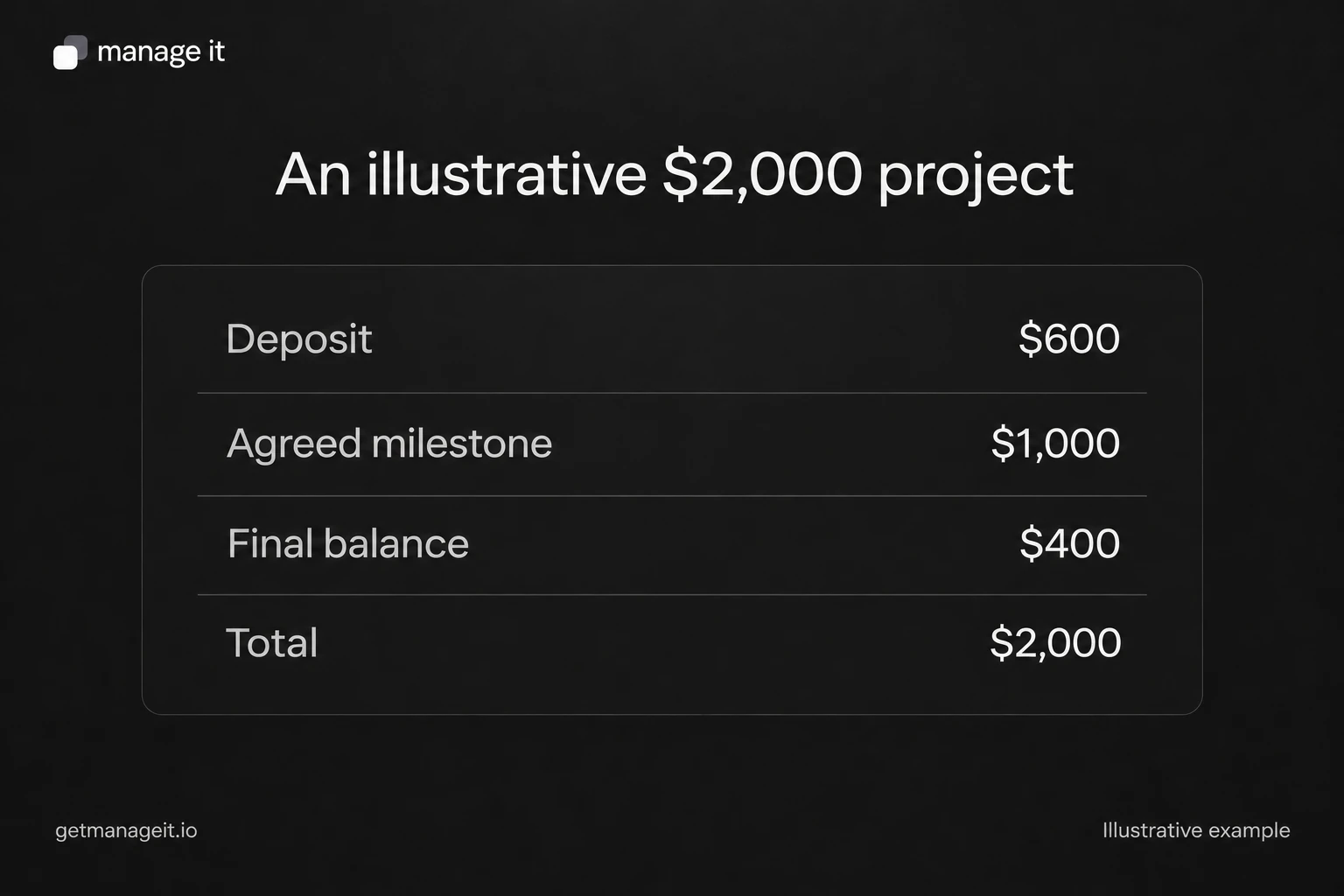
The graphic shows the arithmetic. The written schedule supplies the triggers and responsibilities that make the amounts usable.
Choose fixed dates or milestones deliberately
Fixed dates work when timing is agreed independently of a delivery event. They are easy to inspect, but they need review if the service dates change.
Milestones work when payment follows a defined stage of work. They need a clear completion test. “Design ready” may mean one thing to the business and another to the customer; “customer approves the listed draft deliverables by email” is more specific when that is the agreed process.
Relative dates need an equally clear starting event. “Seven days later” is incomplete without saying seven days after what, and whether calendar or business days apply.
Stripe's payment-plan documentation provides a useful example of splitting one invoice into installments with amounts and due dates. Its payment plans have different collection behavior from subscriptions. Don't assume that dividing a total automatically authorizes future charges.
Set up the schedule and its exceptions
ManageIt's payment schedules support fixed, relative, and milestone-based payments. Milestone completion is a manual action, so assign it to a specific staff role. Auto-pay settings and reminder settings are separate decisions; enrollment doesn't guarantee that a charge succeeds.
Review these scenarios with the client before handoff:
A milestone happens later than expected.
The customer pays only part of the scheduled amount.
An approved scope change affects the total.
A payment attempt fails or remains pending.
The work is canceled and the business must apply its agreed terms.
For each one, define who checks the facts, updates the record, and contacts the customer. Avoid treating an automatic reminder as the answer to every exception. The partial-payment guide explains how to record amounts that don't settle the whole invoice.
Download the invoice and payment administration kit and complete the schedule for one of the client's actual services. Ask the client to approve the amounts, triggers, and change process before configuring them. The finished schedule should be understandable to the customer without a separate phone call to decode it.
The editable worksheets and templates include Markdown and CSV files you can adapt with the client.