Recurring invoices: a setup checklist for ongoing services
Quick answer
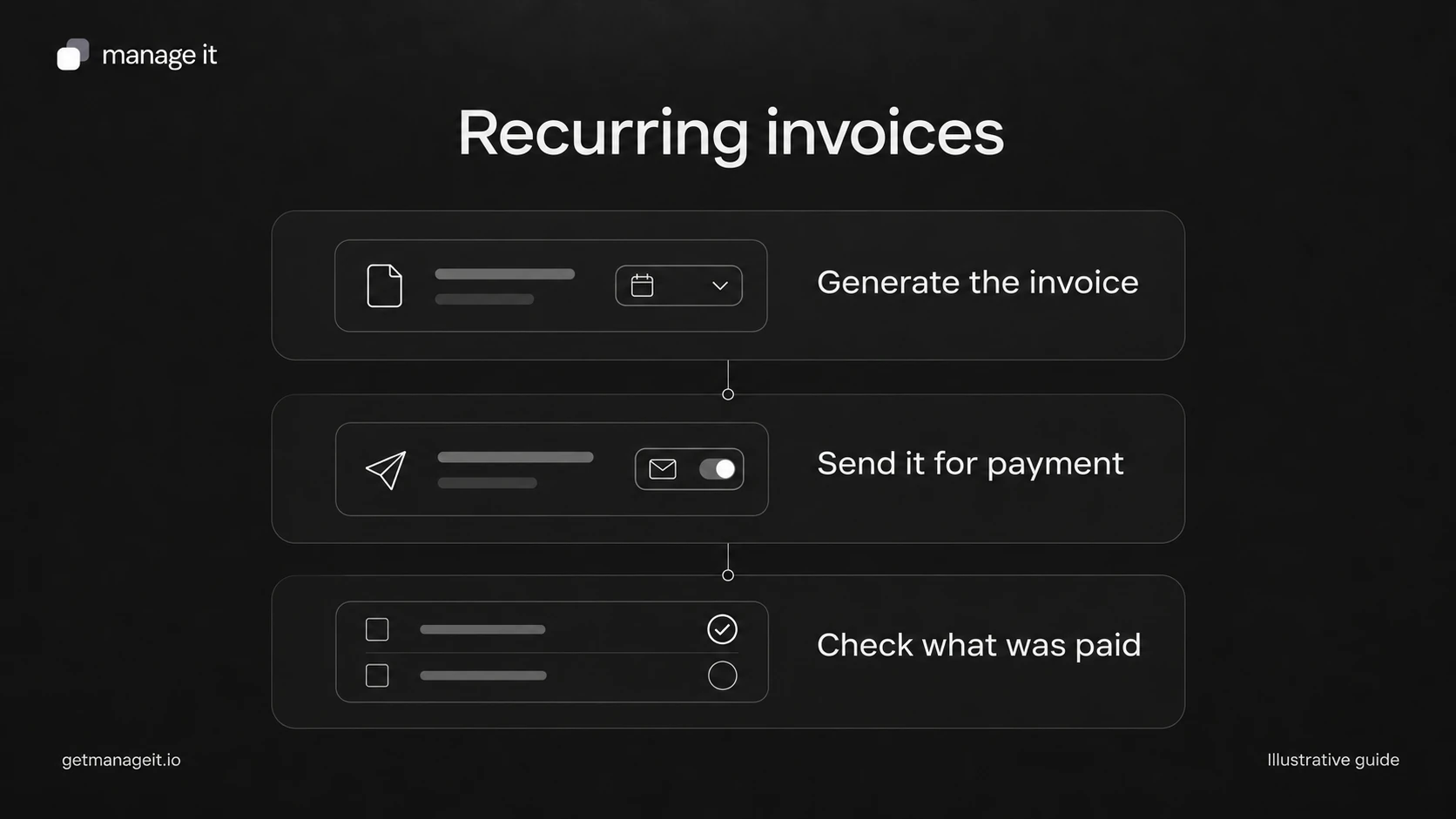
Recurring invoices create new invoices at an agreed interval for ongoing services. They differ from installments that divide one project's total.
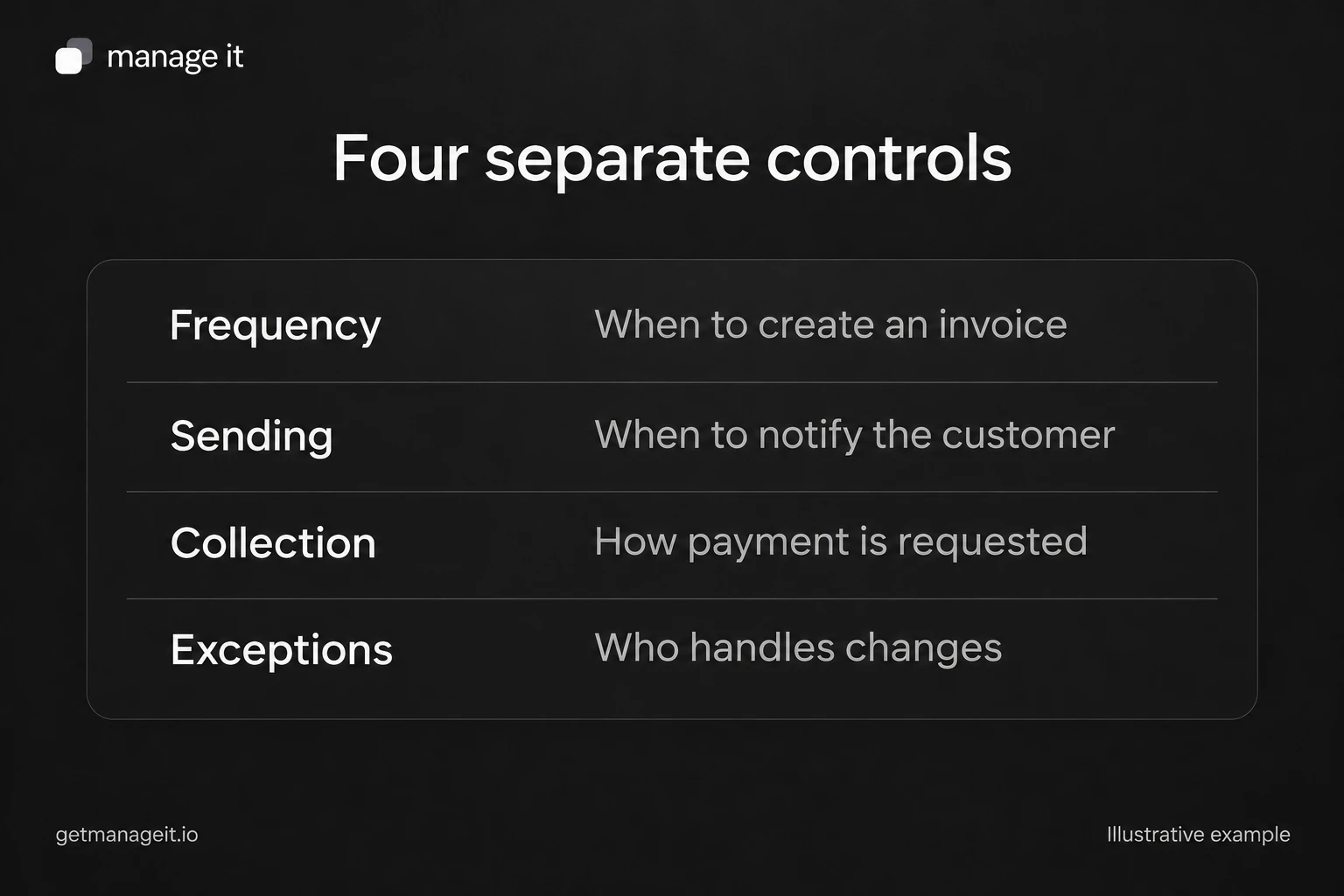
Configure invoice creation, sending, payment collection, and exception handling separately. Creating an invoice doesn't establish payment.
Before handoff, check the first billing date, service period, customer recipient, cancellation process, and what happens when an amount changes.
Set up recurring invoices with separate controls for creation, sending, collection, changes, and cancellation. Includes a service setup sheet.
A local business may invoice the same customer every month for maintenance or another continuing service. Recreating the invoice manually adds work, but repeating the wrong invoice simply repeats the mistake.
Help the client define what should recur before switching on the schedule. The arrangement needs an agreed service, a billing interval, a price, and a way to handle changes. The recurring setting implements those decisions; it doesn't supply the agreement.
Decide whether the charge should recur
Use recurring invoicing when each period produces another invoice for continuing work. An illustrative example is a $250 USD monthly maintenance service, billed for each agreed service month.
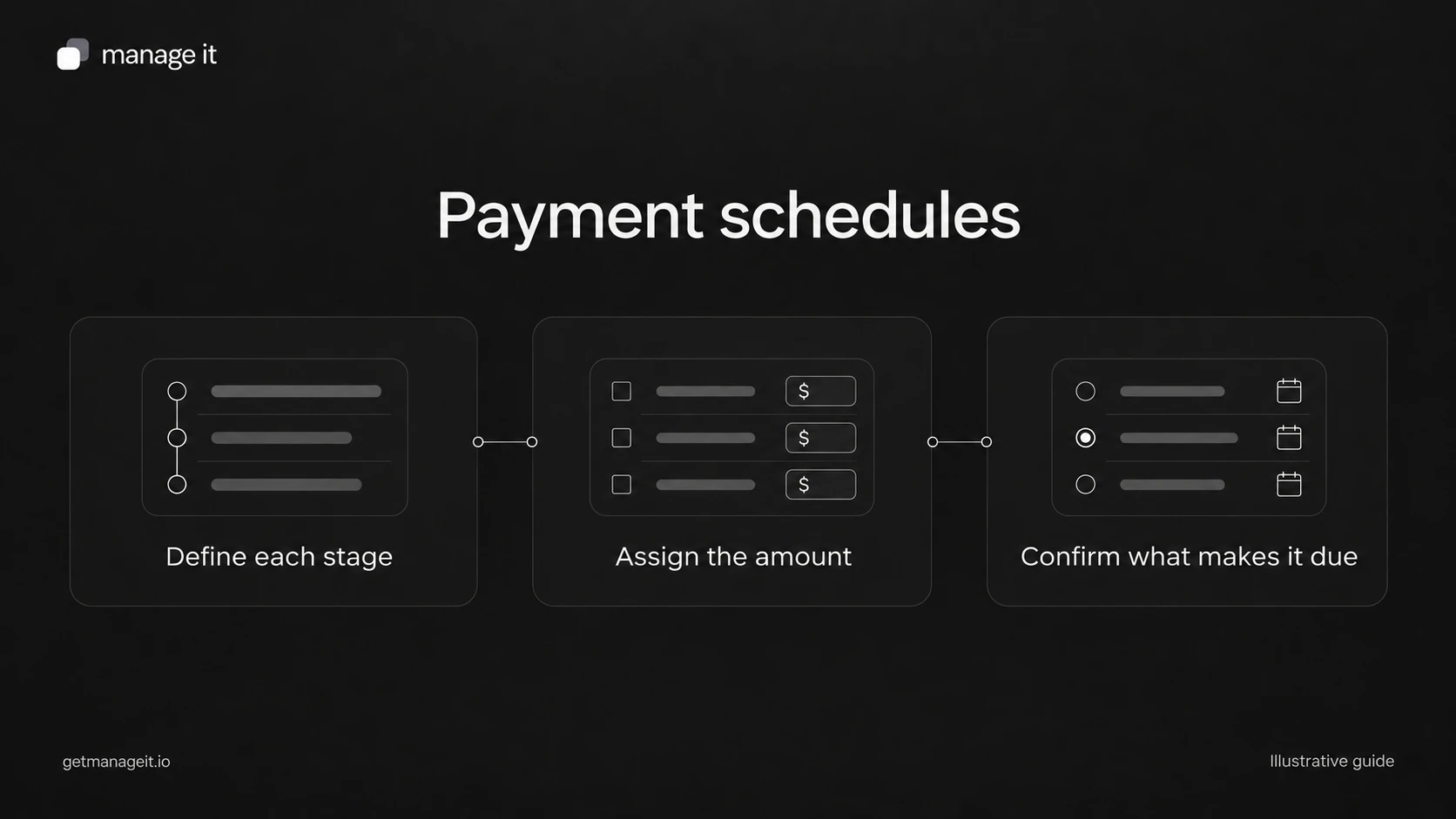
A $2,000 project paid in four installments is different. There is one agreed total being divided over time. Use a payment schedule for that planning task instead of treating every installment as a new month of service.
Also keep the parties clear. This article concerns a business invoicing its customers. The subscription an agency charges its business client for software is a separate billing relationship, with its own settings and cancellation process.
Write down four separate controls
Invoice creation: when should a new invoice exist, and what service period does it cover? Record the first date, frequency, amount, currency, and any planned end condition.
Sending: should the invoice go to the customer automatically or wait for staff review? Confirm the billing recipient, especially if the customer's purchasing contact differs from the person receiving the service.
Collection: will the customer pay from the invoice, or is an authorized automatic payment arrangement in place? A schedule for generating invoices isn't customer authorization to charge a payment method.
Exceptions: who handles changed prices, canceled services, unsuccessful payments, and invoices that were already issued? Give that person a check they can perform before the next run.
Stripe's subscription lifecycle documentation illustrates why invoice generation and payment success must be distinguished. An invoice can exist while its payment is incomplete. The specific collection behavior still depends on the chosen product and configuration.
Use this recurring-service setup sheet
For one customer and service, complete these fields with the client:
Service description and agreement reference.
Billing amount, currency, and treatment of taxes or variable charges.
Service period displayed on each invoice.
First invoice date and recurring interval.
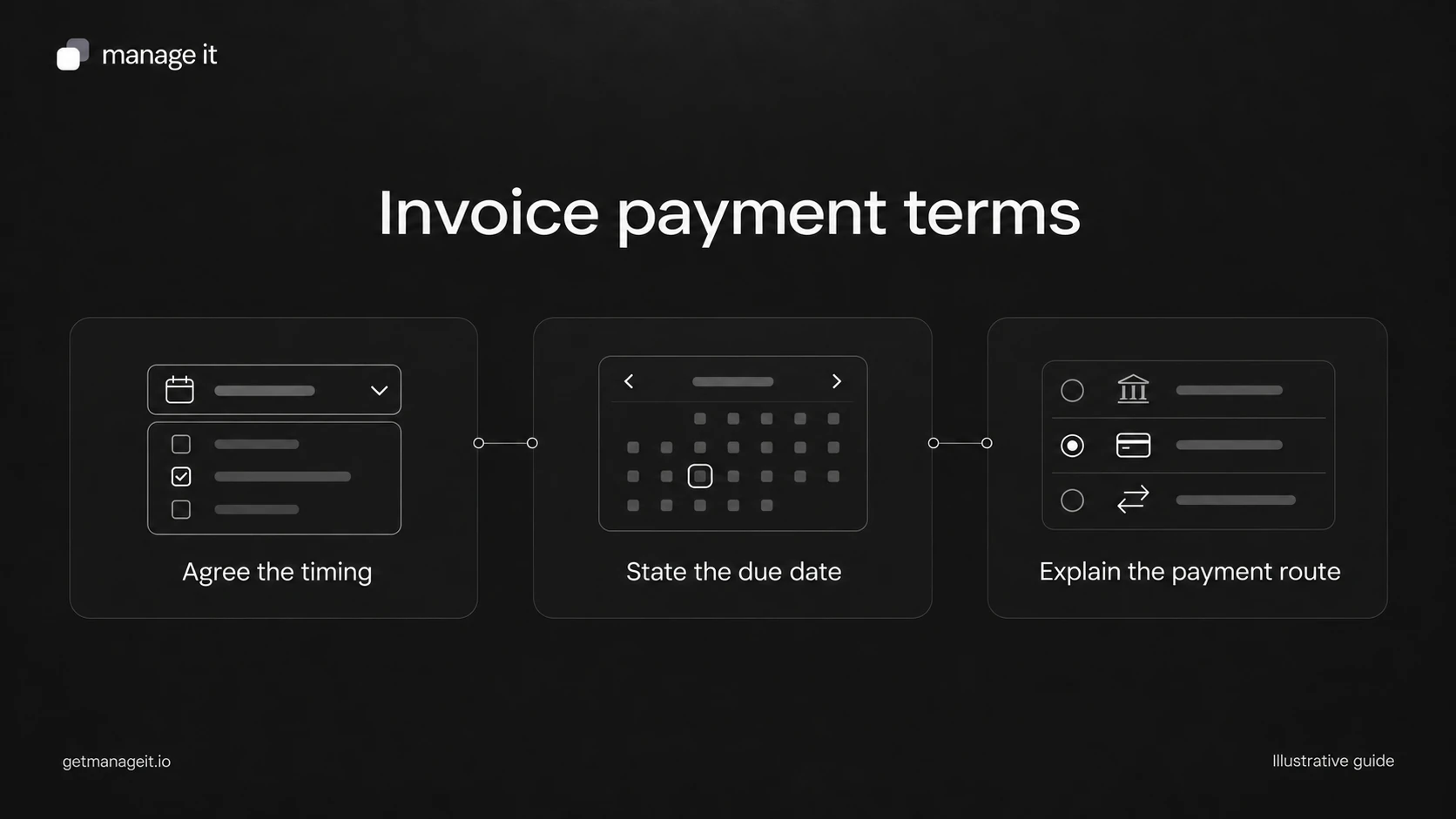
Invoice due rule and customer payment route.
Recipient and whether staff review is required before sending.
Collection authorization and the settings that implement it.
Owner for failed payments and customer questions.
Effective date and approval process for price changes.
Cancellation owner, cutoff process, and final-invoice review.
If the amount varies each month, decide what information must be checked before sending. Automatically repeating a fixed total may be inappropriate when usage or the scope of work changes.
Check ManageIt's current series rules
ManageIt's recurring invoice guide describes weekly, monthly, quarterly, yearly, and custom intervals. Auto-send and auto-pay are separate settings. The source must be an eligible invoice with a lump-sum payment, without existing recurring-parent or recurring-settings relationships.
The documented monthly scheduling uses days 1 through 28. If the client expects “the last day of every month,” resolve that requirement explicitly rather than assuming a day-31 schedule will behave as intended.
New invoices are independent records. Editing future series settings doesn't rewrite invoices already generated. For a price change, inspect both the future schedule and any outstanding invoices so staff know which amount applies to each period.
Test the first cycle and the stop process
Use a controlled sample to check what gets created, who receives it, what it says, and how payment is recorded. Then inspect a second cycle to confirm that the service period and due date advance correctly. These are proposed acceptance checks for the client's setup, not a report of a completed live test.
Run the cancellation scenario too. Staff should know how to stop future invoices, review anything already issued, and confirm the final position with the customer. Deleting a reminder or removing a contact from a working list is not a substitute for stopping the actual series.
After launch, have the owner review the first real run and any exceptions. The invoice and payment administration kit includes a recurring-service setup sheet alongside the payment ledger. Use both so the client can distinguish what should be billed next from what has already been paid.
The editable worksheets and templates include Markdown and CSV files you can adapt with the client.