Partial payment invoices: keep the remaining balance clear
Quick answer
A partial payment reduces an invoice's outstanding balance without necessarily settling it. Record the received amount against the original invoice.
Separate an agreed installment from an unexpected short payment. Both change the balance, but they may need different customer messages.
Keep the original total, each payment, and the remaining balance visible so staff don't create a duplicate charge or send an inaccurate reminder.
Record partial payments against the right invoice, distinguish installments from short payments, and explain the remaining balance to customers.
Your client's customer pays $300 against a $1,000 invoice. That might be the agreed deposit, a payment the customer could afford that day, or a mistake. The amount alone doesn't tell staff which explanation applies.
The first job is to record what happened accurately. The second is to decide what the customer should hear next. Keeping those jobs separate helps the business avoid rewriting the original charge just to make an unexpected payment look tidy.
Keep a payment ledger against the invoice
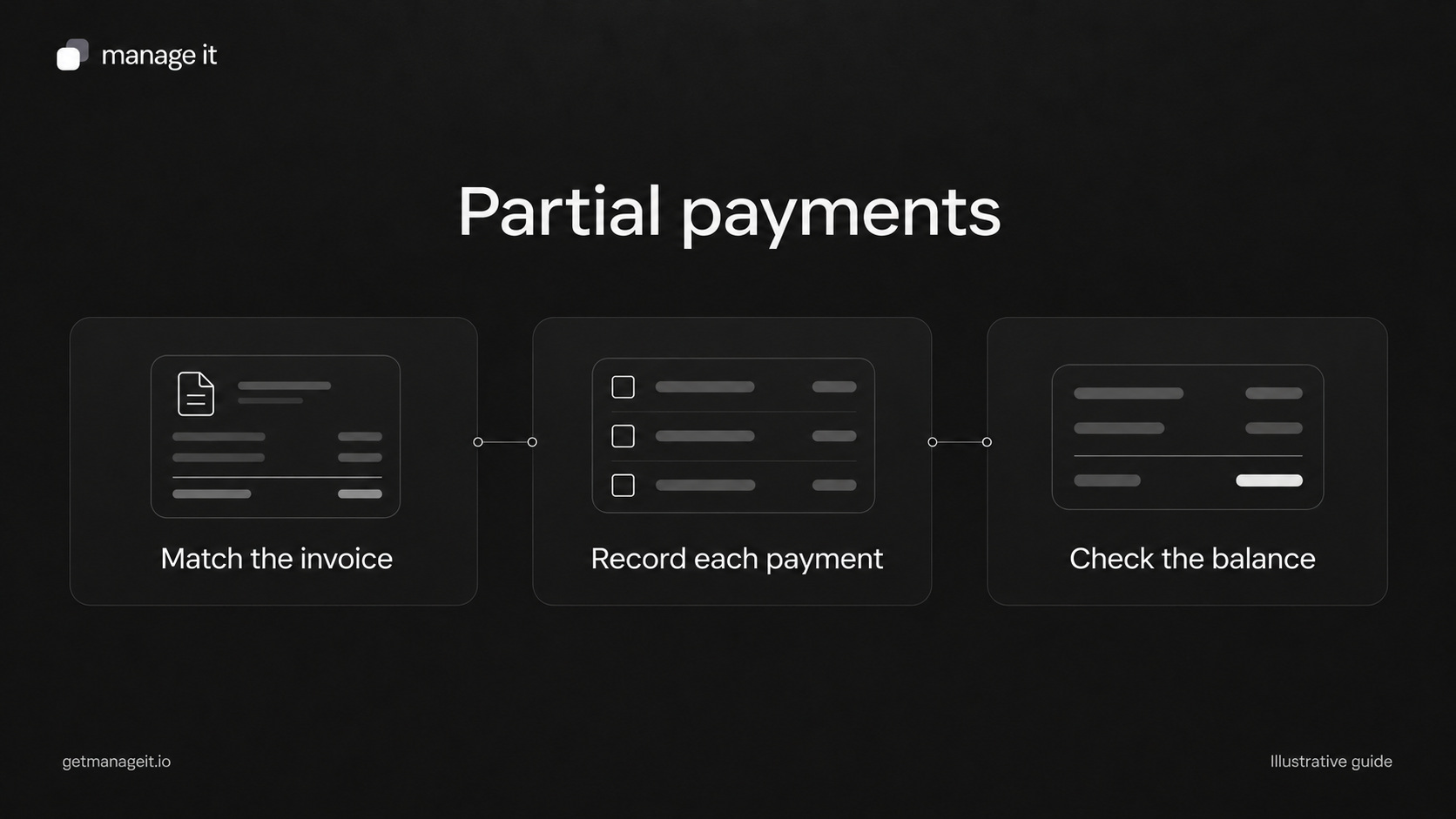
Use the invoice number as the link between the charge and its payments. Each payment entry should include the actual amount and currency, received date, method, and a reference that staff can find again.
Here is a simple illustrative ledger:
Invoice INV-1042: $1,000 USD for the agreed service.
Payment P-001: $300 USD received on [date], reference [reference].
Payment P-002: $200 USD received on [date], reference [reference].
Total received: $500 USD.
Remaining balance: $500 USD, assuming no credits, refunds, or other adjustments.
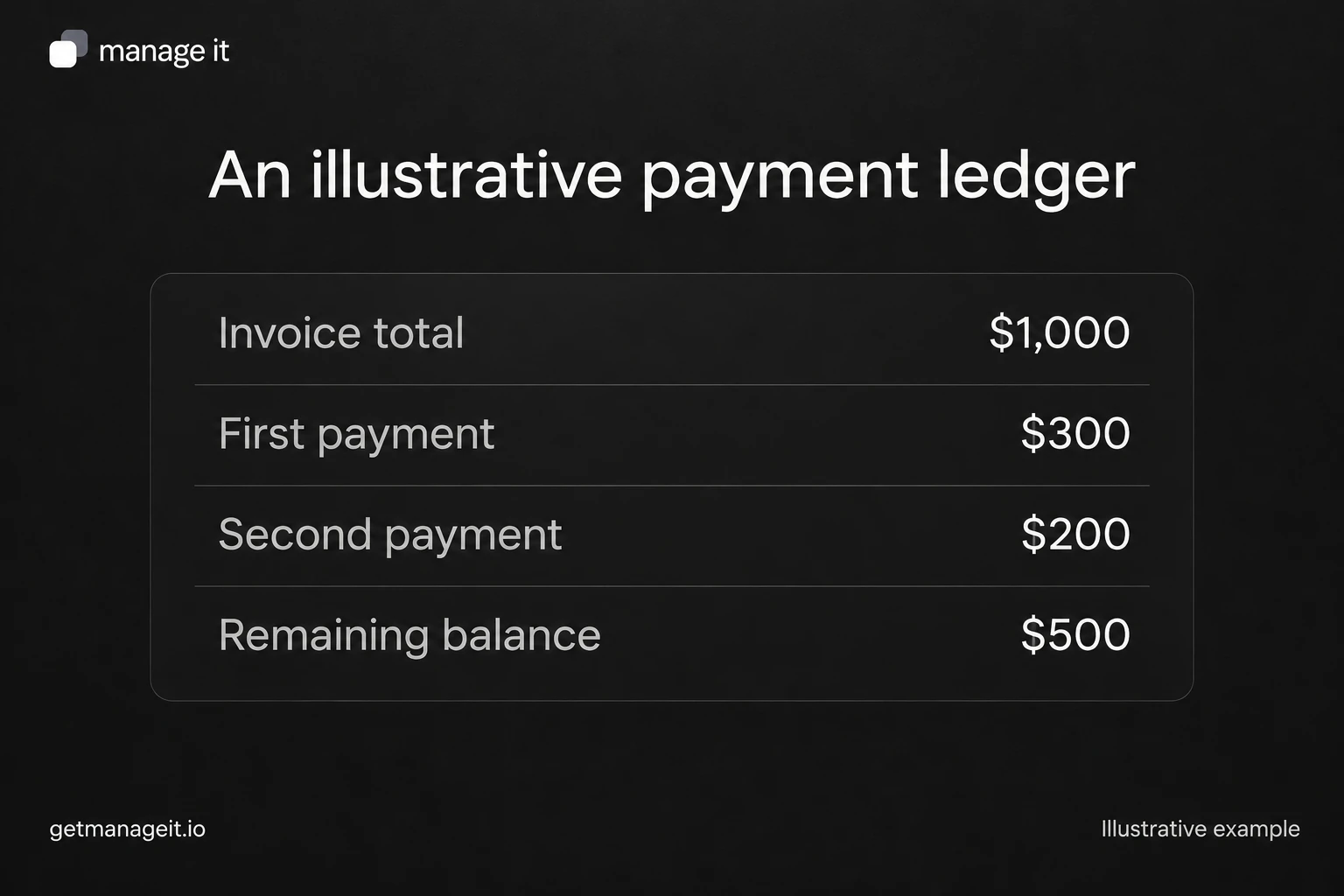
Don't reduce the original invoice total to $500 to make it resemble the remaining balance. That would obscure the agreed charge. Likewise, avoid issuing a new $500 invoice for the same debt without an accounting process that prevents double counting.
Stripe's partial-payment documentation shows the same distinction between paid and remaining amounts. Its support varies by invoice and collection configuration, so a payment method's availability must be checked rather than assumed.
Decide whether the payment matches the agreement
For an agreed installment, compare the received payment with the relevant scheduled amount. If $300 was due and $300 arrived, confirm that installment and state the next agreed payment. The fact that a balance remains doesn't necessarily mean the customer is late.
For an unexpected short payment, first check for a matching explanation. The customer may have raised a pricing question or sent the remainder separately. Staff should review that context before starting another reminder sequence.
If there is no explanation, a neutral message can clarify it:
Hi [name], we've recorded your payment of [amount and currency] against invoice [number]. Thank you. The remaining balance is [amount]. Our records show [agreed due date or installment]. Please let [contact] know if you expected a different amount or need us to check the payment allocation.
This acknowledges the payment without claiming the business agreed to new terms. If the client accepts a revised schedule, record who authorized it and what changed.
Check these exceptions before sending another request
The payment is pending. Keep the status visible and avoid recording a second manual payment just because the customer has supplied a transfer screenshot. Follow the business's reconciliation procedure.
The reference is missing. Confirm the correct customer and invoice. Similar amounts don't establish a match, especially when a customer has several open invoices.
The same payment appears twice. Investigate the transaction references before correcting records. Two notifications can refer to one payment.
There is a refund or credit. Preserve the original payment history and the later adjustment. The simple subtraction example above isn't a substitute for the system's treatment of refunds and credits.
The customer disputes part of the work. Assign someone to resolve the issue and review any automatic messages. A payment ledger describes money; it doesn't decide the dispute.
Give the client's staff a repeatable routine
ManageIt's payments guide describes Stripe and manually recorded payments, including payment details and the remaining balance. During setup, walk the client through the route they will actually use. Someone who records bank transfers needs different instructions from someone who only reviews card payments.
Use one sample invoice to check the initial balance, a first payment, a second payment, and final settlement. Check the customer-facing confirmation at each stage. Current release notes describe payment receipt emails, but the presence of an email in a queue doesn't establish that it arrived in the customer's inbox.
For a payment received in part, the message should identify that payment and show what remains. For final settlement, verify the relevant balance is zero before saying “paid in full.” The invoice vs. receipt guide explains which record belongs at each stage.
Use the ledger in the invoice and payment administration kit to agree the routine with the client. Give the person handling exceptions a name, a review frequency, and access to the records they need.
The editable worksheets and templates include Markdown and CSV files you can adapt with the client.