Invoice vs. receipt: what to send before and after payment
Quick answer
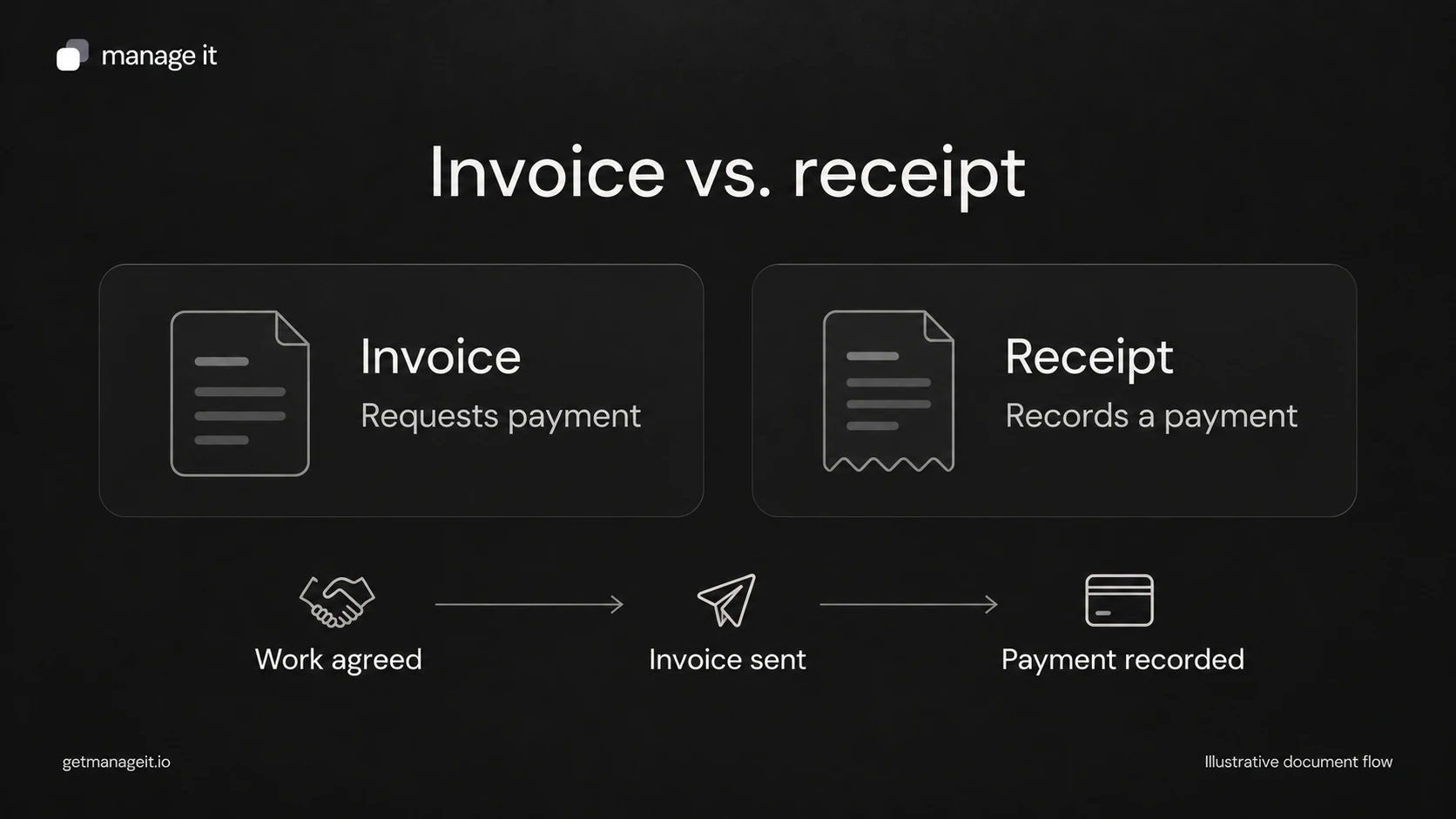
An invoice asks the customer to pay for specified work. A receipt confirms a payment the business has received.
Keep the invoice total, individual payments, and remaining balance separate. A receipt for a deposit doesn't mean the whole job is paid.
Before sending confirmation, match the payment to the correct customer and invoice using the amount, date, and transaction reference.
Choose the right document before and after payment, with a partial-payment example and a checklist for matching receipts to invoice balances.
A customer asks your client for a receipt, and someone sends the original invoice again. The amount is there, but the document still says payment is due. The customer has to ask a second time whether the payment arrived.
Your agency can help the business avoid that confusion by defining what staff send at each stage. The distinction is straightforward: the invoice records the charge and payment request; the receipt records a payment. Stripe's receipt documentation, for example, describes receipts for successful payments and distinguishes creating a receipt from emailing it.
Choose the document from the event
Start with what actually happened, rather than which template happens to be open.
Work has been priced, but the customer hasn't agreed: send the appropriate proposal or quote. Our quote vs. invoice guide covers that earlier decision.
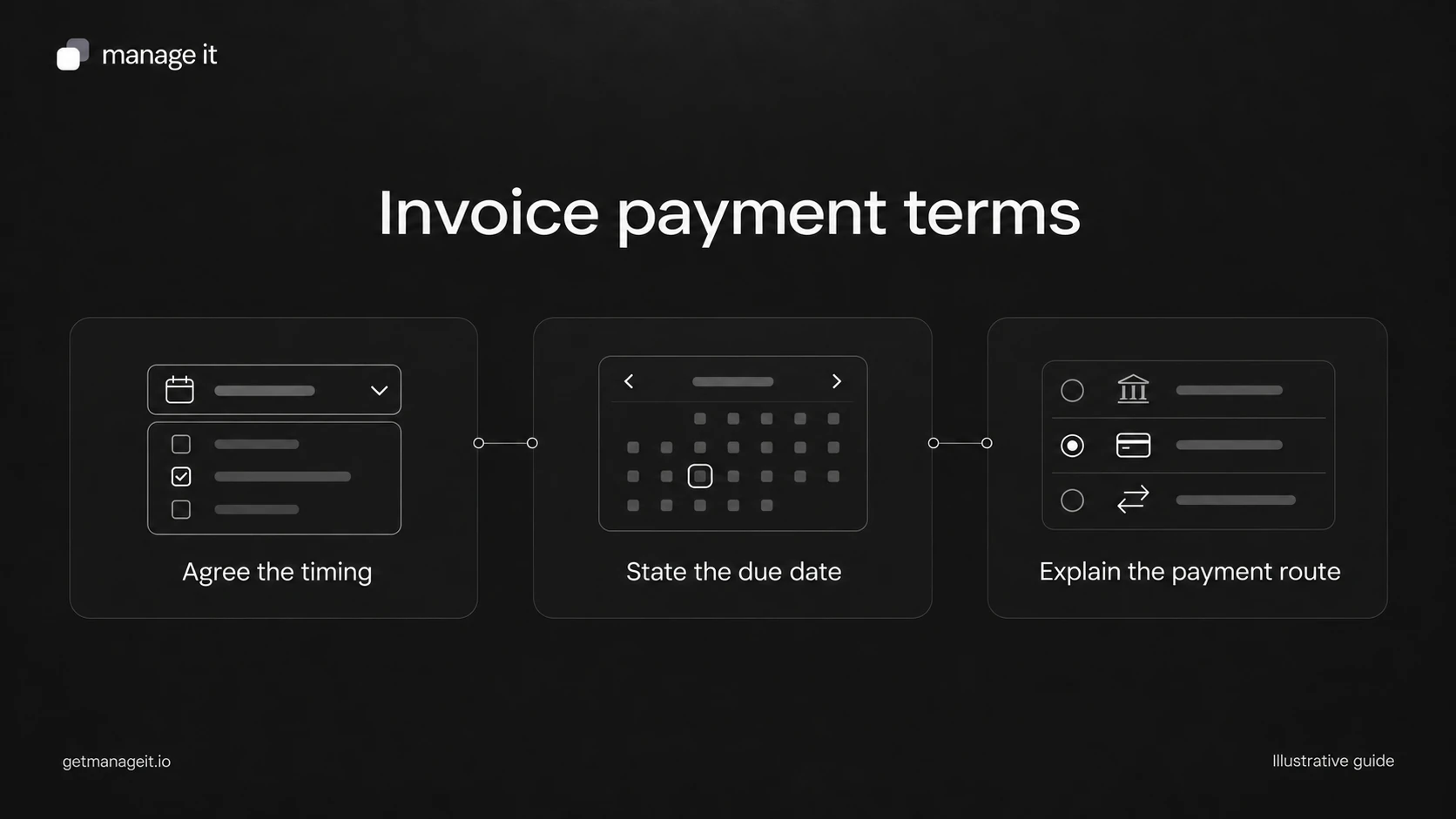
An agreed amount is now due: send an invoice or the relevant payment request, including the due date and payment route.
A payment is still processing: describe it as pending if the customer needs an update. Don't send a message saying funds were received.
A payment has been recorded successfully: provide a receipt or payment confirmation with the amount received and its reference.
The entire invoice has been settled: show that no balance remains on that invoice. Check for adjustments before using “paid in full.”
An invoice can show payment information after it is settled. The useful question is whether the document clearly establishes what was charged, what was paid, and what remains. Its filename alone doesn't answer that.
Show the difference with a partial payment
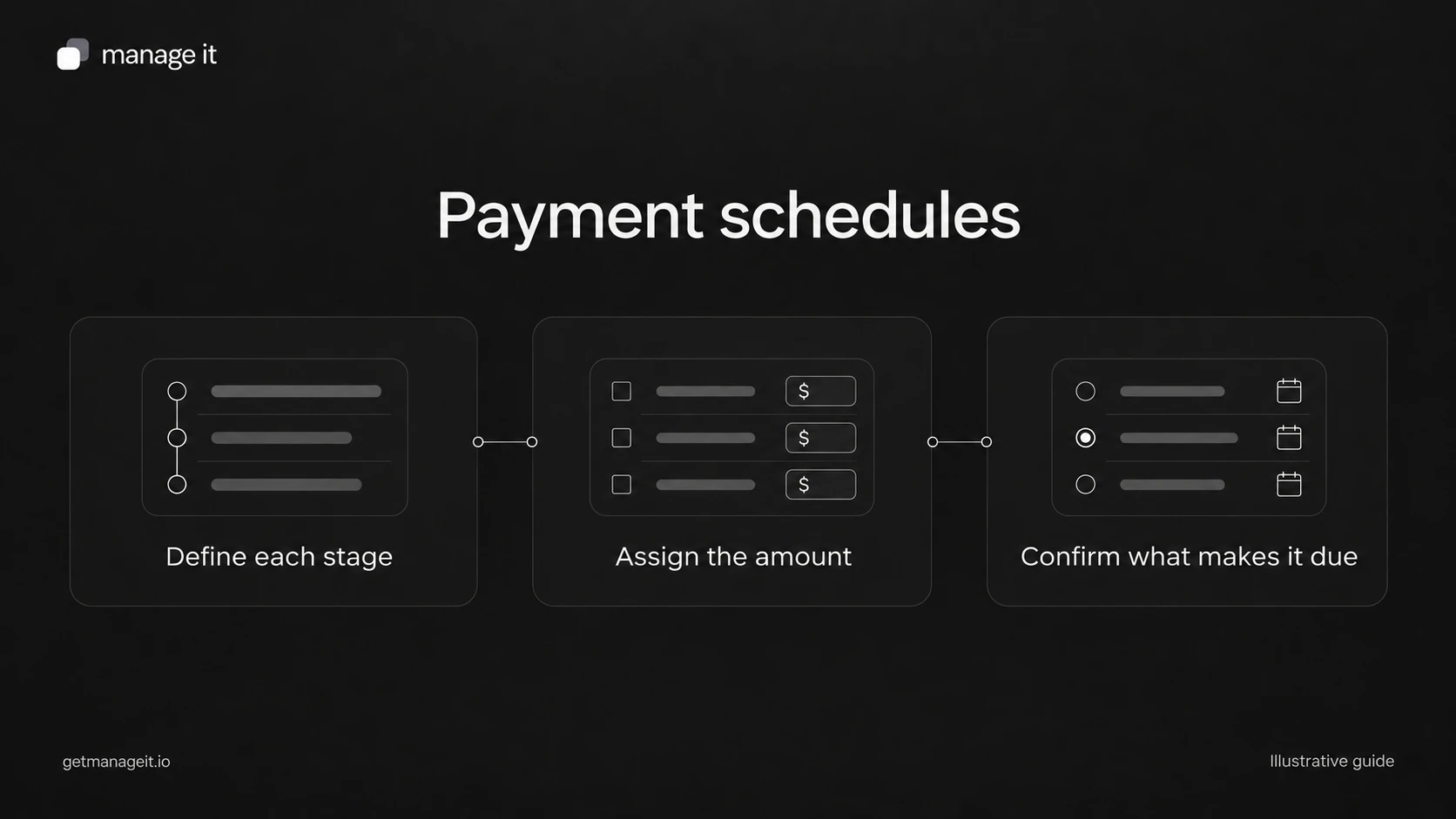
Consider an illustrative $1,000 service job. The customer pays $300 upfront, then $200 later. The payment record should show two transactions totaling $500 and a $500 remaining balance.
The second receipt confirms the $200 payment. It shouldn't say that the customer paid $1,000, and it shouldn't quietly replace the first receipt. Each transaction needs a reference that staff can trace back to the original invoice.
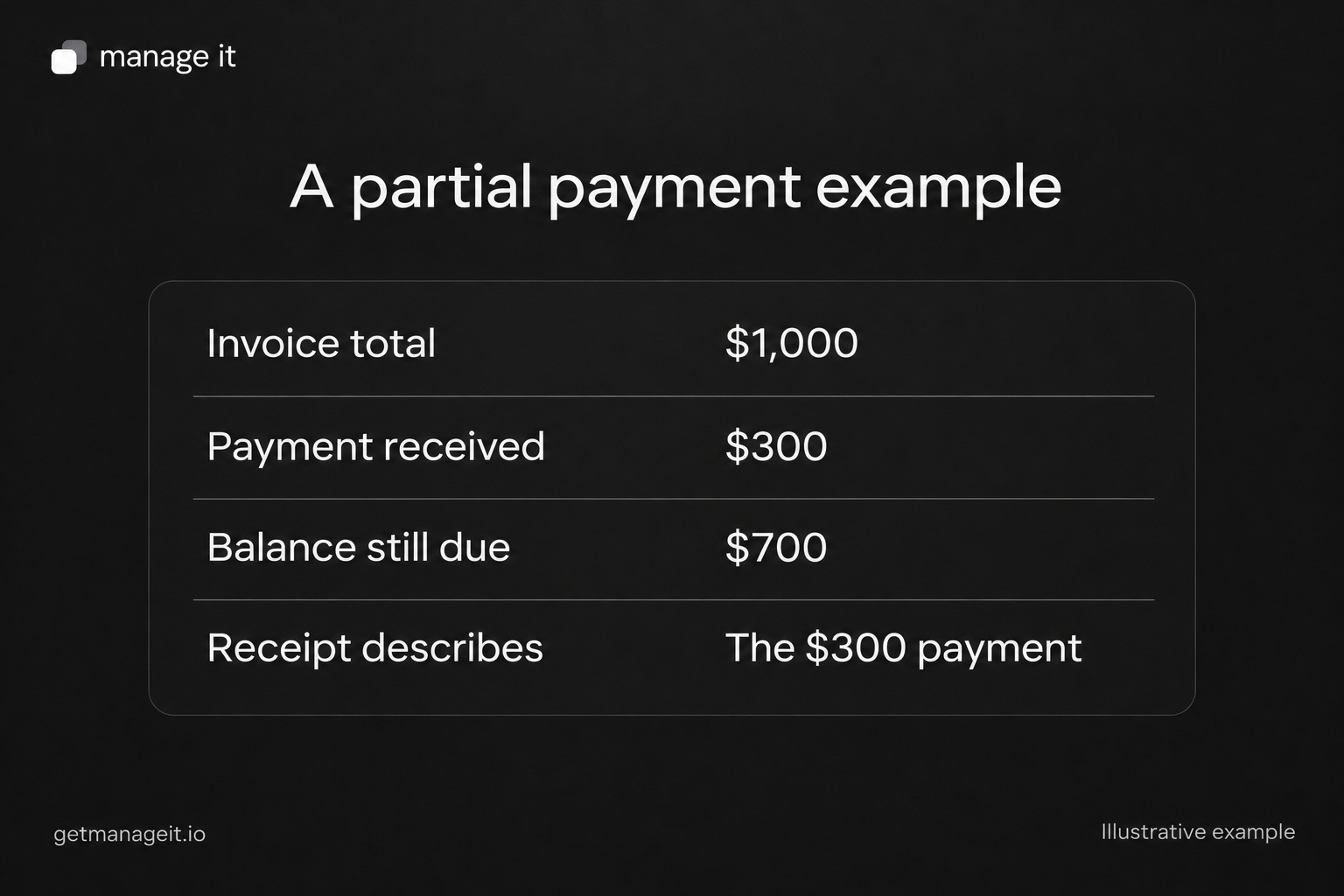
For the first payment in this example, the customer-facing record could read:
Payment received: $300 USD on [actual payment date]. Applied to invoice INV-1042 for [service]. Invoice total: $1,000 USD. Remaining balance after this payment: $700 USD. Next payment: [agreed amount and due date or milestone]. Payment reference: [non-sensitive transaction reference].
These are sample values, not recommended deposit terms. Stripe's partial-payment documentation also separates the amount paid from the remaining balance; availability depends on the invoice's collection configuration.
Give staff a short reconciliation check
Before issuing a receipt, the person handling payment should be able to answer five questions:
Which business, customer, and invoice does this payment belong to?
Does the payment record show success, or is it still pending or unsuccessful?
What amount and currency were actually received, and on what date?
Has this transaction already been recorded or acknowledged?
What balance remains after this payment and any recorded adjustments?
For a bank transfer recorded manually, check the business's payment record before entering it. A customer saying “I've sent it” is useful information, but it isn't the same event as the business confirming receipt. If the reference is unclear, resolve the match before applying the payment to a convenient-looking invoice.
Keep refunds and corrections traceable too. A later refund doesn't mean the original payment never happened. Staff need the history of both events to explain the customer's current position.
Put the distinction into the client's setup
ManageIt has separate Invoice and Receipt document types, and its document workflows can connect documents in a sequence. Its current release notes also describe customer receipt emails following payments. A receipt document and a payment receipt email serve related purposes, but they aren't interchangeable records.
Opening a document doesn't record money received. Base the payment confirmation on the actual payment record, even when a document's viewed status changes.
During handoff, ask the client's staff to walk through an unpaid invoice, one partial payment, and final settlement. Check the invoice number, amount, balance, and customer message at each point. These are acceptance checks for the client's configuration, not claims that every account has already been tested.
Use the invoice and payment administration kit to record that process. It includes a reconciliation sheet and a payment schedule worksheet, so the next person handling a customer question can follow the same records.
The editable worksheets and templates include Markdown and CSV files you can adapt with the client.