Quote vs. invoice: help clients keep the customer journey clear
Quick answer
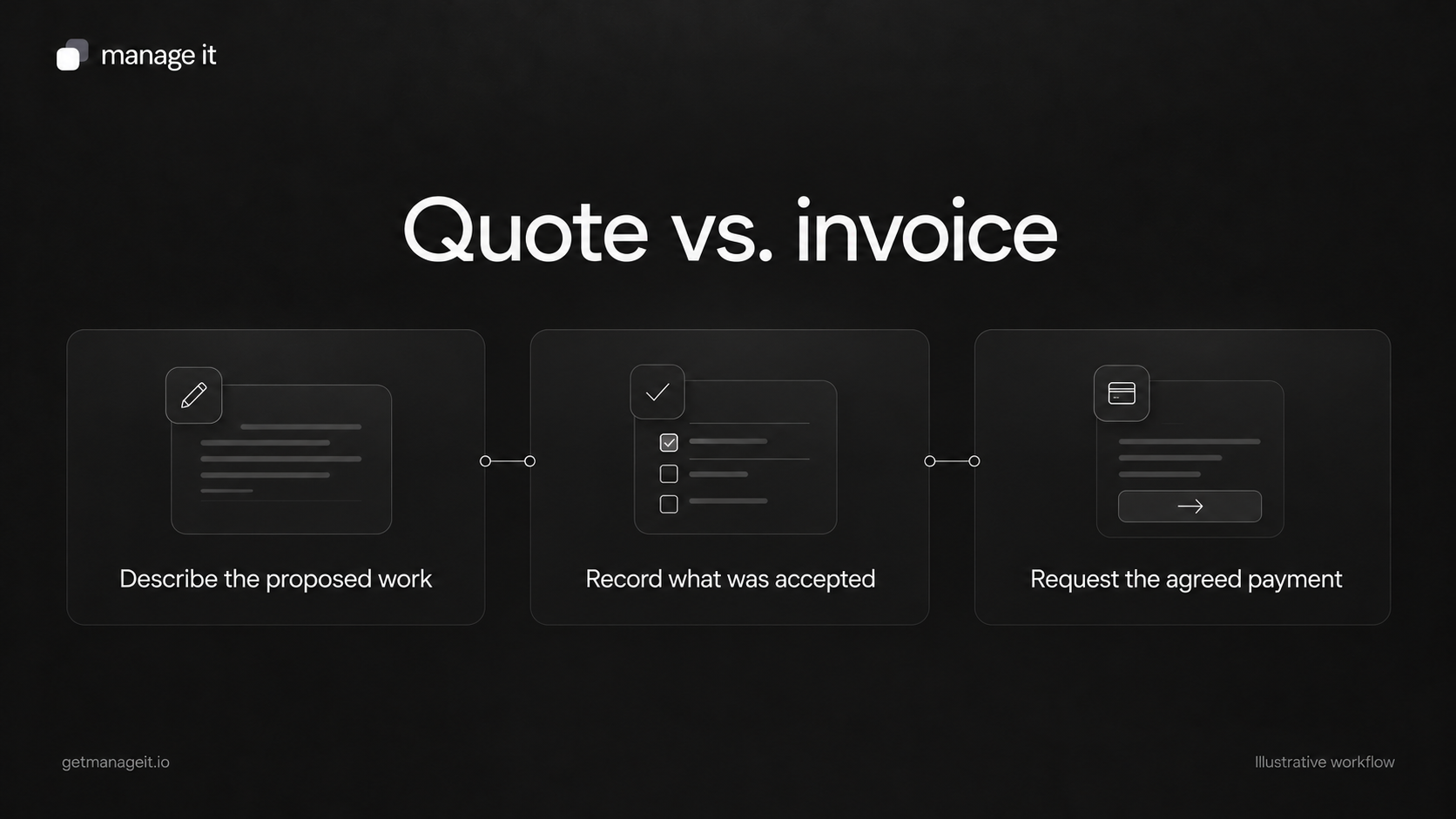
A quote presents proposed work and pricing; an invoice requests payment on the agreed basis.
Record what the customer accepted, including selected options and later changes, before preparing the invoice.
Keep the documents linked where useful, and check the payment stage instead of assuming every invoice follows completed work.
Understand the practical difference between a quote and an invoice, then set up a clear path from proposed work to an accurate payment request.
A business client may use “quote,” “proposal,” and “invoice” loosely in conversation. Their customer needs a clearer answer: am I being asked to consider an offer, approve work, or make a payment?
When your agency sets up the client's documents, make that next action obvious. A clean layout helps, but the document type, status, and wording need to agree.
What a quote does
A quote sets out proposed work and pricing for the customer to review. It should identify the service, what is included, relevant assumptions, the price, and how the customer can respond.
Some quotes offer optional items. Some have a validity period. Others depend on a site visit or further information. Those details affect what the customer is considering and should appear near the offer.
Stripe's quote documentation describes quotes as estimates of prices and shows how an accepted quote can lead to a later billing step in its system. The useful distinction is the stage of the transaction. Don't assume every business or application treats acceptance and conversion the same way.
What an invoice does
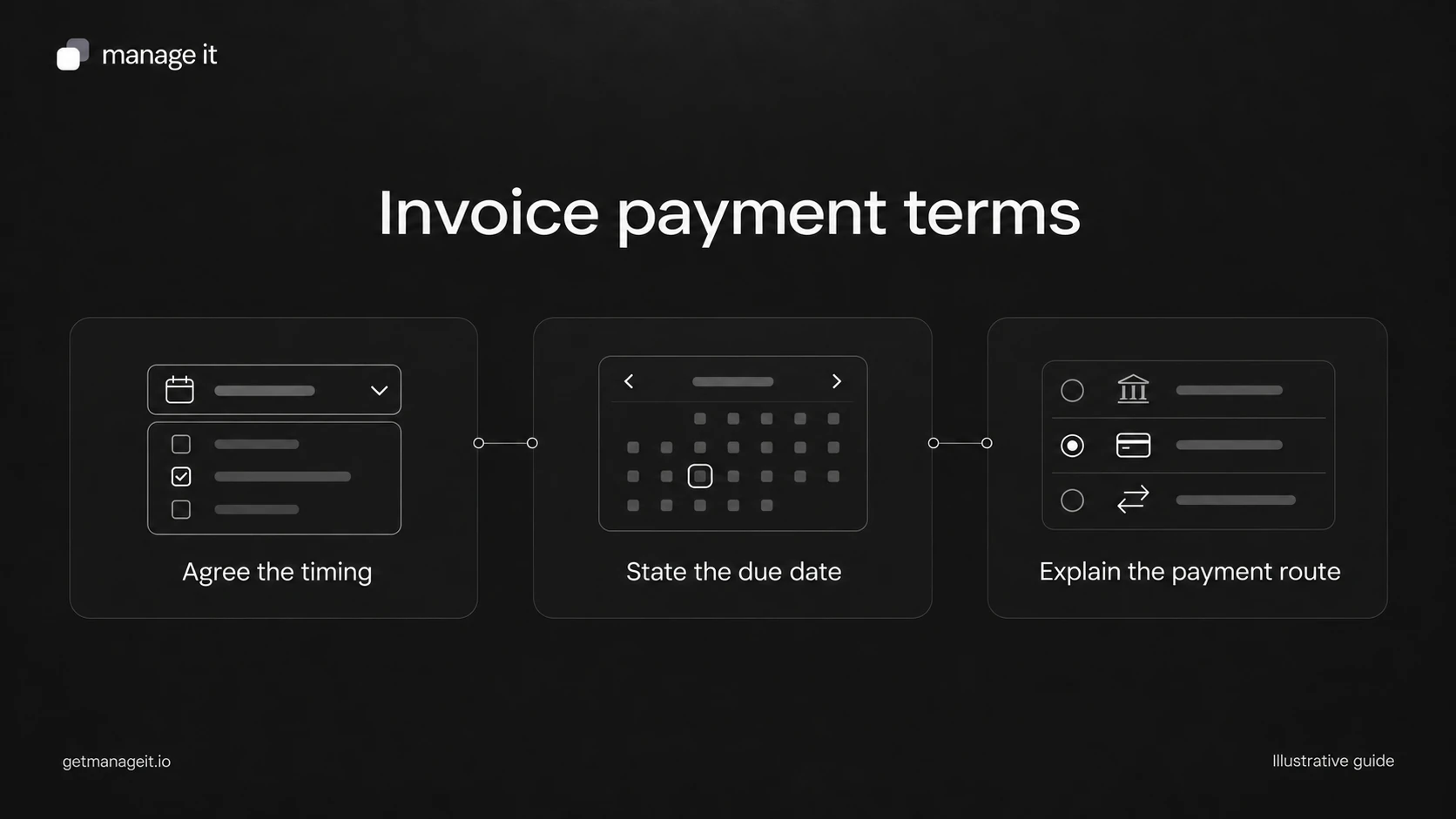
An invoice requests payment. It identifies the customer, relevant service or reference, amount, and payment terms so the customer knows what is being requested and how to act.
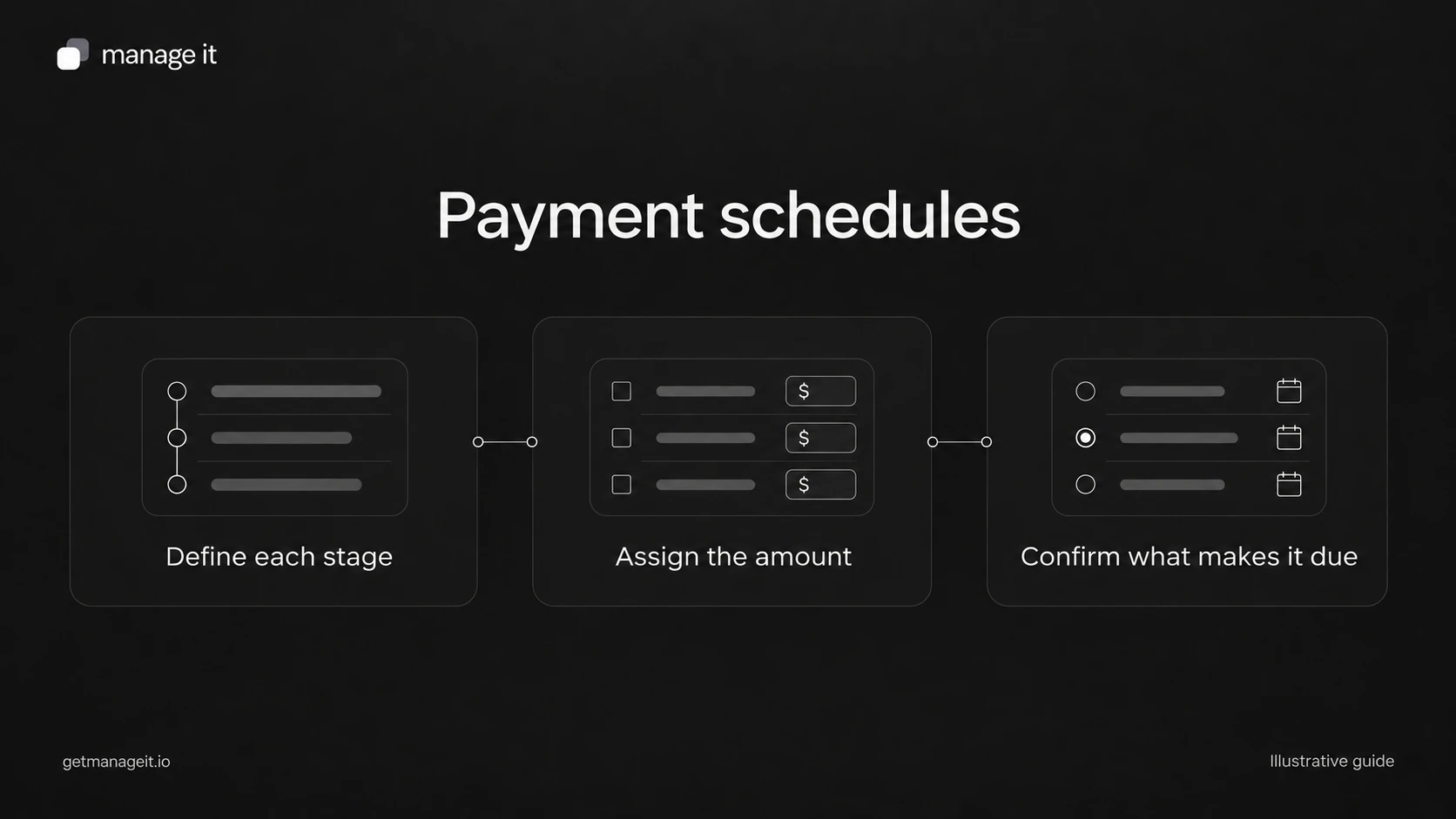
The timing follows the arrangement. An invoice might request an agreed deposit before work, a milestone payment during a project, or payment after a service visit. It is not automatically limited to completed work.
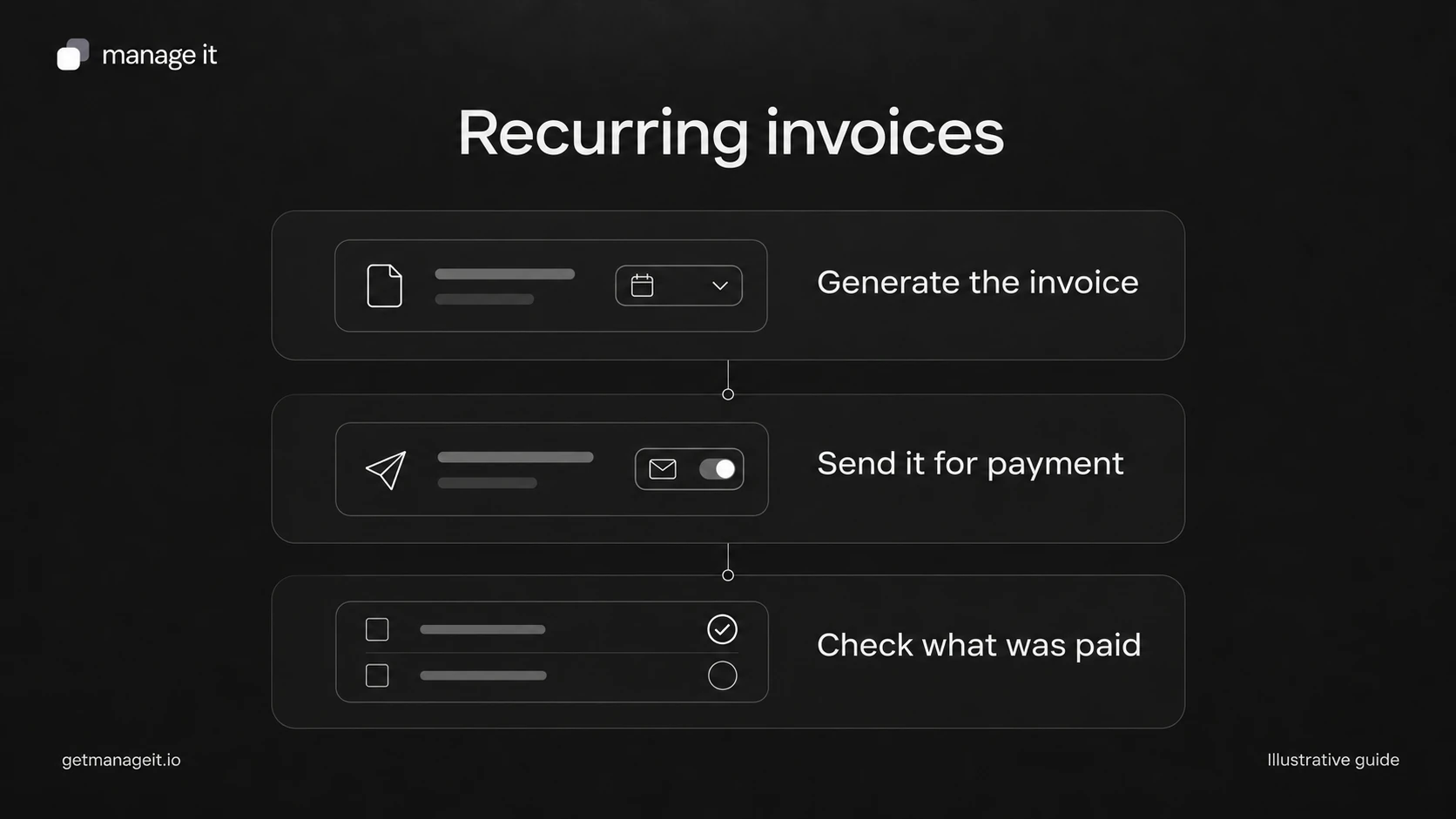
An invoice also has a payment status. Sent, partly paid, and paid describe different situations. A receipt serves a different purpose again: confirming a completed transaction.
Compare the practical questions
Use these questions with the person who prepares the client's documents:
Purpose: Does the customer need to review proposed work, or make a payment?
Scope: Is this the latest offer, or the work and options the customer accepted?
Amount: Is it a proposed total, the invoice total, or the remaining amount due?
Date: Is it an offer's validity date, an invoice issue date, or a payment due date?
Response: Should the customer ask for a change, accept the offer, or follow payment instructions?
Reference: Can staff connect this document to the relevant customer and job?
Keep contractual questions separate from a software label. Whether a particular quote or acceptance creates obligations depends on the actual arrangement and applicable requirements; changing the document's title does not settle that question.
Follow a fictional garden-maintenance job
Suppose a business proposes a seasonal garden tidy for an illustrative $360, with an optional $90 waste-removal service. These figures are examples, not recommended prices or tax guidance.
The quote identifies the proposed work and the optional item. The customer chooses the tidy and the waste removal. Staff record the selected scope and confirm the next step under the business's agreed process.
The resulting invoice should reflect the selected $450 of work and the applicable payment arrangement. If the customer declined waste removal, it should not quietly appear on the invoice.
Now suppose the customer asks for a different area to be included. Staff need to confirm the revised scope and price before relying on the old quote as the basis for billing. The right action is to resolve the change, then prepare the appropriate document.
Set up the transition in ManageIt
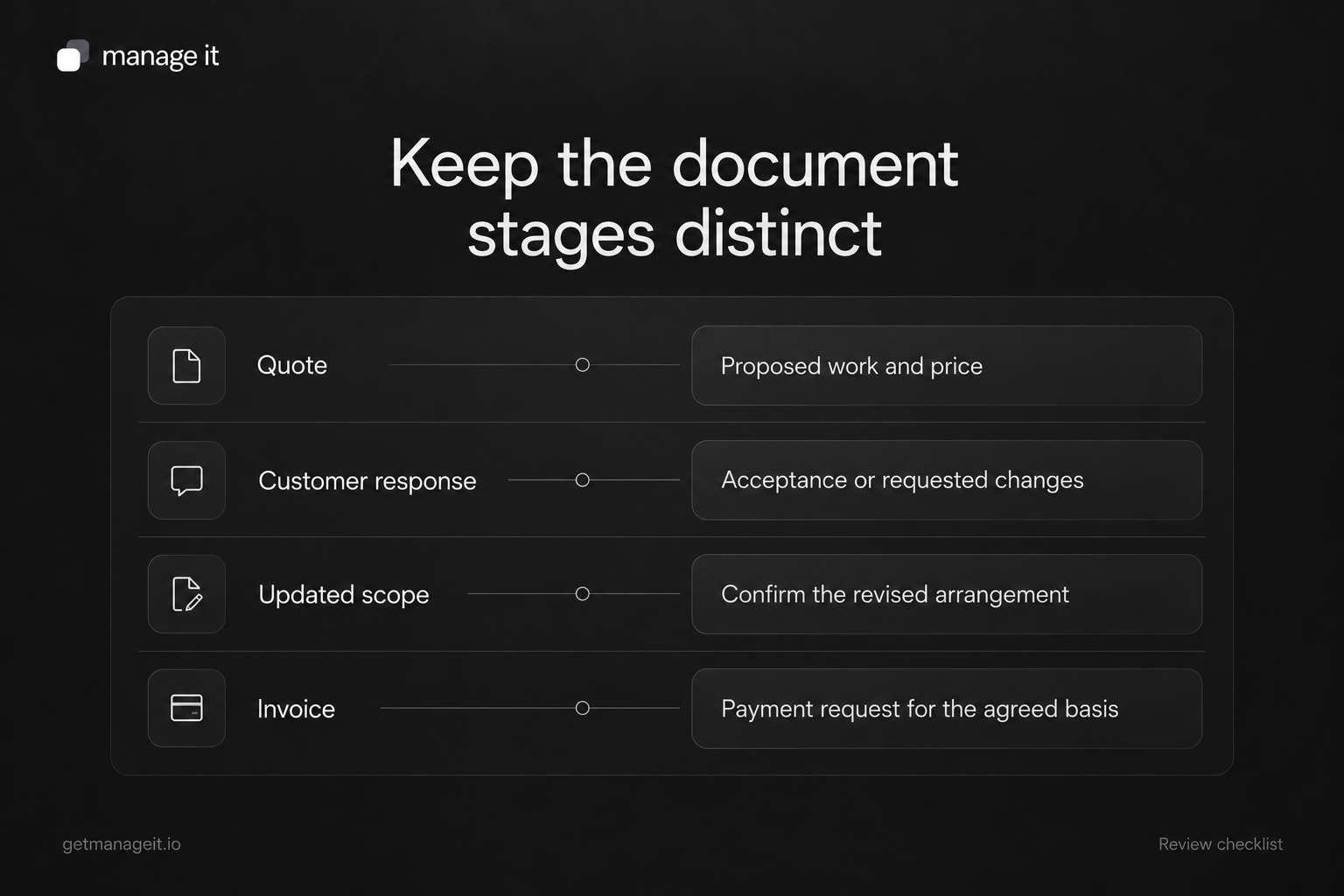
ManageIt has separate quote and invoice document types. Its line-item settings support optional items, and the documentation says only selected options carry over when a document is converted.
The sending and tracking guide describes Generate Invoice from a proposal, contract, or quote. It creates a draft invoice with the recipient and currency, can copy line items, and can link the invoice into the workflow. Review the generated invoice before sending, especially its due date and selected items.
This setup gives the agency a concrete handoff to deliver: the business knows where the offer lives, how the selected work is recorded, and where to prepare the payment request.
Review the chain before locking it
ManageIt's document workflows link documents in a sequence and synchronize shared information when a document is sent. They also lock content across the chain when a document reaches a signed, paid, void, or canceled status.
Build and review the intended chain before collecting signatures or payments. If the business often changes scope later, establish the supported correction process during setup. Don't promise that staff can freely rewrite every downstream document after an earlier step is complete.
Give staff a final document check
Before sending, ask the responsible person to confirm:
The document title and type match the action requested.
The service, customer, and reference are correct.
Selected options and approved changes are reflected.
The date is labeled according to its purpose.
The message tells the customer how to respond.
Staff know what happens after that response.
Pair the invoice stage with a clear invoice email. If the business's problem is uncertainty about the proposed work, improve the quote and approval handoff first. The invoice should carry forward a decision the customer and business understand.