Missed appointment emails: a considerate follow-up your clients can use
Quick answer
Confirm that the appointment was actually missed before sending a no-show message.
Use neutral wording and offer a clear route to discuss the situation or arrange another time.
Check for a cancellation, staff note, or new booking before any delayed follow-up sends.
Use a clear missed-appointment email after checking attendance, cancellations, and rebookings. Includes original templates and a workflow review.
A booking's scheduled end time has passed. That alone doesn't tell the business whether the customer attended, canceled by phone, arrived late, or arranged a different time with a staff member.
Help your client distinguish those outcomes before automating a missed-appointment email. The message should reflect what the business knows and make it easy for the customer to respond.
The following original templates use bracketed editing placeholders. Replace them with actual details and the selected editor's supported fields.
After staff confirm the appointment was missed
Subject: Following up on your [service] appointment
Hi [first name],
We didn't see you for your [service] appointment on [date] at [time]. I wanted to check whether you'd like to arrange another time.
You can [use the verified booking route] or contact [staff name and monitored route] to discuss what works for you.
If you already contacted us about the appointment, please let us know so we can update our record.
Thanks,
[business name]
The wording leaves room for a mistake in the business's record. Avoid speculating about why the customer did not attend or making the message sound like a reprimand.
When the attendance record is uncertain
Subject: Checking the details of your [service] appointment
Hi [first name],
We're checking our record for your [service] appointment on [date]. Could you contact [staff name and route] so we can confirm the next step with you?
If you arranged a change with a member of our team, please mention that when you reply.
Thanks,
[business name]
Use this only after staff have checked the information available to them. The customer should not have to reconstruct the booking because nobody at the business looked at the diary or messages.
When the customer has already rebooked
If the new appointment is already confirmed and the customer has received the correct confirmation, another missed-appointment message may add no value. Review whether anything still needs to be said.
When a clarification is useful, keep it tied to the new arrangement:
Subject: Your updated [service] appointment
Hi [first name],
We have your new [service] appointment recorded for [confirmed date and time]. Please use the details in your latest confirmation.
If you have any questions before then, contact [monitored route].
Thanks,
[business name]
Do not call the new booking confirmed if it is still waiting for approval. Use the appropriate appointment confirmation wording.
Keep attendance follow-up separate from fees
The templates above address the next appointment. They do not introduce a cancellation charge, payment deadline, or penalty.
If the business has an applicable policy, have it review the particular booking and approved wording separately. A generic no-show template should not invent terms or assume that a charge applies to every missed visit.
Build the workflow around a checked status
ManageIt's booking management guide says staff can mark a past booking as Completed or No-Show. Its booking automation guide lists Booking No-Show as a distinct trigger, alongside Completed, Cancelled, and Rescheduled.
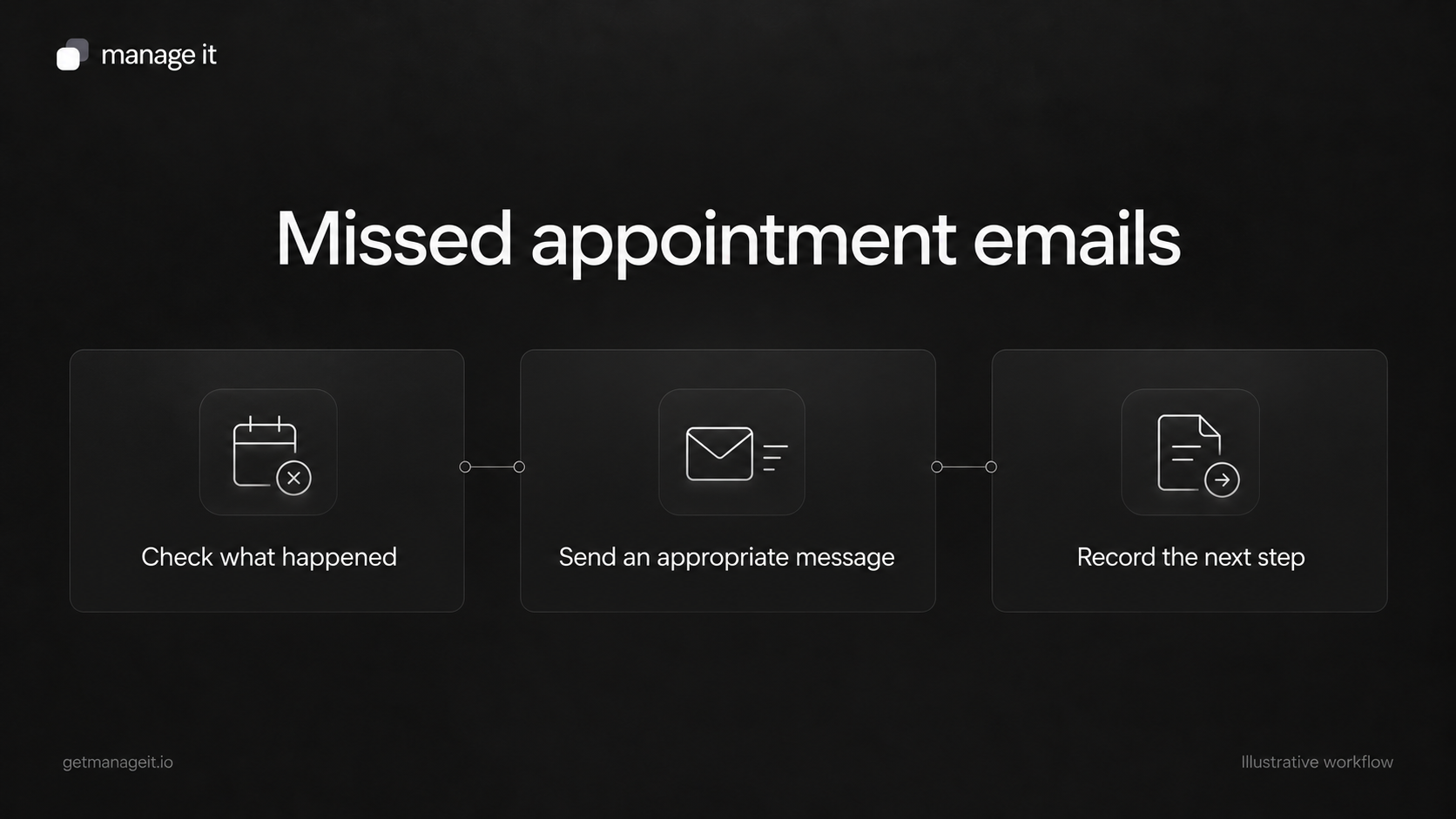
That gives the agency a specific design to configure and test:
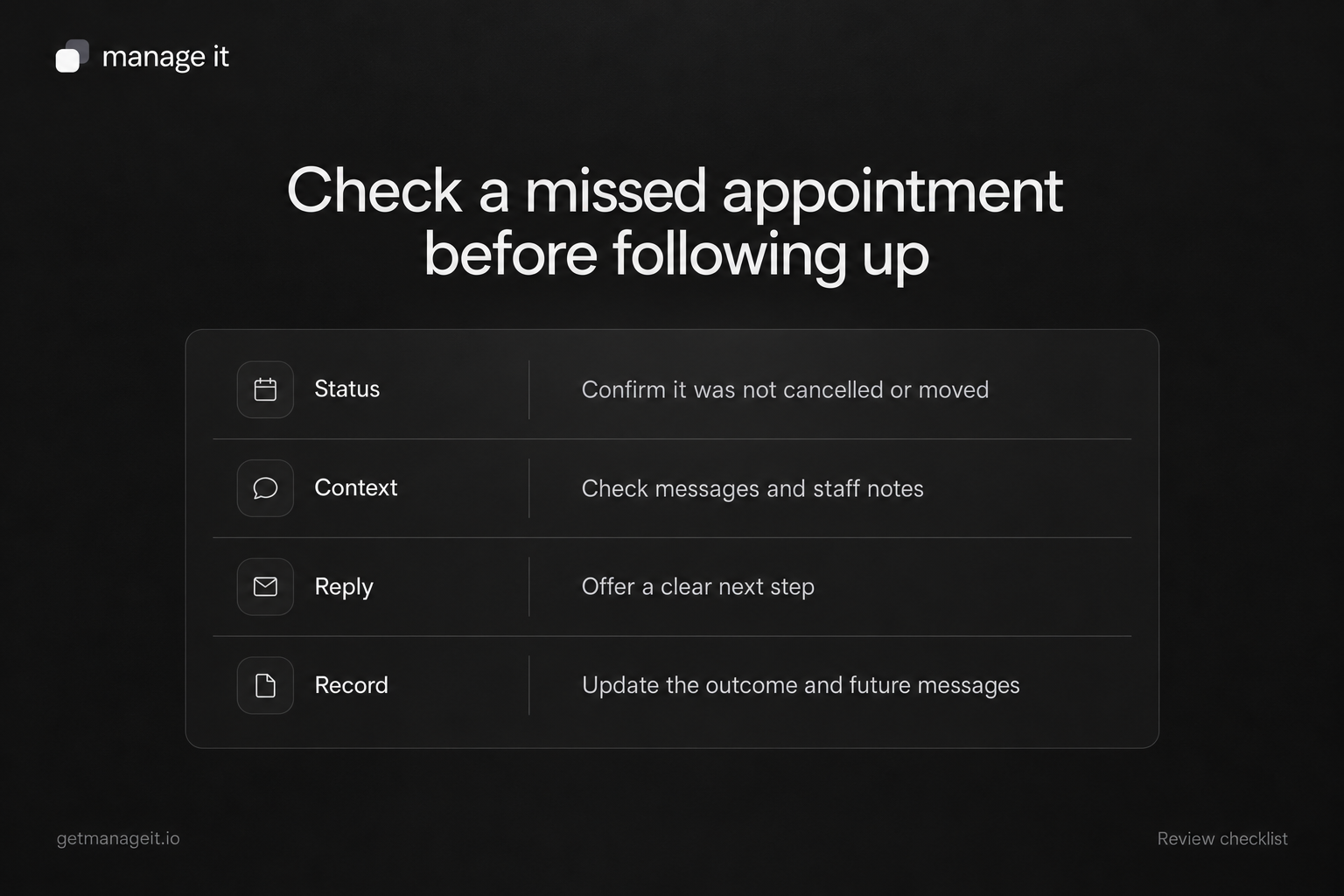
Staff check attendance and any change communicated outside the booking page.
The responsible person records the appropriate booking status.
A no-show workflow checks the relevant scheduler and status.
Before a delayed email, the business checks whether the customer has already responded or rebooked.
The message gives a monitored route to the person handling the next step.
Use a manual review for anything the configured workflow cannot reliably detect. The documentation does not establish automatic detection of a phone cancellation, an inbox reply, or a new booking elsewhere.
Don't reuse the ordinary thank-you sequence blindly
A general post-appointment email may be intended for customers who attended. Its sending rules may differ from a no-show workflow.
For example, Acuity's follow-up documentation excludes appointments marked canceled or no-show from its ordinary follow-up emails. It also explains that changing a status after an email was sent does not recall the message. Review the rules of the actual system instead of assuming every scheduler behaves the same way.
Test the exceptions with staff
Create controlled examples for an attended appointment, a confirmed no-show, a phone cancellation recorded by staff, and a customer who rebooks during a waiting period. Check which messages are eligible and which should stop.
In ManageIt, run history shows the steps and errors for an automation. Use that evidence to inspect the setup, then check the actual delivered email and reply route.
Give the client ownership of the attendance check and the follow-up inbox. A considerate message works best when the person receiving the reply can correct the record and help the customer arrange the next step.