CRM data hygiene: help clients keep customer records usable
Quick answer
Define what staff need from a useful customer record, then review the gaps that obstruct that work.
Investigate possible duplicates using reliable context; matching names alone are not a merge rule.
Give record corrections an owner and keep the entry rules simple enough for the client to maintain.
Create a practical CRM review for duplicates, missing details, unclear status, and outdated information, with clear ownership and documented decisions.
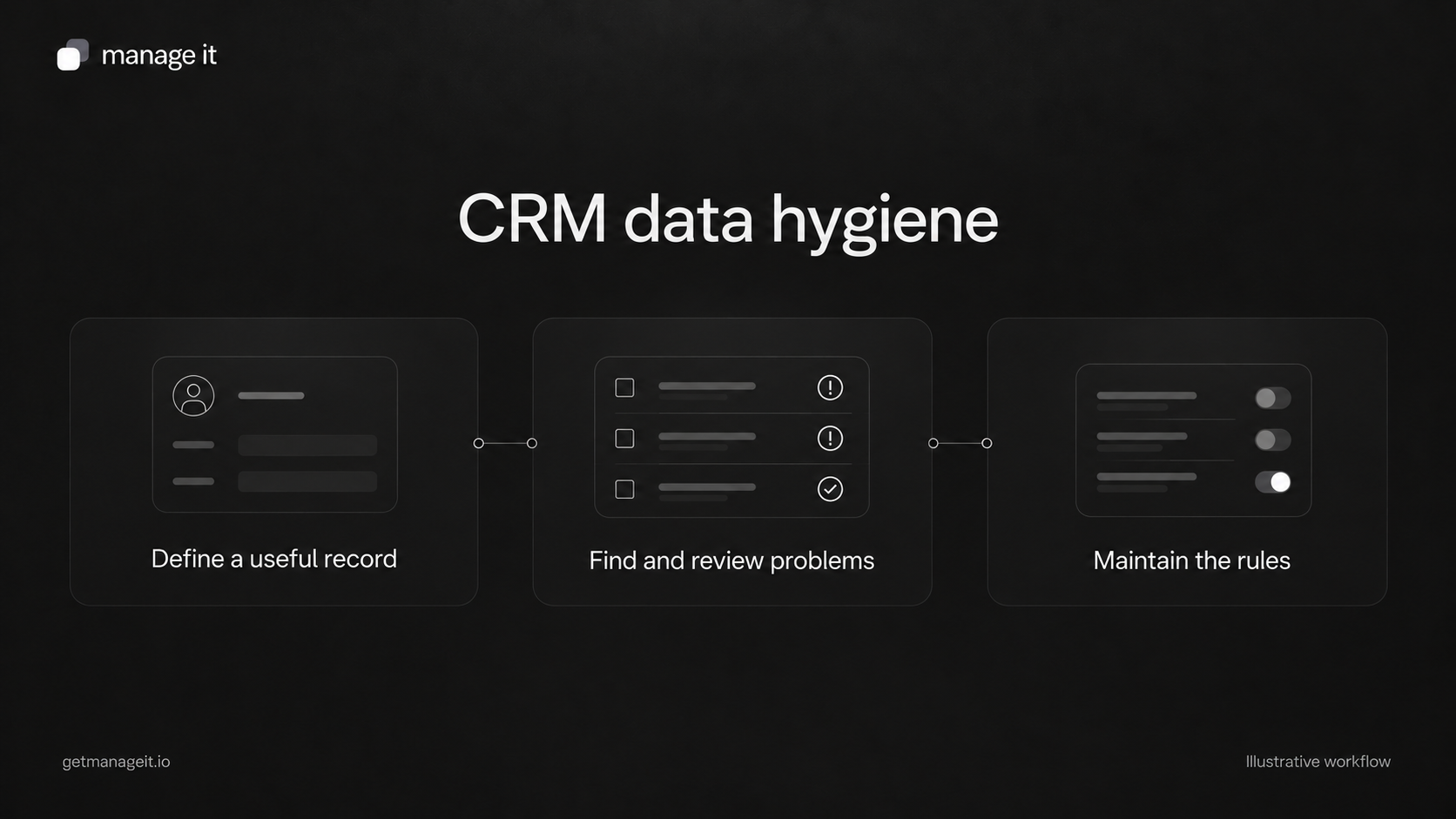
A CRM can contain thousands of completed fields while still leaving staff unsure who to contact or what happens next. Data hygiene means keeping information accurate and usable for the work the business needs to do.
Your agency can help the client establish a small set of rules, review problem records, and improve how new information enters the system. Start with the records that affect current work rather than a cosmetic cleanup of every old field.
Define a useful record
Ask staff to show you a typical customer task: preparing a service visit, finding an invoice, responding to a request, or confirming the next appointment.
Then agree on the information that task requires. A useful customer record might need a correct name, an appropriate contact route, a service status, a linked job, and a clear indication of who handles the next action.
Distinguish customer information from work information. A person can have several service requests or properties. Putting every current-job detail into the contact record may overwrite context that belongs to an earlier job.
ManageIt's custom entities and relationships can link contacts to business-specific records. Use that structure when the client needs it, with field names staff understand.
Create a review queue
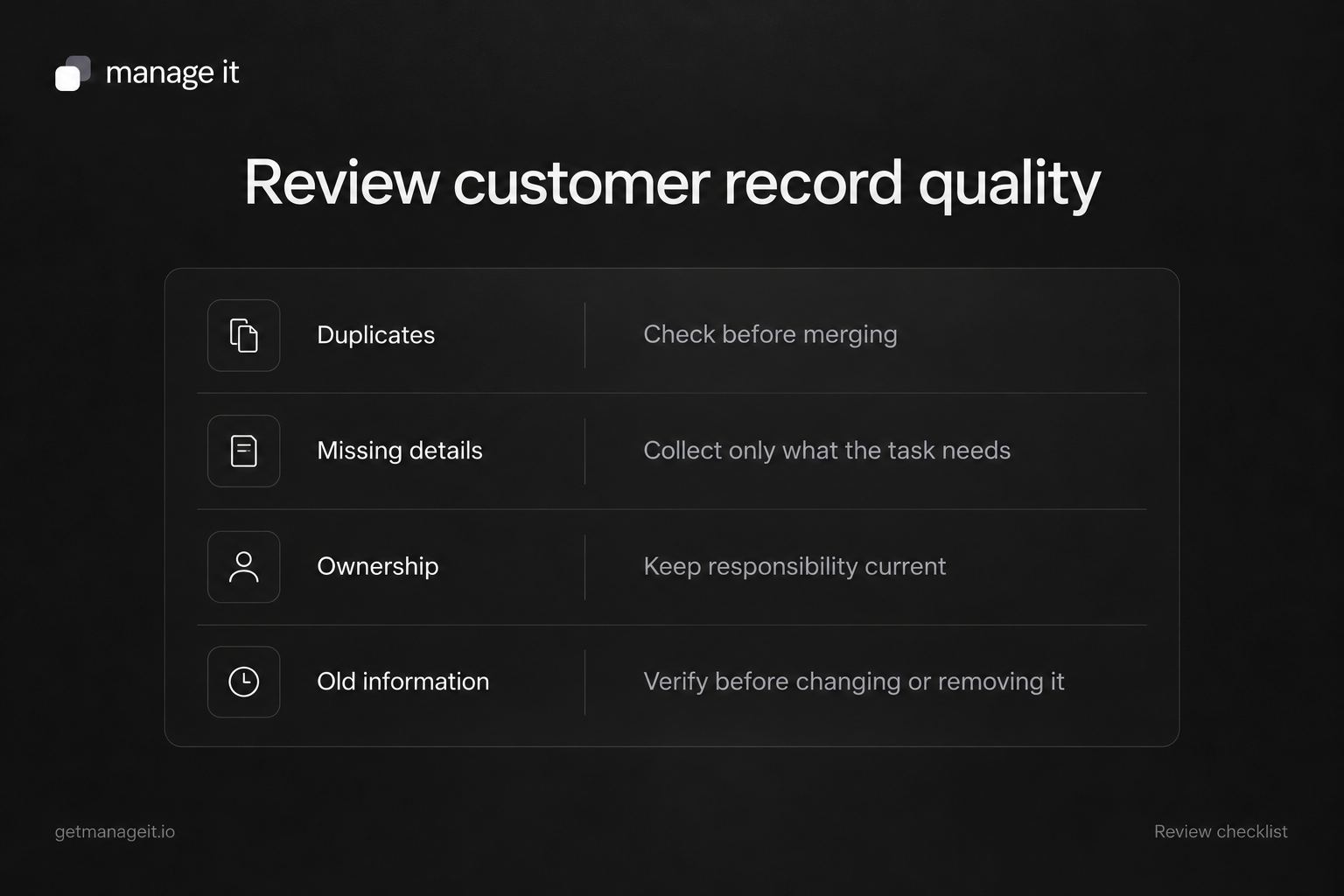
Use these categories as a starting point. For each flagged record, assign a reviewer, identify the evidence to check, and record the decision.
Missing information needed for current work
Identify the actual gap: an invoice recipient cannot be reached, a required service location is missing, or an appointment contact is unclear.
Collect only what the task needs. Requiring every possible field can encourage staff to enter placeholders that satisfy validation without improving the record.
Possible duplicate
Compare the records' contact details, linked work, documents, and relevant history. Determine whether they represent the same person and whether the application supports the correction you intend.
Two fictional customers called Alex Morgan could be different people. One fictional customer with a personal and work email could appear twice. Neither case can be resolved from the name alone.
Unclear status
Agree what each status means and what evidence changes it. “Active” might refer to an ongoing service, while “Needs follow-up” describes a next action. Mixing those concepts in one field makes filtering difficult.
Unclear responsibility or next step
Record who should act and what they should do. That may be a configured custom field, a task, or another agreed working record. Do not assume every CRM has a built-in owner field that behaves the same way.
Old or conflicting information
Check the source and date before replacing a value. A newer import isn't automatically more accurate than a detail a customer corrected yesterday. Preserve important context about why the decision was made.
Use identifiers carefully
HubSpot's deduplication documentation distinguishes identifiers used during imports from tools that merge existing duplicates. These are separate operations.
ManageIt's contact guide requires email addresses to be unique within the account when present. Its import process uses matching email addresses for skip or update decisions. That does not prove the system can identify every duplicate person, and it does not establish a general merge tool.
If two records may be duplicates, review their linked documents and other context before choosing a supported correction. Don't delete one simply to make the contact count smaller.
Make status rules easier to maintain
ManageIt's tag groups can be exclusive: applying a second tag in the same exclusive group removes the previous one. This can help represent a state that should have only one value, such as a defined service status.
Use that setting only when the values truly are mutually exclusive. “Customer” and “Requested a quote” may both be true, so they should not automatically replace one another just because both describe the relationship.
The contact filters support field comparisons, empty values, and tag conditions. Use them to locate a review set, then inspect the records before taking a bulk action. A filter identifies candidates; it doesn't decide what is correct.
Fix how the problem enters the system
Trace recurring issues back to their source. If a form puts the full name into a field intended for a first name, correct the mapping. If staff choose several words for the same status, simplify the available options and explain the rule.
Review the website-to-CRM handoff and test returning-customer submissions. When moving an existing list, use the migration checklist to handle identifiers and blank values deliberately.
Avoid deleting a custom field merely because it is inconvenient. ManageIt's field documentation states that deleting a field permanently removes its stored values. Plan any replacement and preserve needed information first.
Hand over a maintainable review
Give the client a short record of the rules: what each important field means, who maintains it, how duplicate candidates are handled, and where exceptions go.
Track unresolved issues and repeated causes instead of reporting only how many rows were changed. A useful outcome is that staff can find the correct customer, understand the relevant work, and act without rebuilding the history from scattered messages.
Choose a review rhythm that fits the business's volume and change rate. After a new form, import, or process change, check a small sample promptly so a mapping problem doesn't spread through the whole database.