CRM data migration: a practical checklist for moving a client's records
Quick answer
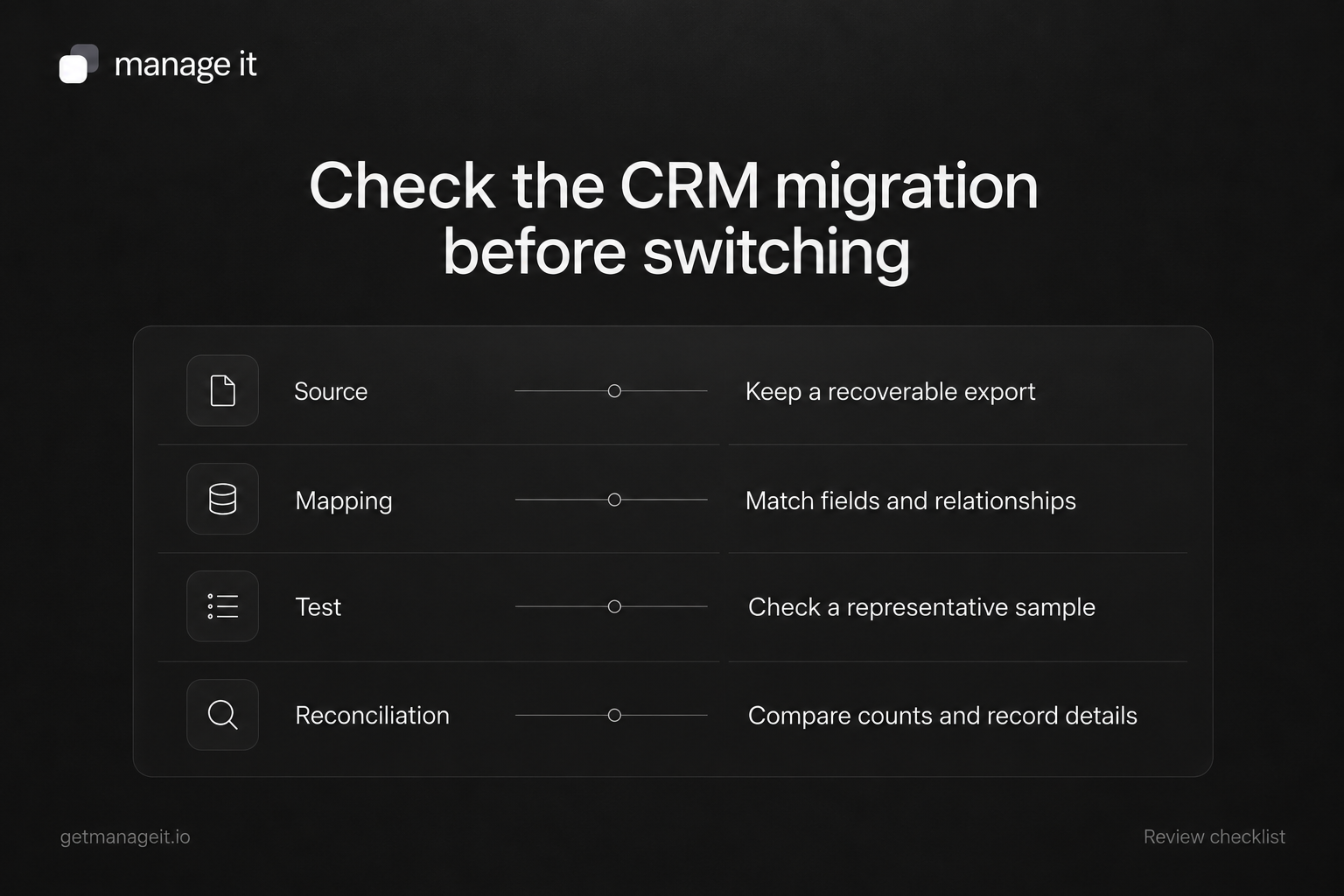
Inventory what needs to move, preserve the source, and map each field before importing.
Test a representative sample, including existing contacts, missing values, and relationships.
Reconcile the result and agree how new changes will be handled before the business switches systems.
Plan a client's CRM migration with a source export, field map, representative test import, reconciliation, and a clear cutover procedure.
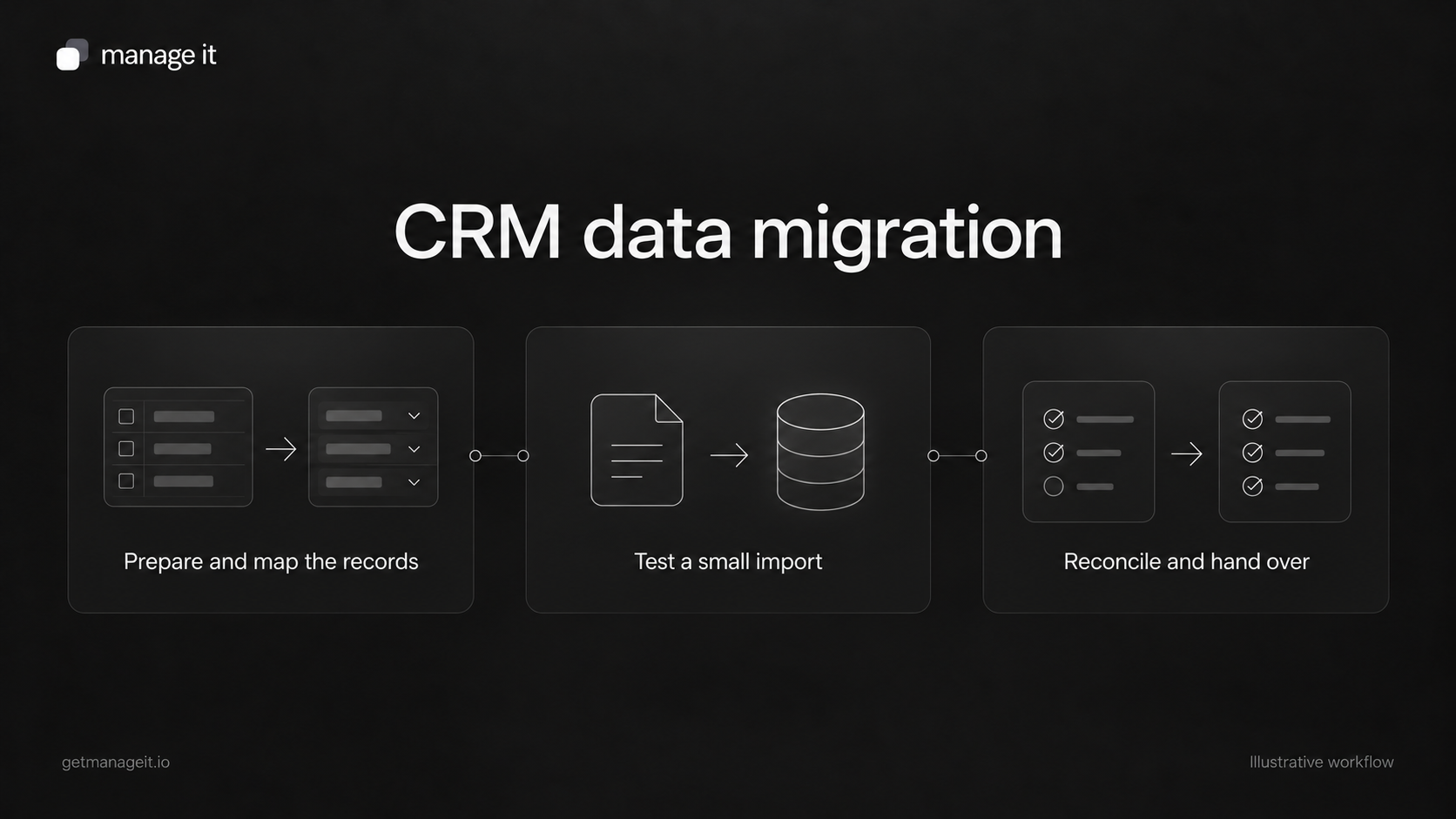
A completed CSV upload is one step in a CRM migration. The client still needs to know whether the intended records arrived, whether existing information changed, and whether staff can use the result.
Your agency's work is to make the move understandable and recoverable. Start with a clear inventory and a small test instead of treating the import button as the entire project.
Define what is moving
List the data the business relies on: contact details, custom fields, tags, customer preferences, job records, relationships, documents, appointments, attachments, and relevant history.
Then identify which items the destination actually supports importing. A contact CSV should not be assumed to include old emails, signed documents, saved payment methods, or complete appointment histories.
HubSpot's import documentation distinguishes records, activities, identifiers, and associations. Use those distinctions when planning any migration, while checking the destination's own supported formats and operations.
If the business is still deciding whether to move, first use the CRM vs. spreadsheets review. A migration plan should serve a defined operational need.
Preserve the source and record its scope
Keep a recoverable export of the original data before cleaning or transforming it. Record the export date, applied filters, record counts, field definitions, and system it came from.
Save transformations separately so someone can explain how the import file was produced. For example, document how a full name was split, how phone formatting was retained, and which source values were mapped to a new status.
An export file is not necessarily a complete backup of the old application. Identify anything that remains accessible only in that system and agree how the client will retain the records it needs.
Create a field map
For every field, fill in:
Source field: The original column or property.
Meaning: What staff use it for.
Destination: The target standard or custom field.
Type: Text, number, date, selection, or relationship.
Conversion: Any deliberate change to the value.
Missing-value rule: What should happen when the source is blank.
Existing-record rule: How the importer decides whether to create or update.
Reviewer: Who can confirm the result is useful and correct.
Keep identifiers and relationships separate from display names. Two people can share a name, and one customer may use more than one email address. A label that looks familiar is not enough to establish that two records represent the same person.
Understand ManageIt's contact import
ManageIt's contact import guide documents CSV or TXT files with a header row, up to 10 MB. The first_name field must be mapped, and configured custom fields can be mapped alongside standard contact fields.
For an email matching an existing contact, the documented choices include skipping the row or updating the existing record. The Create choice does not bypass email uniqueness; the guide limits it to rows without a mapped email or without an email value.
Imports run in the background and report created, updated, skipped, and failed rows. Review the error messages and row numbers. Don't treat a finished job as evidence that every row was accepted.
The detailed guide covers contacts. Plan separate verification for custom-record relationships, attachments, documents, and other history instead of promising they will arrive with the contact file.
Test a representative sample
Include at least one example of every important case in the source:
A new contact with complete details.
An existing email match.
A missing optional value and a missing required value.
A long name, international phone number, and relevant date format.
A custom selection value that may not match the destination's options.
A contact linked to another business record.
A communication preference the business must preserve.
Use a controlled destination and approved test data. Check whether blank values overwrite existing details, how required custom fields behave, and whether repeating the same import produces the intended result.
Review automations before importing. ManageIt's trigger guide includes imported contacts in Contact Created events. Decide which workflows should be active during the move, and test their effects before importing a full customer list.
Reconcile counts and inspect useful records
Compare the submitted rows with created, updated, skipped, and error outcomes. Reconcile the destination count separately because updates do not add new contacts.
Then open individual records. Check field values, tags, relationships, document links where relevant, and the view used by the staff member doing the work. Matching totals alone will not reveal a phone number mapped into the wrong field.
ManageIt exports contacts using the current search and filter state. Clear unintended filters before using an export for reconciliation, and record any deliberate filter in the review notes.
Agree on the switch and recovery plan
Set a point after which staff know where to enter new information. Decide whether changes during the migration are paused, recorded for a final update, or transferred by another controlled process.
Keep the old source and migration records until the client has accepted the result and its retention requirements are handled. Importing an old export again is not automatically a safe rollback; it may overwrite newer information.
Finish with the field map, exception list, reconciliation result, access check, and a named owner for unresolved items. The migration is ready when the client can perform its real work with the moved records and explain what remains elsewhere.