CRM vs. spreadsheets: when to recommend a CRM to your client
Assess customer history, shared access, ownership, and daily work before recommending a CRM. Includes a practical decision worksheet for agencies.
Quick answer
Recommend a CRM when the client's customer records and next actions need capabilities the current spreadsheet process cannot reliably provide.
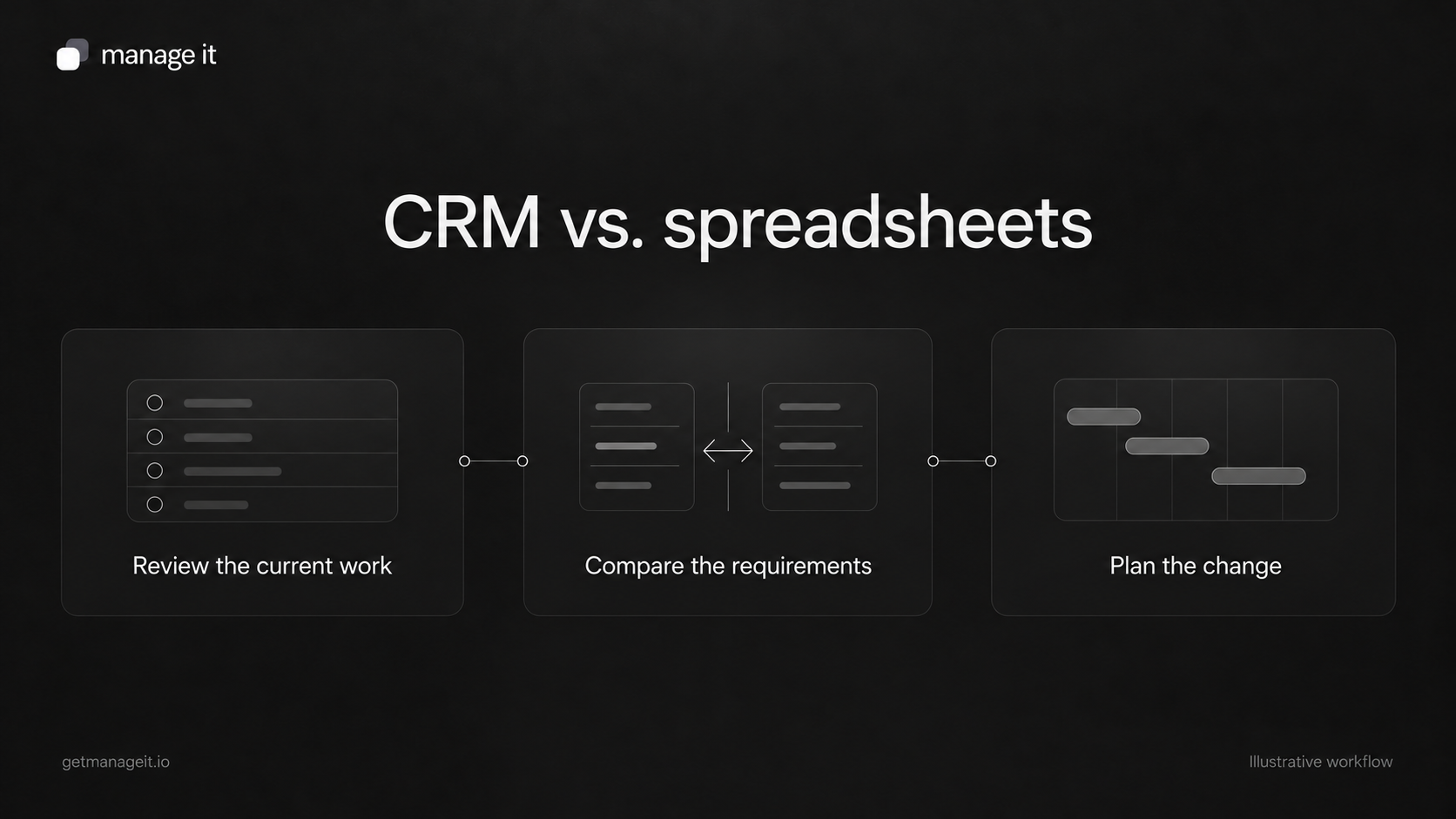
Compare real tasks, including shared history, ownership, changes, and reporting, rather than choosing by customer count alone.
Test a representative set of records and plan the move before replacing a working system.
A client tells you their customer records are “just in a spreadsheet.” That is a starting point for a conversation, not proof that the setup is wrong.
The sheet may be a well-maintained list that does exactly what a small team needs. It may also be one of several copies, with conversations scattered across inboxes and follow-up dependent on the owner's memory.
Your agency's job is to tell the difference. Recommending software is useful when you can connect it to a problem the client recognizes and a task their staff can perform better with the proposed setup.
Watch the work before comparing features
Ask a staff member to handle a recent customer request while you observe. Have them find the contact details, check the last conversation, explain the current status, and identify what should happen next.
Then ask someone else to do the same thing. Differences between their answers reveal more than a long feature checklist.
For an illustrative appliance-repair business, the customer list might be easy to maintain. The difficulty may be linking each customer to several repair requests and seeing which jobs are waiting for parts or a return call. That requirement is more specific than “we need a CRM.”
Write the problem in terms of the work:
Two staff members need to see the latest request, the person responsible, and the next action without checking separate inboxes.
That statement gives you something to test in both the existing spreadsheet process and a proposed CRM.
Compare five practical requirements
Salesforce's spreadsheet-versus-CRM article raises questions about customer history, follow-up, versions, and reporting. It is a vendor's comparison, so use those questions as prompts rather than treating its sales claims as independent proof.
Build your own comparison around the client's actual requirements.
Customer history. Can staff find previous requests and useful conversation context? If history lives elsewhere, is the connection clear and dependable?
Shared work. Can the right people update the record without creating conflicting versions? Shared spreadsheets can support collaboration; inspect the actual configuration instead of assuming they cannot.
Ownership and next actions. Can the team see who is responsible, what remains unfinished, and when it needs attention? A CRM only helps if someone maintains those fields and uses the resulting views.
Access. Can people see and change the information appropriate to their work? Check real permissions in either tool. A product label does not establish that access has been configured correctly.
Reporting. Can the business answer the question it needs answered without repeatedly rebuilding the data? A simple, reliable report may be enough. Extra dashboards are not automatically useful.
Choose among three reasonable outcomes
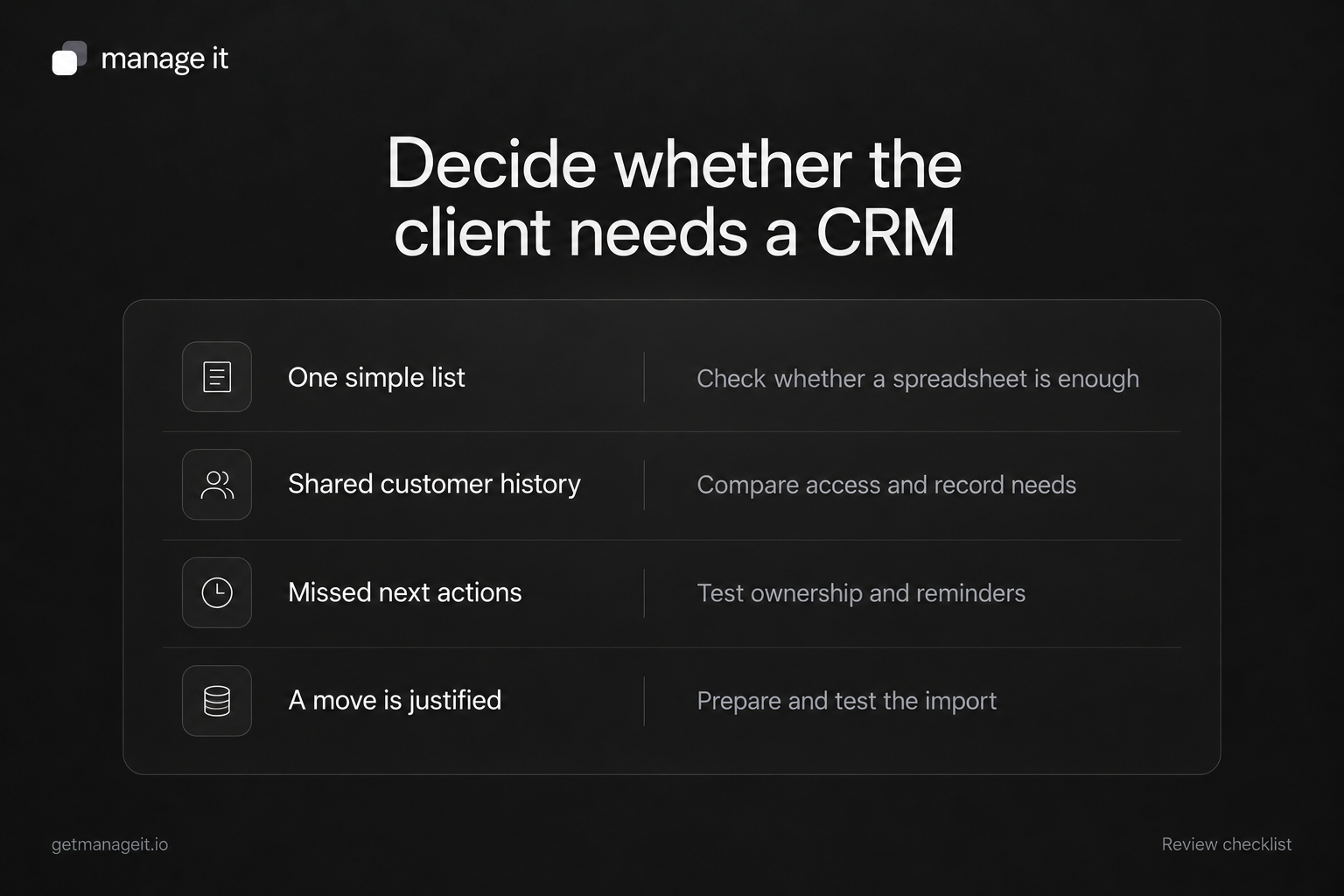
The recommendation does not have to be an immediate move.
Keep the current spreadsheet. This can make sense when the record is straightforward, responsibility is clear, access is appropriate, and staff can complete the work consistently. Document who maintains it and when to review the decision.
Improve the current process first. Standard fields, one agreed source, a named owner, and a clear review routine may resolve the immediate problem. This also reveals which requirements remain unsolved.
Trial a CRM against the requirements. Choose this when the work needs capabilities the existing process cannot reasonably supply. Use the same sample cases you observed, including exceptions and handoffs.
Avoid a rule such as “switch once you have a certain number of customers.” A small team with complicated repeat work may need more structure than a larger team maintaining a simple contact list.
Use this decision worksheet
Copy the following fields into your client review:
Business task: What are staff trying to do?
Current method: Where do they find and update the information?
Observed difficulty: What happened in the example you reviewed?
Customer consequence: What becomes confusing, delayed, or harder to resolve?
Required capability: What must the improved setup allow?
Spreadsheet option: Can a reasonable change to the current process meet that requirement?
CRM test: Which exact task would demonstrate that the proposed tool meets it?
Ongoing owner: Who will maintain the records and review unfinished work?
Costs and effort: What setup, training, subscription, and support work is involved?
Decision and review point: What will the client do next, and what evidence would change the decision?
Use observations rather than invented savings. “Staff checked three places to find the latest request” is evidence from the review. “This will save ten hours a week” needs a measurement you may not have.
Test the difficult cases before moving
A trial should include a returning customer, two people with the same name, a request reassigned while someone is away, and a customer who asks a question through another channel.
Have ordinary staff use the proposed setup. An administrator's demonstration may hide access problems or steps that are difficult for the people doing the daily work.
Check what can be imported and exported. A spreadsheet of contacts may not include conversation history, files, appointments, or communication preferences. Identify what must move, what can remain in an accessible archive, and what needs a manual decision.
Keep a recoverable source export and test a small sample before a full migration. Agree how staff will handle new changes during the move so that one set of records does not immediately become outdated.
Match ManageIt's record structure to the task
ManageIt's contact view brings together contact details, custom fields, tags, related records, documents, and payment information. Its custom entities let you define records such as properties, vehicles, or service requests and connect them to contacts.
For the appliance-repair example, that could mean one contact linked to several repair records, each with the relevant appliance, status, and next-action details. Use filters and an agreed staff procedure to locate the work that needs attention.
Check the limits of the proposed setup too. These documented features do not establish automatic inbox synchronization, a built-in contact owner field, or migration of every old conversation. Demonstrate how staff will find any context that remains outside the CRM.
Recommend the setup you can help the client maintain
A CRM can organize customer work, but it does not decide who is responsible or make incomplete records accurate. Include those responsibilities in your recommendation and support scope.
If ManageIt is a candidate, demonstrate the client's actual customer-record and follow-up requirements in it. Let the client see the ordinary task, the exception, and the staff handoff.
Use the broader client-systems review when the record problem is connected to booking, documents, or invoicing. The useful recommendation is the one that explains how the business will handle its customers, and who will keep that process working.