Electronic signatures for small businesses: when to replace printing and scanning
Help a business client set up a clear document-signing process, from reusable templates and signer order to corrections and completed copies.
Quick answer
Electronic signatures can replace the print, sign, scan, and return steps in a suitable document process.
Confirm the document, signer roles, signing order, and completed-copy requirements before choosing settings.
Test the whole recipient experience, including a declined request or a correction, before handing it over.
When a business client emails a document and asks the customer to print, sign, photograph, and return it, the agency can see the extra work. The customer needs to find the file, complete it, and return something the business can read and store.
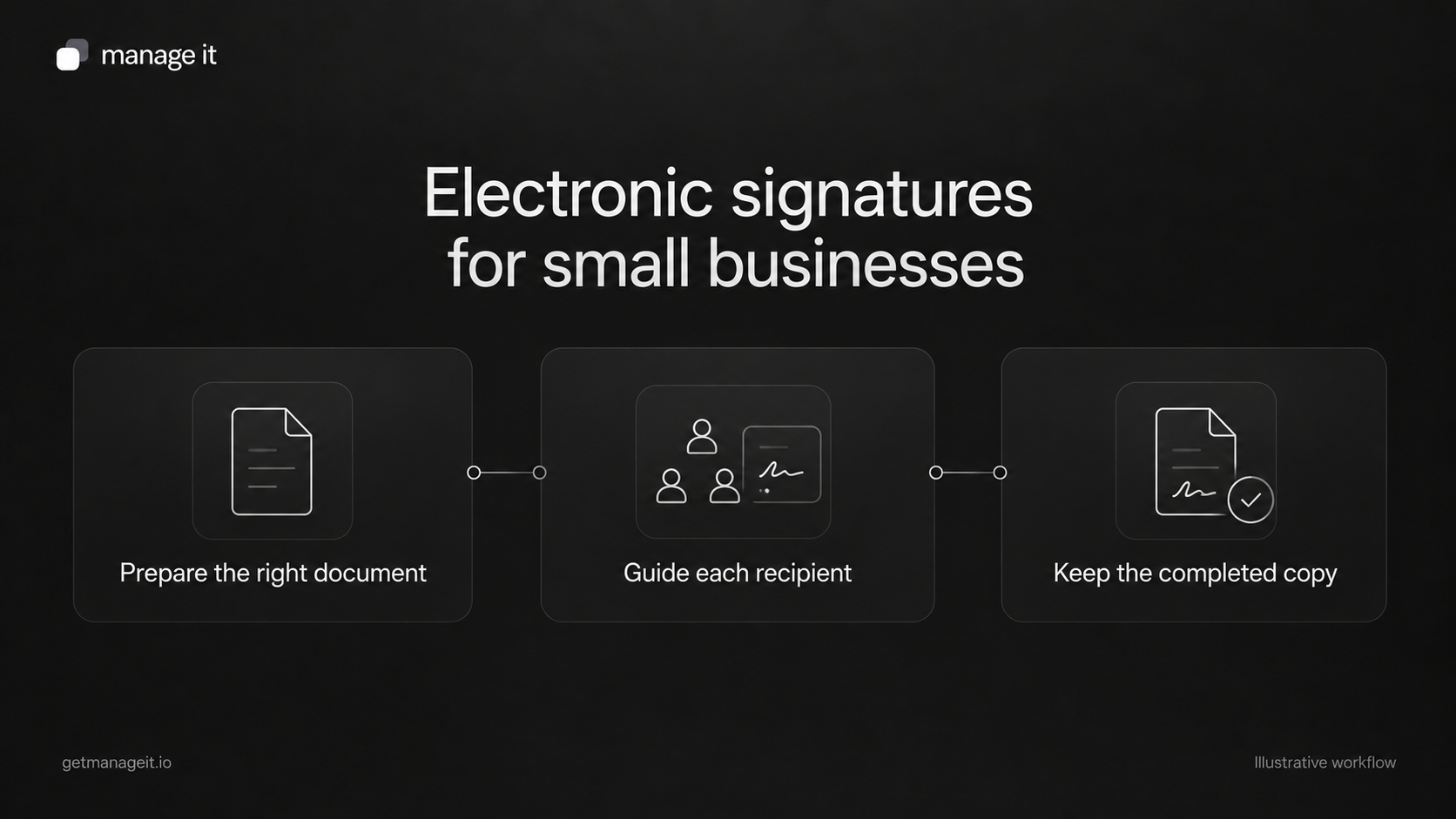
Electronic signing gives that process a different route: prepare the document, send it to the intended people, collect their responses, and keep the completed version. The benefit depends on getting those steps right. Sending the wrong document through a signing tool simply makes the wrong document easier to send.
Start with one repeated document
Choose a document the business uses regularly, such as a service approval or a project agreement it already has reviewed. Ask staff to show you a recent example from preparation through completion.
Look for repeated work: retyping customer details, finding the latest version, explaining where to sign, checking who has responded, and naming the final file.
Keep the existing document's purpose and requirements clear. For documents with special signing or identity requirements, have the business confirm the appropriate method before moving them into an ordinary electronic-signature flow. A feature list alone cannot establish that suitability.
Separate the template from the customer's document
A reusable template can hold a common layout, standard sections, and signer roles. Each instance still needs the actual customer's details, current scope, and intended recipients.
Docusign's template guidance makes this distinction useful: templates can contain document and recipient setup, but the sender still prepares the particular transaction.
In ManageIt, document templates are specific to a document type and can include text, variables, line items, and signature blocks. You can set a default template for each type. Decide who maintains that default and how staff know an older version has been replaced.
Use a controlled example to check every variable. A company name appearing in the wrong place can be easy to miss when the overall layout looks polished.
Decide who signs and in what order
List every intended signer, their role, their email address, and whether one person's response must precede another's.
ManageIt's e-signature settings support parallel signing, where recipients can sign in any order, and sequential signing, where each person is notified in turn. Signer roles include recipient, sender, witness, and other.
Consider this fictional example: a photography business sends an existing service agreement for a customer's signature, followed by the studio's countersignature. If that sequence is the business's chosen process, configure it deliberately and verify that the second signer receives the request at the intended point.
Don't add a witness or approval role just because the software offers it. The document's requirements determine the participants.
Make the email explain the action
The customer should know what they are receiving and what to do with it. A short message can be enough:
Hi [first name],
Please review the [document name] for [service or project reference]. You can open it and complete the requested signature using [verified signing link].
If any detail needs changing, contact [responsible person and route] before signing.
Thanks,
[business name]
These brackets are writing placeholders, not software field names. Replace them with actual details or the supported variables in the selected editor.
If verification is enabled, test that step too. ManageIt documents optional email verification for signing and for viewing. Check the recipient's actual path and who helps if they cannot complete it.
Plan the exception before it happens
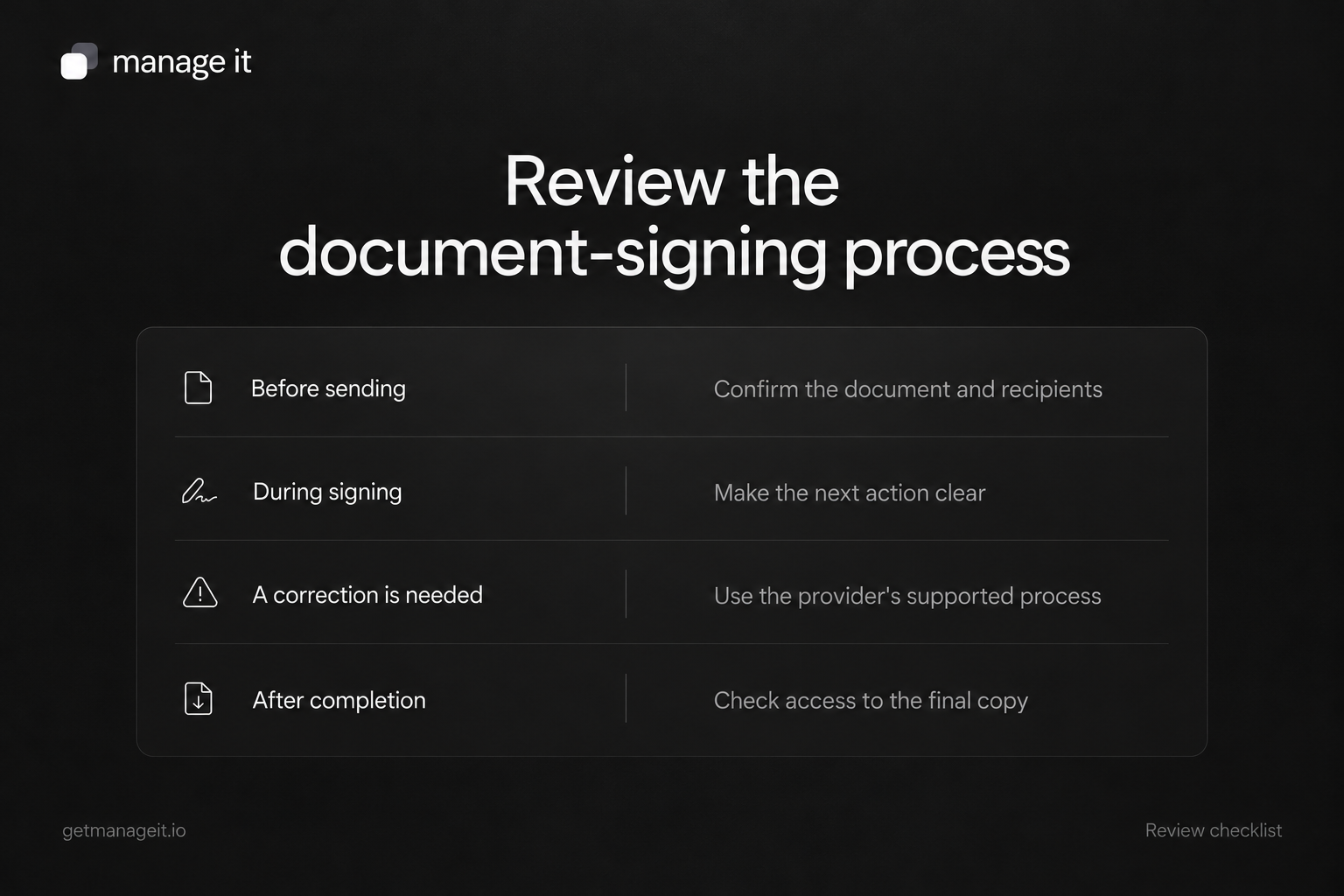
Ask the client how staff should respond when a signer finds an error, declines, or never receives the email. Record who can make the decision and which action they should use.
ManageIt allows sequential-signing decline behavior to be configured to void the document or skip to the next signer. Those choices have different consequences. Use the setting that reflects the business's approved process, and test it with a disposable example.
Linked documents need extra care. ManageIt's document workflow guide says the whole workflow locks against content edits once any linked document reaches a signed, paid, void, or canceled status. Review the full chain before collecting a signature. Don't promise staff they can rewrite a later invoice after the agreement has been signed.
Check completion and access to the final copy
Opening a document is different from signing it. One person's signature is different from all required signatures being complete. Show staff how to recognize the result they actually need.
For the handoff, have the responsible person find the completed document and inspect its PDF. Confirm that the expected names, dates, content, and signing information are present and that the business knows where the record lives.
Use this readiness checklist:
Correct document type and approved version.
Correct customer details and service reference.
Intended signers and verified email addresses.
Signing order and decline behavior agreed.
Message, verification, and support route tested.
Correction process understood before completion.
Final-copy access checked by the business.
Run the checklist on one real document type before extending the setup. ManageIt's document tools can support the process; your agency's job is to make that process clear enough for the client to use without relying on you for every send.