How to help your clients get invoices paid faster
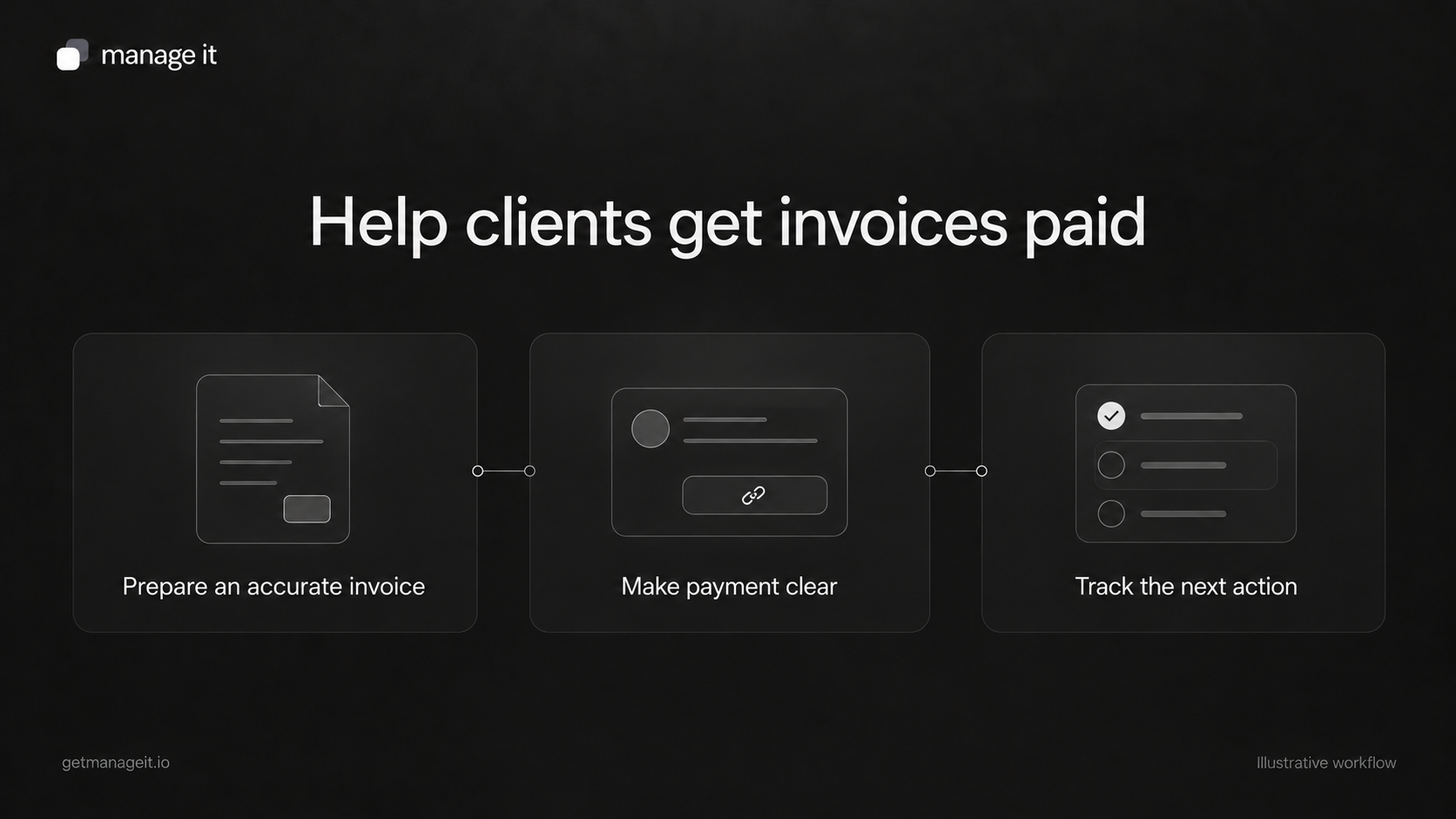
Review the billing process behind a client's invoices: accurate details, clear payment stages, working payment links, and useful follow-up.
Quick answer
Start with the cause of the delay: missing details, delivery problems, unclear payment instructions, or an unresolved question.
Match the invoice and payment schedule to what the business and customer actually agreed.
Reconcile payments before sending reminders, and give someone responsibility for exceptions.
A client says customers take too long to pay. Before recommending more reminders, look at a few recent invoices with them. One may have gone to an old email address. Another may be waiting for a purchase reference. A third may already have been paid by bank transfer, with nobody updating the record.
Those are different problems. Your agency can help the business remove the avoidable work between an agreed service and a recorded payment. Software supports that process, but the setup needs to match how the business operates.
Find where the invoice gets stuck
Choose a small sample of recent invoices, including paid invoices and ones still open. Ask the person who handles billing to walk through each from preparation to the latest customer response.
For every invoice, record:
Who requested the work and who should receive the bill.
What event made the invoice ready to send.
Whether the scope, amount, reference, and due date were correct.
When and how it was sent.
Whether the customer reported a problem or asked a question.
Which payments have been received, including payments outside the online system.
Who owns the next action.
A viewed status can help locate the document in the process. It doesn't establish that the customer accepted the amount or that the right person in their business has approved it.
Agree on the payment stage before building the automation
A deposit, a payment after a project milestone, and a monthly service invoice need different setups. Ask the business to describe the arrangement in ordinary language first.
For example: “The customer pays an agreed deposit, then the remaining amount after we complete the installation.” Record what makes the second payment due, who confirms that event, and what the customer will see.
ManageIt's payment schedules support fixed dates, relative dates, and milestones that staff mark complete. A milestone schedule therefore needs a staff handoff: someone must confirm the deliverable before the payment request proceeds.
Recurring invoices generate a new invoice at each interval. They require a source invoice with a single lump-sum payment, so don't design a recurring series around a source invoice that also has a milestone schedule. Choose the arrangement that represents the actual service.
Make the invoice easy to recognize and act on
An invoice should connect the payment request to work the customer recognizes. Check the business name, customer details, job or purchase reference, service description, currency, amount, and agreed due date.
Write line items clearly enough that the billing contact can understand them without calling the technician. “Maintenance visit, October 12, job 284” is more useful than “Services rendered” when the customer is reconciling several jobs.
Keep the payment action easy to find. If a link is supplied, open it in a controlled customer test and confirm that it shows the intended invoice. If the business accepts a manual payment method, display the agreed instructions and explain the reference to use.
ManageIt's payment documentation describes Stripe payments from the invoice view and manual records for payments received through methods such as cash, check, or bank transfer. The business still needs to record a manual payment against the right invoice. An unrecorded payment can leave the system showing an amount that is no longer outstanding.
Use reminders for unresolved balances
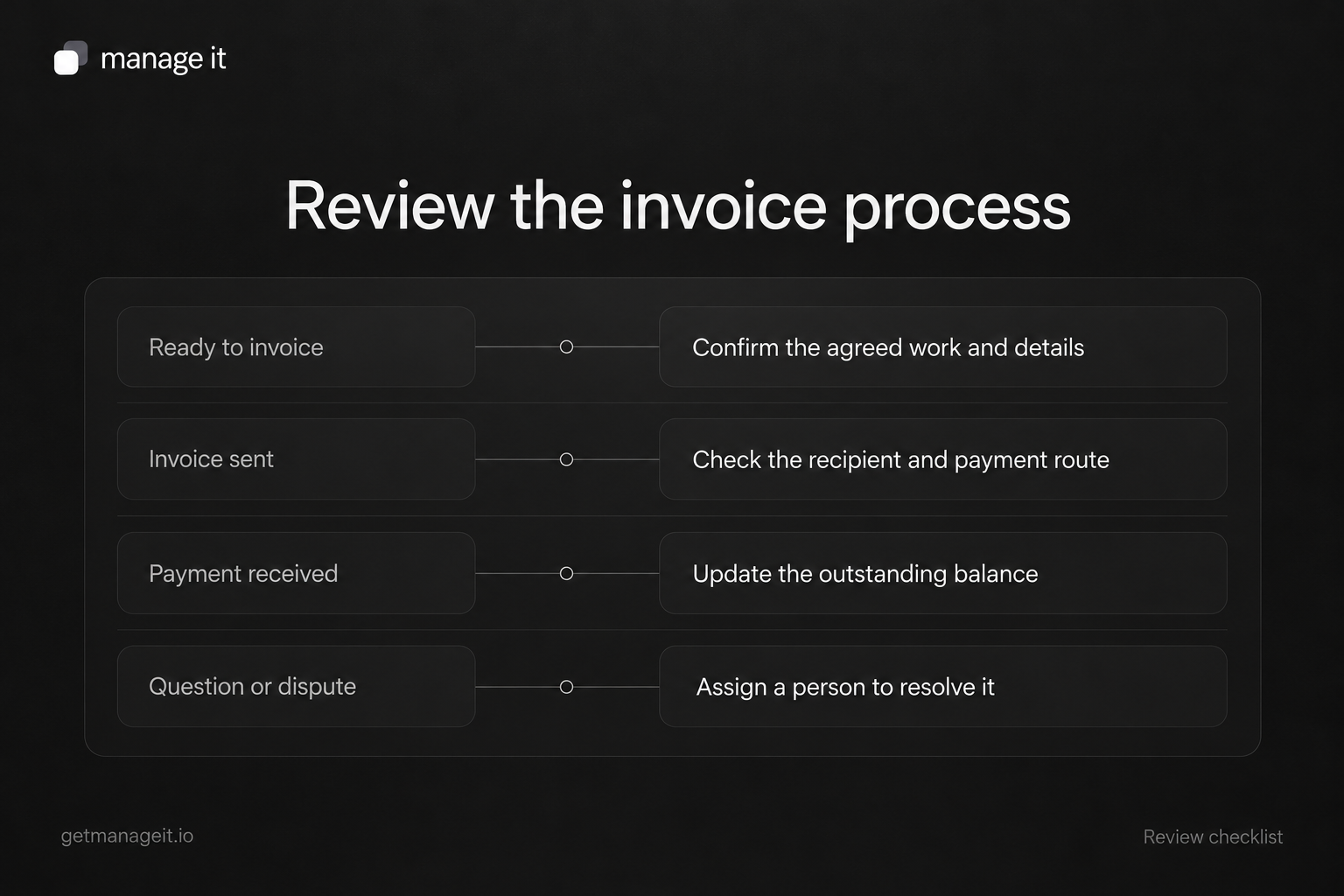
Build the reminder process around the current record. Before a reminder, check the remaining balance, due date, any payment in progress, and recent conversation.
Stripe's invoice email documentation distinguishes invoice messages, reminders, and payment receipts. Keep those purposes distinct in the client's process too. A request for payment should not look like a confirmation that payment succeeded.
ManageIt provides reminder controls on payment schedules, including before-due, due-date, and overdue messages. Choose timing with the business, then test a paid invoice, a partly paid invoice, and a customer who has raised a question. A scheduled message needs a clear route for staff to intervene.
If the customer disputes the work or amount, assign a person to resolve it. Repeating the same payment request doesn't answer the question.
Work through one fictional example
Suppose a garden-maintenance business sends an invoice with a total of $480. The customer has already paid $180 by bank transfer, leaving $300 outstanding. These figures are illustrative and aren't pricing recommendations.
The business's next step is to match and record the $180 payment, verify the remaining balance, and send a message referring to the $300 still due. Sending another request for $480 would make the customer do the reconciliation work.
Now change the situation: the customer says one listed service wasn't performed. The next action belongs to the person who can review the job record. A reminder schedule should not be used as a substitute for that review.
Give the client a short billing checklist
Copy this into the business's working procedure and assign an owner to each step:
Ready: The agreed event for invoicing has happened and the service record is available.
Accurate: The recipient, reference, line items, amount, and payment terms have been checked.
Delivered: The invoice went to the intended billing contact through the agreed route.
Payable: The payment link or instructions work and show the correct request.
Reconciled: Online and manual payments are reflected in the current balance.
Handled: Questions and exceptions have an owner and a next action.
Review a comparable set of invoices after the changes. Track preparation delays, corrections, payment-link problems, and time from sending to payment. Treat any improvement as an observation to investigate; workload and customer mix can change too.
Your agency can package this as a review, setup, test, and handoff around ManageIt's invoicing tools. The useful outcome is a billing process the client can follow and customers can understand.