Website CRM integration: what should happen after a form is submitted
Connect a client's website inquiries to usable customer records, a responsible person, and a next action. Includes a field-mapping and test worksheet.
Quick answer
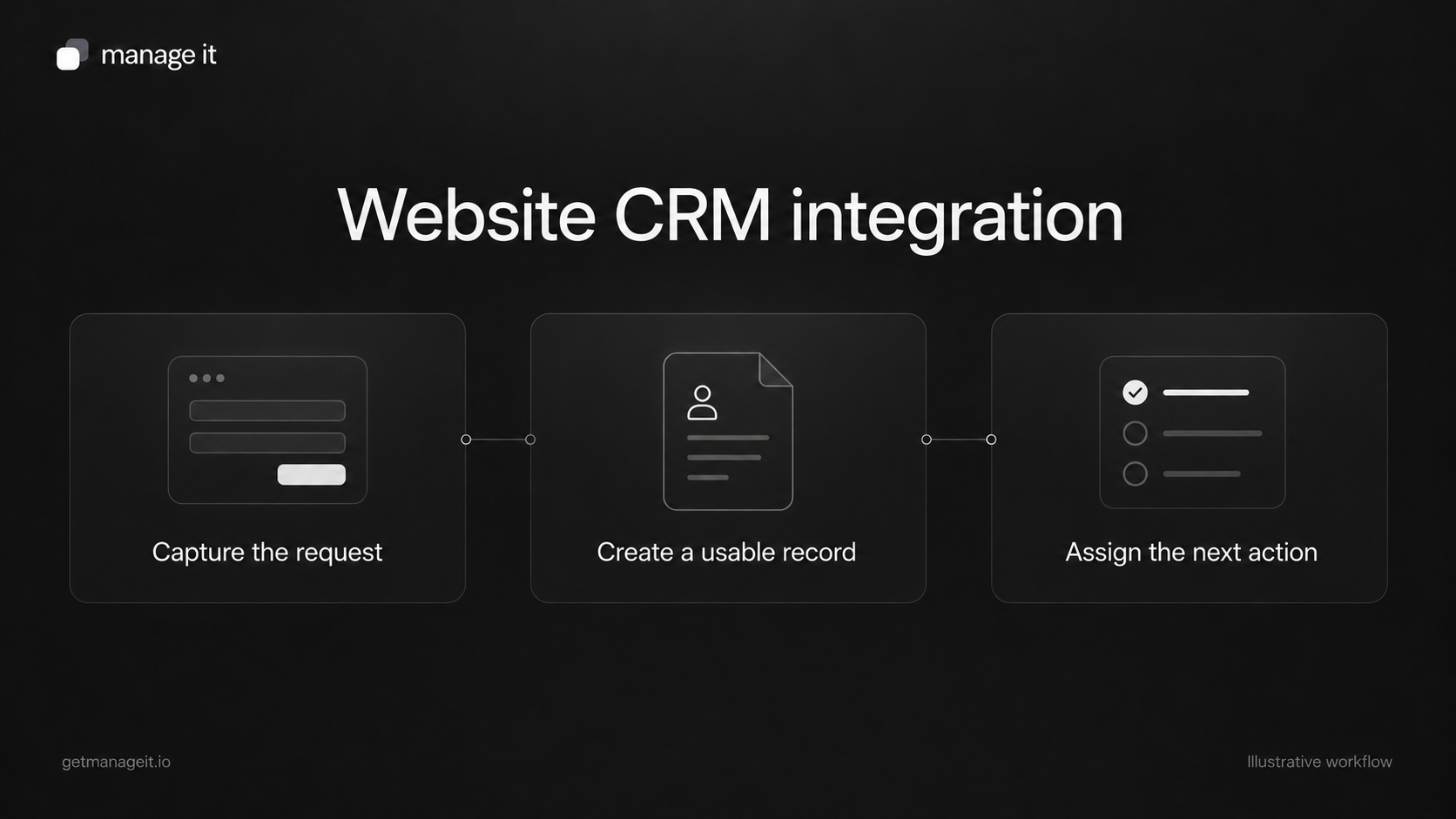
A useful website CRM integration turns a submission into a record the right staff member can find and act on.
Map the fields, decide how returning customers are handled, and test the notification and ownership separately.
Plan what happens when delivery fails before treating the connection as finished.
A contact form can work perfectly from the visitor's point of view while leaving the business with a problem. The customer sees a thank-you message. An email reaches a shared inbox. Nobody knows who should reply, and the details never reach the record staff use.
If your agency builds the website, that handoff belongs in the conversation with your client. A form submission is useful when it becomes something the business can handle. The integration should carry the request into the client's customer relationship management system, or CRM, with enough context for the next person to act.
Start with one form and one service. Make that connection understandable before adding more channels or automations.
Define the record the business needs
Ask the client to show you how staff handle a new inquiry today. Where do they look for contact details? Where do they record the requested service? Can they distinguish a new request from an existing customer's earlier work?
A person and an inquiry are different things. One customer may ask about two services over time. Depending on the chosen system, those requests might be separate activities, opportunities, jobs, or related records. Decide which structure fits the work before mapping every form field into a single contact note.
For an illustrative mobile detailing business, the intended result might be:
One customer record containing the name and a usable reply address.
A separate request describing the vehicle, requested service, and service area.
A named coordinator responsible for checking suitability and answering.
A next action that remains visible until someone completes or changes it.
This is a proposed structure to test, not a claim that every CRM uses those record types.
Map each field to a decision
Write the mapping in plain language before configuring the connection. A field should have a destination and a reason to exist.
Use this worksheet for each form:
Website field: What does the visitor see?
Destination: Which record and field should receive the answer?
Format: Is it text, a date, a choice, or another supported value?
Required information: What must be present before staff can respond?
Existing customer behavior: Should the submission add a new request, update a record, or wait for review?
Owner: Who checks the resulting record?
Test evidence: Which controlled submission proves that the mapping works?
In the detailing example, a service-area field may help determine whether the business can accept the job. A preferred date expresses a request; it should not silently become a confirmed appointment. Keep the field label, stored value, and customer's expectation aligned.
Avoid collecting information simply because the CRM has space for it. Passwords and payment-card details do not belong in an ordinary service inquiry form.
Treat confirmation, notification, and assignment separately
The message shown to the customer, the notification sent to staff, and the owner assigned to a record are separate parts of the handoff.
For example, HubSpot's form documentation distinguishes confirmation behavior from internal notifications. It also explains that notifications to a contact's owner depend on an owner being assigned. These details illustrate why a successful-looking form is not enough evidence.
For your client's setup, establish:
What the customer sees after submitting.
Where the request is stored.
Which person or team is notified.
Who owns the next action.
How someone covering an absence finds the request.
An automatic receipt can acknowledge the inquiry. It should not imply that a person has reviewed the request or that a booking is confirmed unless that is actually true.
Configure the handoff in ManageIt
ManageIt's form settings separate the thank-you message or redirect, email notifications, and record-creation rules. A form can create a contact and a custom record, map the submitted fields into each, and link records created by those rules through a relationship.
For the detailing example, you could configure a Contact and a Service Request record, with the vehicle and requested service stored on the request. This is a proposed configuration using documented components. Test how it handles a returning customer's email before relying on it; the detailed form guide does not specify every duplicate case.
Direct form notifications can go to administrators, the submitter, or custom addresses, with conditions and a reply-to setting. Submitter detection uses the first email field, so check which field is actually selected when the form asks for more than one address.
Define responsibility through a configured field, task, or staff procedure that the client uses. Creating records and sending notifications do not by themselves establish who has accepted the work.
Check duplicates and delivery failures
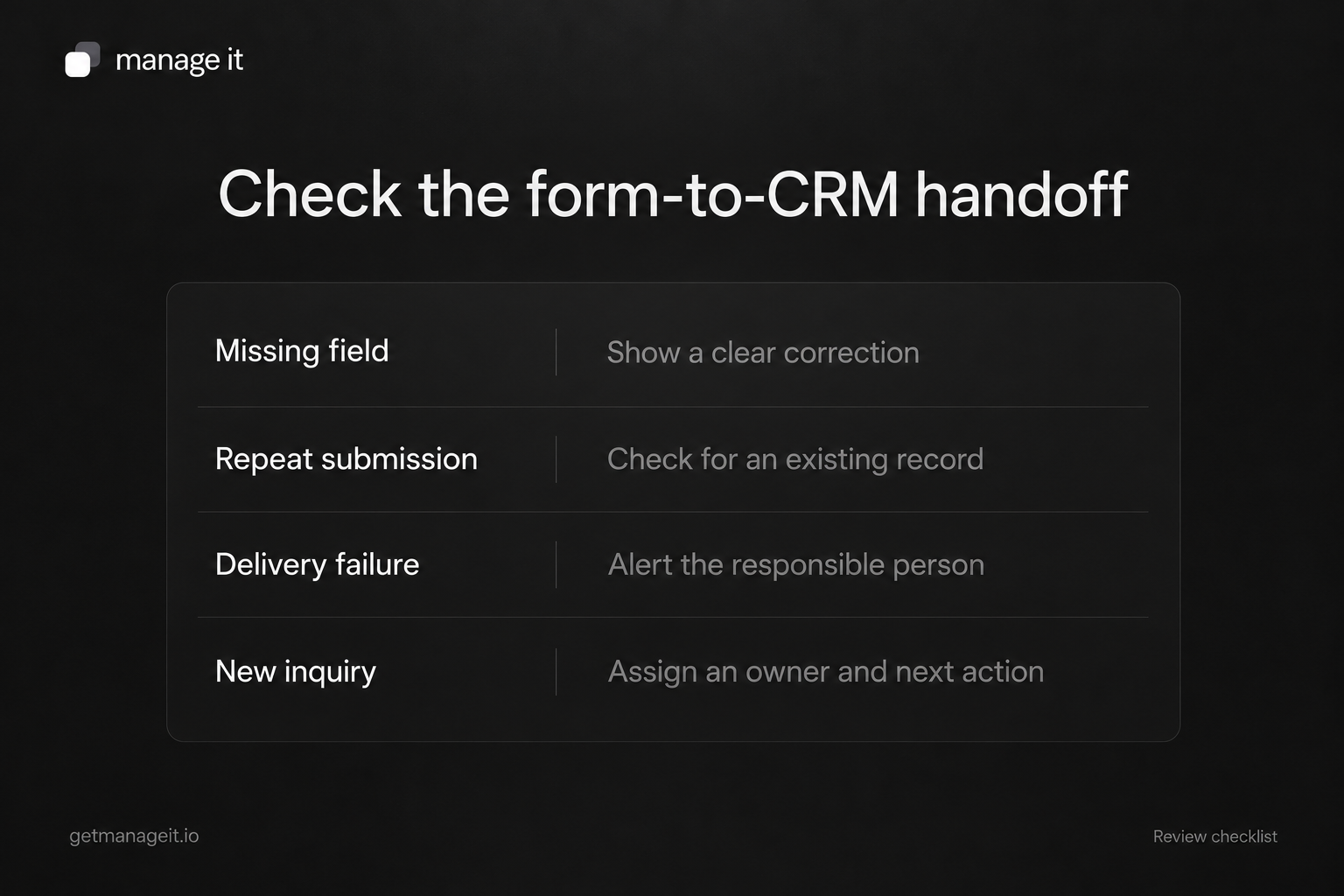
Ask what happens when a customer submits twice, changes an email address, or uses the same address as another person. Do not assume that a matching name identifies the same customer.
Test a returning customer with a new request. Confirm that useful history remains available and that the new inquiry is not mistaken for a duplicate to discard. Also check what happens when someone changes an existing record after submitting the form.
For failures, define a visible route to recovery. The answer might be an error notification, a reviewed failure queue, or a documented manual check supported by the chosen tools. Name the person who watches it and how they can tell whether retrying would create another record or send another message.
You do not need to promise that integrations never fail. You need to help the client notice a failure and recover without losing the customer's request.
Run a controlled acceptance test
Use clearly marked test details and recipients you control. Record the result at the website, in the CRM, and in the staff notification.
Test these cases:
New customer: Correct contact details and service request arrive in the intended place.
Returning customer: The new inquiry is visible without destroying useful history.
Missing required information: The visitor gets a usable correction instead of an unexplained failure.
Repeated submission: Staff can identify what happened and avoid duplicate follow-up.
Unavailable owner: The agreed backup can find and handle the request.
Failed delivery: The responsible person receives or can find the failure evidence.
Mobile submission: Labels, errors, and the final action are usable on the actual website.
A preview may not create a real submission. Test the published form using the provider's supported method, then remove or clearly retain the test records according to the client's process.
Hand over the connection and the responsibility
Leave a short record of the form URL, destination records, field mapping, notification recipients, owner, backup, and failure checks. Have a staff member find a test inquiry and explain the next action without your help.
Then connect this work to the client's lead-follow-up process. The integration handles capture and handoff; the follow-up process handles the conversation.
Use ManageIt's CRM and form tools to build the specific handoff you've agreed with the client. Your recommendation should explain how the business will use the information after the website has collected it.