Lead follow-up: how to build a process your clients can maintain
Help business clients handle inbound inquiries with clear ownership, useful replies, sensible follow-up, and stop conditions. Includes messages and a tracker.
Quick answer
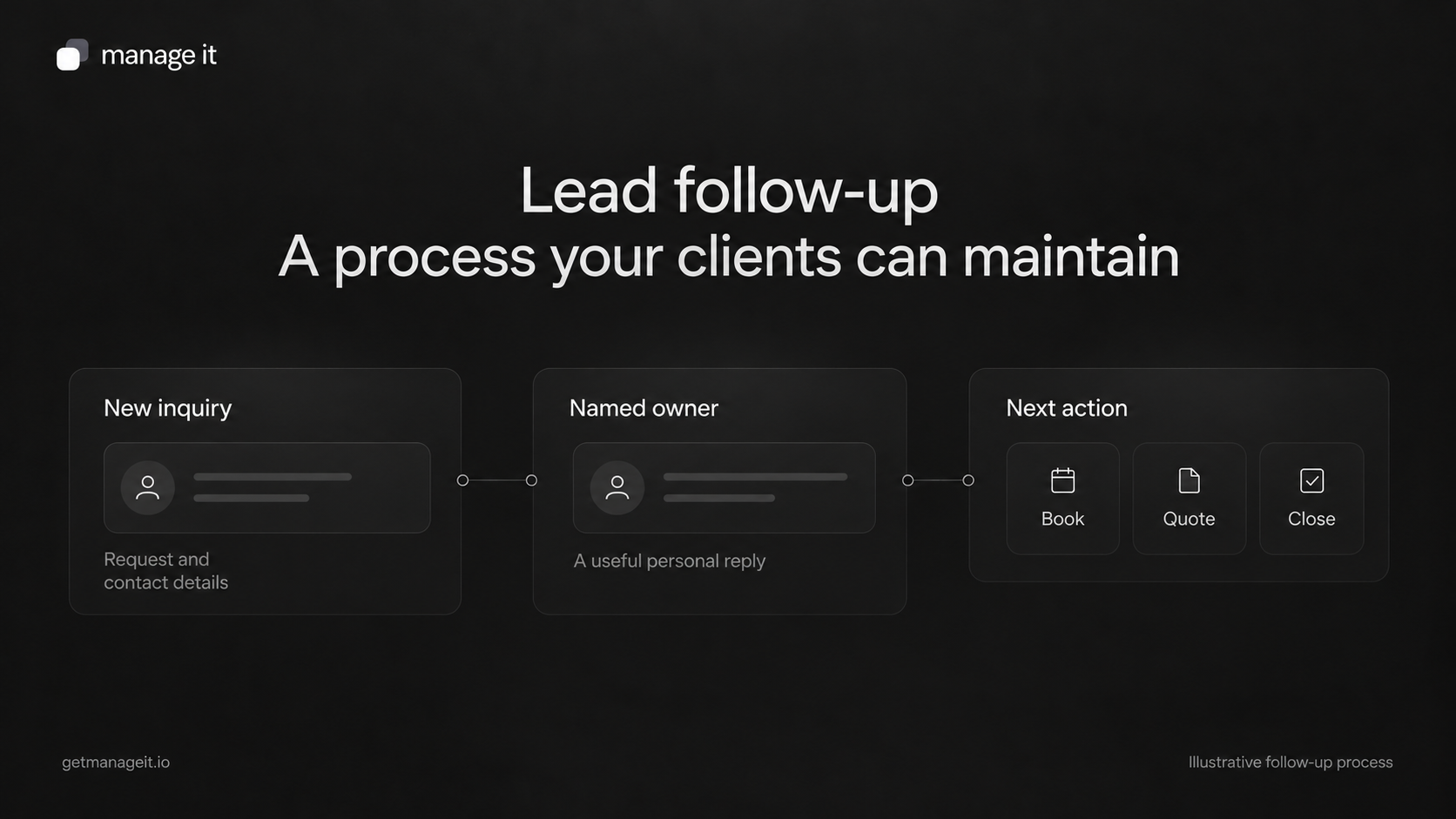
Give every inquiry a named owner and a recorded next action.
Reply to the customer's actual request, using timing the business can maintain during its stated working hours.
Check the conversation before sending again, and stop scheduled follow-up when the customer replies, books, declines, or asks you to stop.
When you review a client's website or marketing, ask what happened to the last few inquiries it generated. Can the business find each request, see who replied, and explain the next step?
If the answer depends on someone remembering an email, there is useful work for your agency to do. The client trusts you to help their business attract customers. You should also raise the question of how the team handles those customers when they arrive.
Lead follow-up is the direct work of responding to someone who has shown interest and helping them take an appropriate next step. This guide focuses on people who contacted the business, such as someone asking about an appointment or requesting a quote. It does not describe cold outreach or a general marketing-email program.
Your agency's job is to help the client establish the process and the tools around it. Name who will actually answer inquiries and which support your agency provides. A software setup does not make that responsibility disappear.
Find where inquiries arrive and where they are recorded
List the places people contact the business: the website, email, phone, and any other channels the team actively uses. Ask a staff member to show how a request from each source becomes something they can act on.
Choose a working record the responsible people can access. It might be a customer relationship management system, or a simple shared tracker while the process is being established. Avoid a setup where the website creates a record but the conversation continues somewhere nobody else can see.
For each inquiry, keep enough information to answer these questions:
Who contacted the business, and what did they ask for?
When and where did the inquiry arrive?
Who owns the reply, and who covers an absence?
What was the last meaningful action?
What happens next, and when should someone review it?
Is there a reason to stop contacting this person?
Use the inbound lead-follow-up tracker as a starting structure. The example row is clearly labeled and should be removed when the team starts using the file. Keep access limited to the people who need the customer information.
If the website and the working record are connected, test an actual controlled submission. A form preview or successful-looking screen does not prove that the right record, notification, and responsibility were created.
Assign a person, including when the usual person is away
Decide who handles each type of inquiry and who steps in when they are unavailable. A shared inbox can still leave a request unattended if everyone assumes someone else will answer.
Choose response expectations with the client. Consider the service, how urgent the customer's request is, the team's working hours, and what staff can consistently maintain. Put an accurate expectation on the form or acknowledgement where it helps the customer.
An automatic receipt can tell someone that the business received their request. Track the first substantive reply separately: the message that answers their question or asks for the information needed to answer it.
Capture, acknowledgement, and internal assignment need separate checks. For example, HubSpot's form documentation describes different confirmation and notification settings, including owner-dependent notifications. The practical lesson is to test the whole handoff, particularly when a new inquiry does not already have an owner.
Check the after-hours case as well. The customer needs an honest expectation, and the next person starting work needs a visible queue. Do not promise a response time the business cannot deliver.
Send a useful first reply
Read the actual inquiry before answering. Address what the person asked, request only the missing information needed to move forward, and give them one clear next step.
Suppose an illustrative portrait studio receives a request about a family session but does not know the group size or preferred setting. A reply could be:
Hi [First name],
Thanks for asking about a family portrait session. How many people would be in the photos, and are you looking for a studio or outdoor session?
Once I have those details, I can suggest the right session and send you the booking options.
[Staff name]
Replace the studio details with the client's real services. If the customer already supplied that information, use it rather than asking again. If you can answer the price or availability question directly, do so instead of forcing an unnecessary conversation.
Salesforce's small-business follow-up guide emphasizes a relevant message and a manageable next step. The useful principle is to help this particular person move forward. A universal response-time claim or fixed number of contacts would not tell you what this client's team can support.
For a suitable bookable service, provide the verified booking route. For a job that needs assessment, explain the information or conversation required for a quote. Avoid sending a calendar link when the customer needs an answer first.
Agree on what happens when there is no reply
Choose a modest follow-up plan with the business and adjust it to the conversation. The gap between messages should reflect the request and the customer's stated timing. Someone considering a future family session is in a different situation from someone asking about a specific appointment tomorrow.
Before a follow-up goes out, check whether the customer answered elsewhere, spoke to the business by phone, or already took the next step. Then send a message that makes replying easier.
For the portrait-studio example:
Hi [First name],
I'm following up on your portrait-session request. If you're still planning it, reply with the number of people and your preferred setting, and I can help you choose a session.
If your plans have changed, let me know and I'll close the request.
[Staff name]
This example fits a request still waiting for those details. A customer who has already received a quote needs a different message, such as an offer to answer a specific question about the proposed work.
Set a clear point at which an unanswered inquiry is closed. Depending on the conversation, the business may send a brief closing message:
Hi [First name],
I haven't heard back, so I'll close your portrait-session request for now. If you'd like to pick it up later, reply here and we can check the current options.
[Staff name]
These are original example messages, not a prescribed sequence or schedule. Use a closing note only when it is appropriate. Never send it after someone has declined or asked for no further contact.
Make the stop conditions explicit
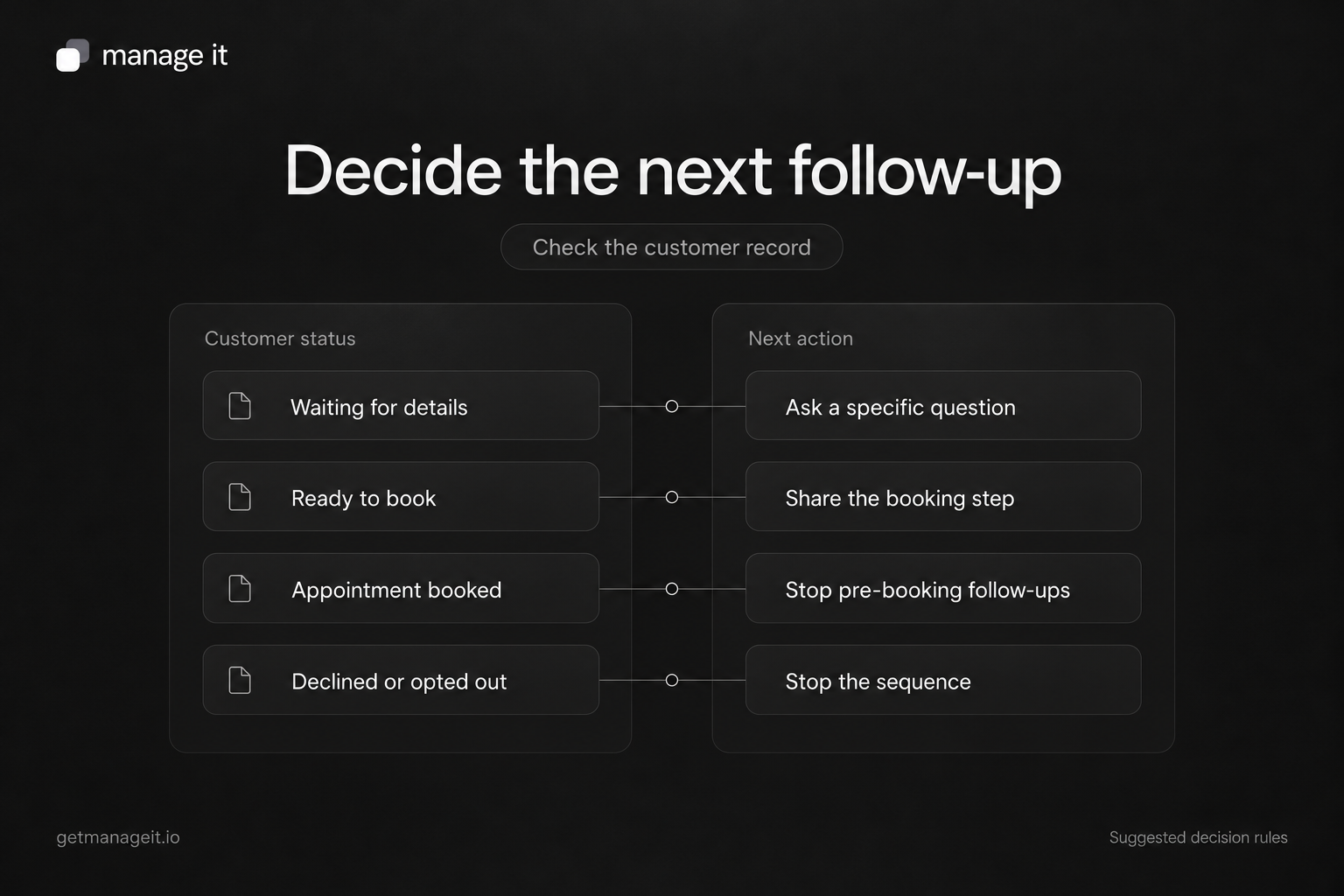
Before scheduling another message, decide which events should pause or stop that process and how the team will record them.
Information is missing. Appropriate next action to assess: Ask a specific question that is still unanswered.
Ready to book. Appropriate next action to assess: Share the appropriate booking step.
Replied with a question. Appropriate next action to assess: Pause the scheduled message and let the owner answer.
Appointment booked. Appropriate next action to assess: Stop messages asking the person to book; use the appointment communication process.
Requested a later conversation. Appropriate next action to assess: Record the agreed date and pause the current follow-up.
Declined or asked for no further contact. Appropriate next action to assess: Stop the sequence and record the decision.
Address is invalid or a message bounced. Appropriate next action to assess: Investigate the contact record rather than repeatedly sending.
Inquiry is closed. Appropriate next action to assess: Remove it from the active follow-up queue.
Some events may be detected by software; others may require a staff update. Check the provider's exact behavior. A booking arranged by phone will not necessarily stop a sequence that only watches for bookings through a particular link.
That distinction appears in HubSpot's sequence documentation, which explains how reply, meeting, and manual removal conditions work in its product. Use the example as a reason to test your chosen setup, rather than assuming every system detects the same events.
Automate the routine work you can verify
Capture, staff notifications, review reminders, and clearly defined messages can be candidates for automation. Begin with the parts of the process whose rules are understood. Keep a person responsible for ambiguous requests, complaints, changes in the customer's circumstances, and failed actions.
Run controlled checks before enabling the process for ordinary inquiries. Submit a new request, reply in the original thread, reply by a different route, arrange a booking manually, and ask to stop. Check the record and every future scheduled message after each scenario.
Also check what happens if someone submits the form twice or is added to the process again. The owner should be able to see the history, prevent duplicate contact, and pause the process when needed.
Use the client-systems review to decide what to configure or connect. When evaluating ManageIt, map the intended process to the relevant platform capabilities, then demonstrate capture, staff responsibility, next actions, and stopping behavior in the actual setup. Do not let a list of automation features stand in for that demonstration.
Review unfinished inquiries with the client
Agree on a review rhythm the business can maintain. Look for inquiries without an owner, overdue next actions, customers waiting for a substantive reply, and messages sent after a booking or closure. Check a few completed conversations as well as the unresolved ones.
Measure the thing you are trying to improve. A receipt email and a useful personal response are different events, so record them separately. If you track response time, define whether you mean elapsed time or time within staffed business hours, and use the same definition throughout.
Use the review to adjust responsibilities, messages, and the tools around them. The client should be able to find an inquiry, understand its status, and carry out the next step without relying on memory. Building that capability is a concrete way for your agency to support the business behind the website.
Copyable inbound lead-follow-up tracker
Copy the CSV below into a plain-text file named inbound-lead-follow-up-tracker.csv, then open or import it in your spreadsheet tool. Remove the fictional row marked is_example=TRUE before entering real inquiries. Choose a working timezone and use one timestamp format. Set is_example=FALSE for real rows if you keep that column. This is a manual template: it does not calculate response times, send messages, or stop sequences. Keep customer information in approved storage with appropriate staff access.
is_example,inquiry_id,customer_or_reference,source,received_at,owner,backup_owner,status,first_substantive_reply_at,next_action,next_action_due,stop_reason,closed_at,notes
TRUE,EXAMPLE-001,Illustrative portrait-session inquiry,Website form,[timestamp and timezone],Studio coordinator,Studio owner,Awaiting details,[timestamp and timezone],Wait for group size and preferred setting; review before any further message,[agreed review date],,,Fictional example only. Remove this row before operational use. No automatic messaging or timing calculation.