New client welcome emails for local service businesses
Quick answer
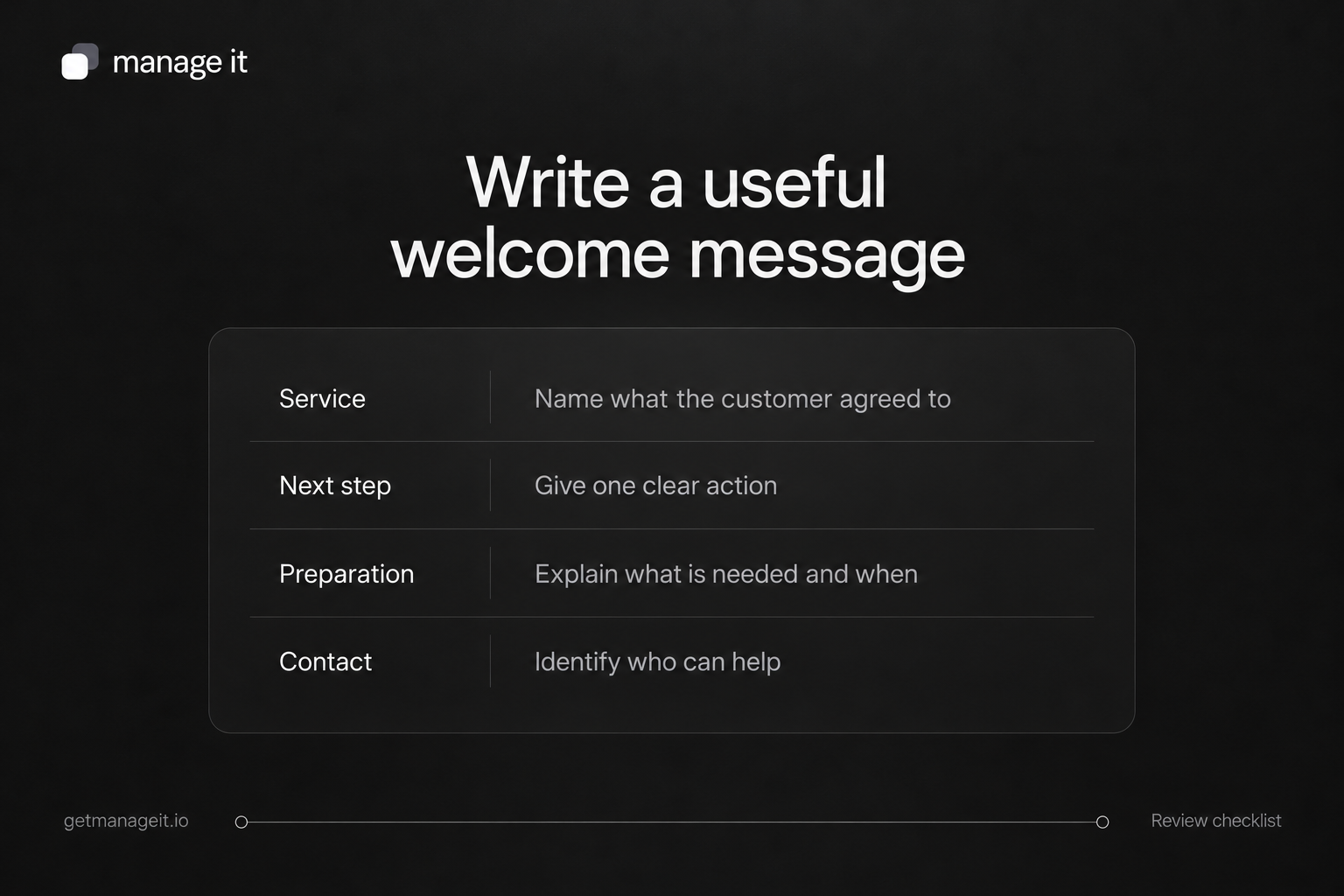
Welcome the customer to the service they agreed to and explain the next useful action.
Name the person or team handling questions, with a monitored reply route.
Check the current booking, document, and payment status so the message doesn't confirm something that hasn't happened.
Write a useful welcome email from a service business to its new customer, with a clear next step, preparation details, and a named contact.
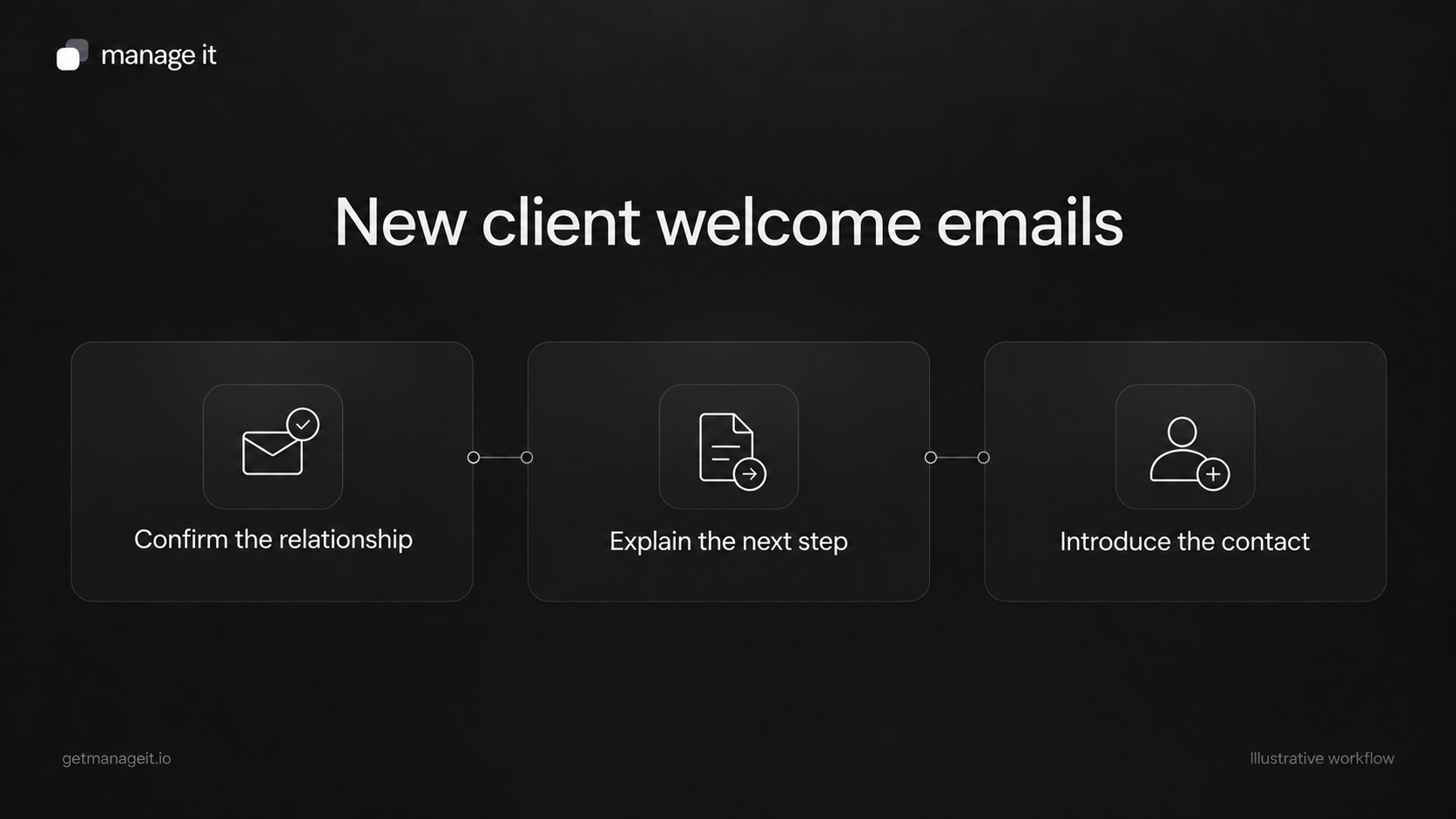
Once a customer agrees to a service, the next email should help them get started. They may need to provide a detail, prepare for a visit, review a document, or simply know who to contact.
Your agency can help the business make that first handoff consistent. This article covers a service business welcoming its customer, rather than a newsletter signup or the agency's own project kickoff.
Use the original templates below with the client's actual process. Bracketed text is a writing placeholder, not a built-in software variable.
Welcome when one preparation step remains
Subject: Getting ready for your [service] with [business]
Hi [first name],
Thanks for choosing [business] for [agreed service]. [Contact name or team] will help you with the next steps.
To get ready, please [one clear action] using [verified route] by [relevant agreed date, if applicable]. We need this so [brief practical reason].
Once that's complete, we'll [actual next step].
If you have a question, reply here or contact [monitored route].
Thanks,
[staff name]
[business name]
Choose the action the customer needs now. If the business requires several pieces of information, link to a suitable intake form with a clear explanation. Don't repeat questions that have already been answered.
Welcome when the first service is ready
Subject: Welcome to [business]: your first [service]
Hi [first name],
We're pleased to be helping with [agreed service]. Your contact is [name or team], and you can reach us at [monitored route].
Your first [visit or appointment] is confirmed for [date and time or agreed arrival window] at [location].
Before we arrive, please [relevant preparation, if needed]. You can find [relevant agreed document or details] at [verified link].
If your plans change, use [verified change route] or contact us.
Thanks,
[business name]
Use the confirmation sentence only when the booking is confirmed. If it is pending, replace it with an accurate description of the review and next update. The appointment confirmation templates cover those states separately.
A completed fictional example
The following example uses an invented cleaning business and customer:
Subject: Getting ready for your cleaning service with Cedar Home Care
Hi Riley,
Thanks for choosing Cedar Home Care for your regular cleaning service. Jamie will be your contact for arrangements and questions.
Please review the service details we've sent and let Jamie know if the address or agreed rooms need correcting. We'll confirm the first visit once the remaining arrangements are complete.
You can reply to this email to reach Jamie. Please use the separate agreed process for any sensitive access instructions.
Thanks,
The Cedar Home Care team
This example avoids claiming a date is confirmed while arrangements are still open. In a real message, supply the actual document route and contact details the business has tested.
Keep the welcome focused
Asana's onboarding guidance places welcome material within a wider process of ownership and preparation. The email doesn't need to contain the whole checklist.
Use it to answer: what happens next, what does the customer need to do, and who can help? Save unrelated offers, a full software tour, and repeated policy text for places where they are useful.
If the customer has nothing to do yet, say what the business will do next. Don't create a task just to include a call to action.
Decide what starts the message
A new contact record is not necessarily a new customer. It could come from an inquiry, an import, or a repeat submission. Choose the event that actually means the business is ready to welcome this person to the agreed service.
For a booking-led service, ManageIt's booking automation guide documents Booking Confirmed and related actions. For an agreement-led service, its trigger catalog distinguishes one completed signature from all required signatures being done. Use the event that matches the client's process, then test the selected conditions and message.
For a simple form acknowledgment, direct form notification rules are a separate option. An acknowledgment should confirm receipt of information, not imply that the person has been accepted as a customer or that an appointment is booked.
Avoid assuming a generic contact-created welcome sequence is available in every context. The public roadmap still identifies email actions from contact, record, and form triggers as work in progress. A manual welcome or a verified document/booking flow can be the appropriate starting point.
Check the recipient and reply route
Before sending, verify the customer's name, agreed service, next action, and any date or link. Confirm that the person named in the email can actually see and handle replies.
If a customer portal is part of the service, explain the useful task it supports, such as finding documents or invoices. Send the actual invitation through the supported process; don't replace it with an untested link pasted into the welcome template.
Test one new customer, one existing customer buying another service, and one case where the required approval is incomplete. Check that each receives the appropriate message without a duplicate or premature welcome.
Use the onboarding checklist for the full internal handoff. The welcome email should leave the customer with a clear next step and a real person ready to help.