Client portal features: what a local service business actually needs
Quick answer
Choose portal features around tasks the business's customers actually need to complete.
Define which records each customer may see and which actions they may take.
Test invitations, two customers' access, completed actions, and access removal before the client relies on the portal.
Choose a customer portal around real tasks, document access, payments, invitations, and support. Includes a requirements worksheet and acceptance checks.
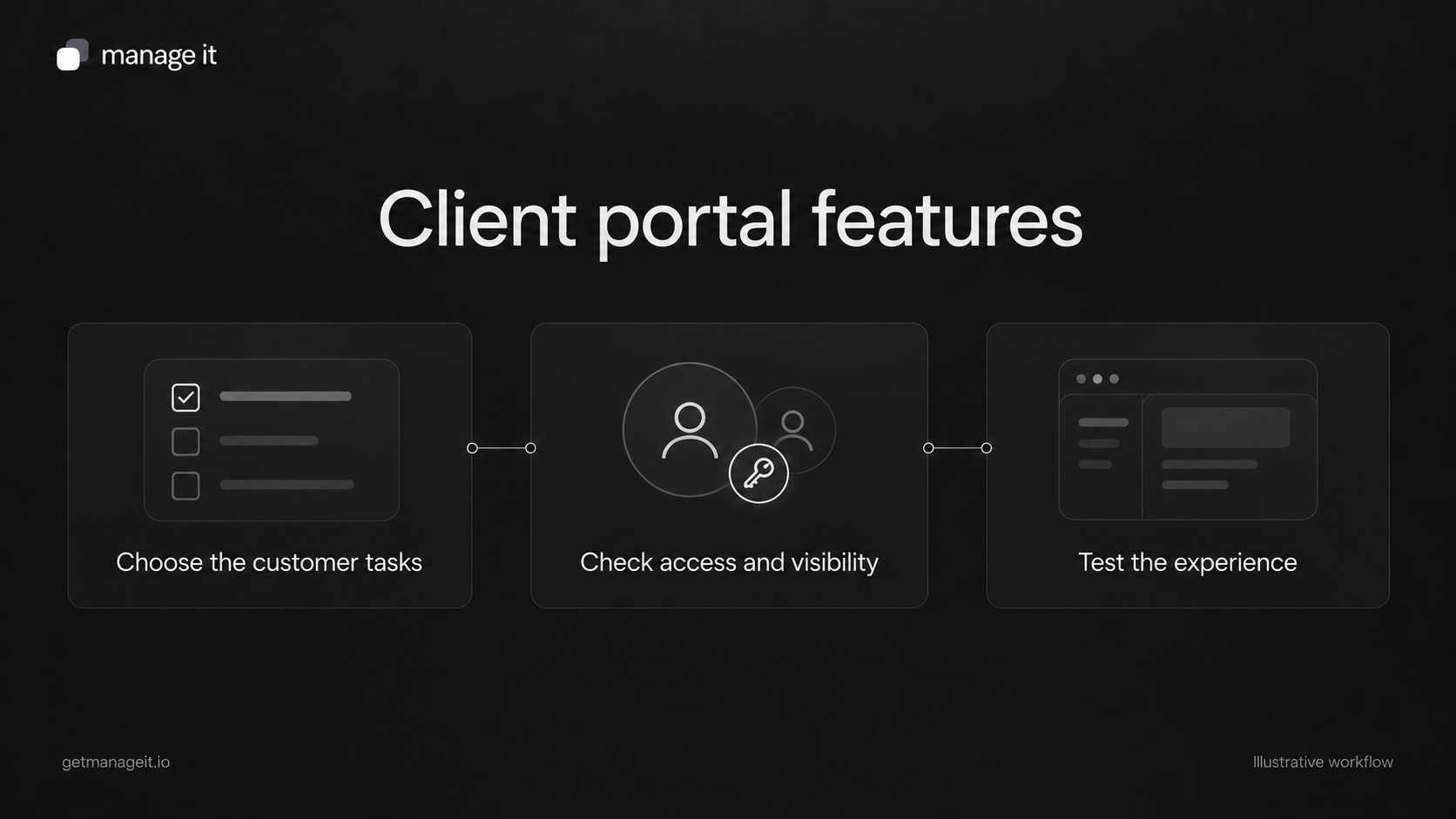
“We need a client portal” can mean several things: somewhere to find invoices, sign documents, view a job's progress, upload files, or book another appointment. Those needs don't all imply the same product or setup.
Start by asking your business client which recurring customer task is difficult today. A portal is useful when it gives that task a clear home and the business can support it.
Keep the account layers clear
The agency may provide a business client with a staff workspace. That workspace is where the business manages contacts, bookings, documents, and settings.
The business's customers need a different level of access. A customer portal should expose the records and actions intended for them, without turning them into staff users.
ManageIt's portal invitation guide describes this explicitly: a CRM contact can receive a separate portal membership. That distinction matters when deciding who to invite and what they should see.
Write requirements as customer tasks
Replace broad labels such as “document management” with a specific action. “A customer can find and download their completed agreement” is something you can test.
For each required task, record:
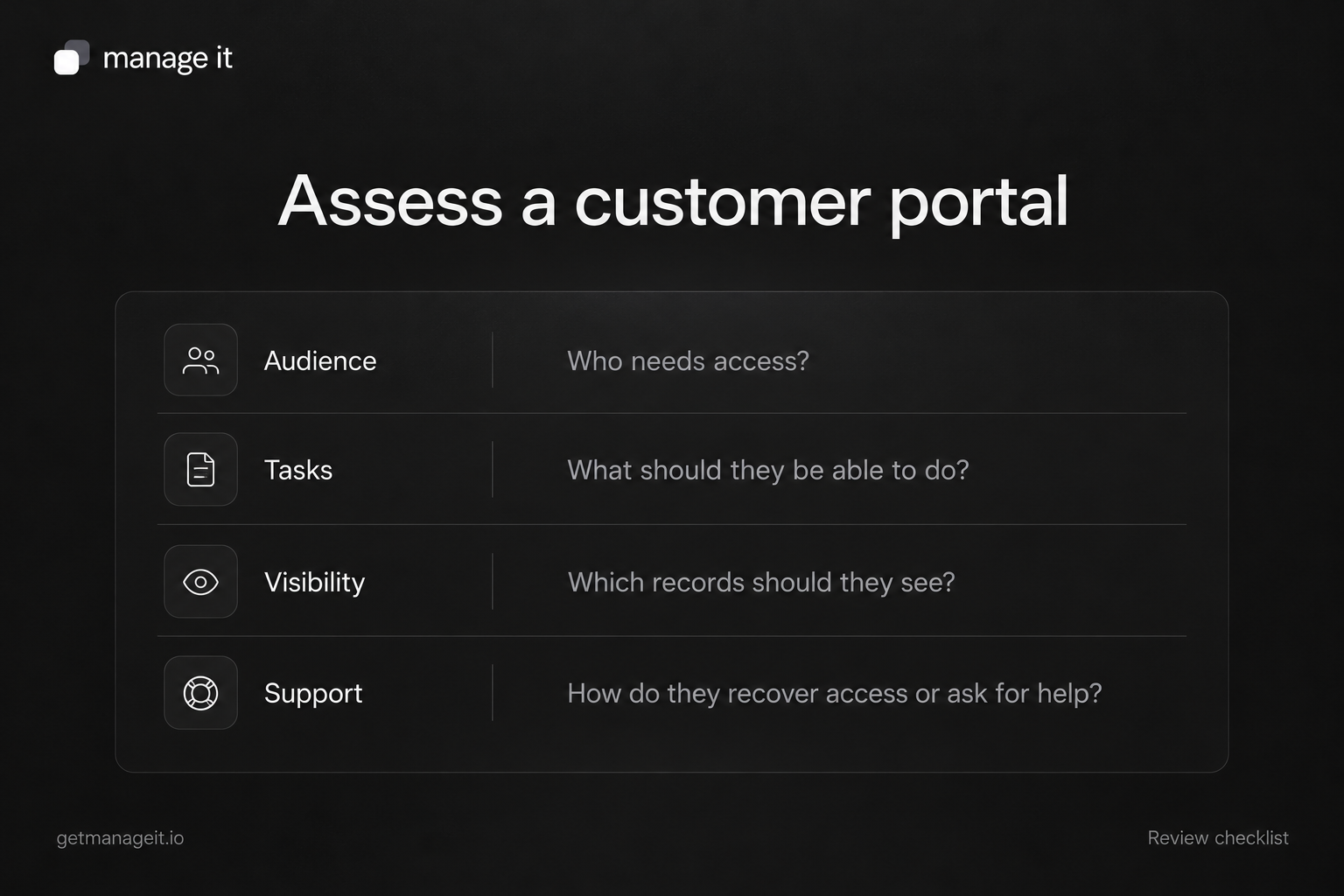
Customer: Who needs access?
Record: Which document or information should they see?
Action: What should they be able to do?
Restriction: What must remain outside their access?
Business owner: Who maintains the information or handles questions?
Acceptance test: What would demonstrate that the setup works?
For example: a customer should be able to open their outstanding invoice, understand the remaining amount, and use the intended payment route. They should not see another customer's invoice or an internal staff note.
If customers rarely need a persistent account, a suitable document link may meet the need with less setup. Compare the frequency of the task and the value of a shared history before requiring another login.
Understand the documented ManageIt portal
ManageIt's portal dashboard guide describes documents, signatures, payment history, and outstanding invoice payments.
Documents are shown when the contact is the recipient or is a signer whose email matches a signature field. Customers can view relevant documents, sign where required, and download completed PDFs. The payment view provides history and a route to pay outstanding invoices.
That scope can fit a business whose customers repeatedly need agreements and invoices in one place. Build the requirements around those tasks first.
If a client needs booking management, project dashboards, general file sharing, or support tickets, verify those separately. They are not established by the detailed portal guide. Don't treat a familiar portal layout as evidence that every possible customer task is supported.
Plan invitation and recovery
A portal needs a usable entry process. In ManageIt, the contact must have an email address and the portal feature must be available on the account's plan. Staff invite the contact from Portal Access and may require two-factor authentication.
The invitation documentation gives activation links a 48-hour lifetime. Resending an invitation creates a new link and invalidates the previous one. Explain the practical consequence in the client's support procedure: when an old invitation expires, staff should resend it and tell the customer to use the latest email.
Decide who handles a customer using the wrong email address, missing an invitation, or needing help with access. Include a monitored support route in the welcome material.
Test visibility with separate customers
Use two controlled customer accounts with different records. Test recipient access and signer access separately. Open the actual customer view instead of relying only on an administrator's preview.
Check that each customer can complete the intended task and cannot see the other's records. Review internal notes, document links, and any shared link behavior relevant to the setup.
Cognito Forms' portal guidance illustrates why a login or email-verification step is not the whole access model: guest access, visible entries, and permitted actions are separate choices. Verify those choices in the actual product you configure.
This is a proposed acceptance test. It is not a claim that the test has already been performed on a client's account.
Check the action after the customer completes it
A usable portal does more than display a button. For a signing task, verify the expected document status and completed-copy access. For payment, use the supported test environment to inspect the result without creating a real customer charge.
Then check the staff side. The business should be able to recognize the completed action and know whether another step is required. A signed document and a paid invoice are separate results.
Test revocation too. ManageIt documents removing the portal membership while retaining the user account. Confirm the intended access is removed and record how staff would re-invite the customer if necessary.
Package the setup around a real need
Your agency can deliver a short requirements sheet, configured branding and invitations, a tested document/payment experience, and a support procedure. Keep staff ownership clear after handoff.
Use the customer onboarding checklist to decide when an invitation is useful, and the document-signing guide for the agreement stage. A portal earns its place when it makes those recurring customer tasks easier to complete and maintain.