A simple SOP template for the daily work your clients need to hand over
Quick answer
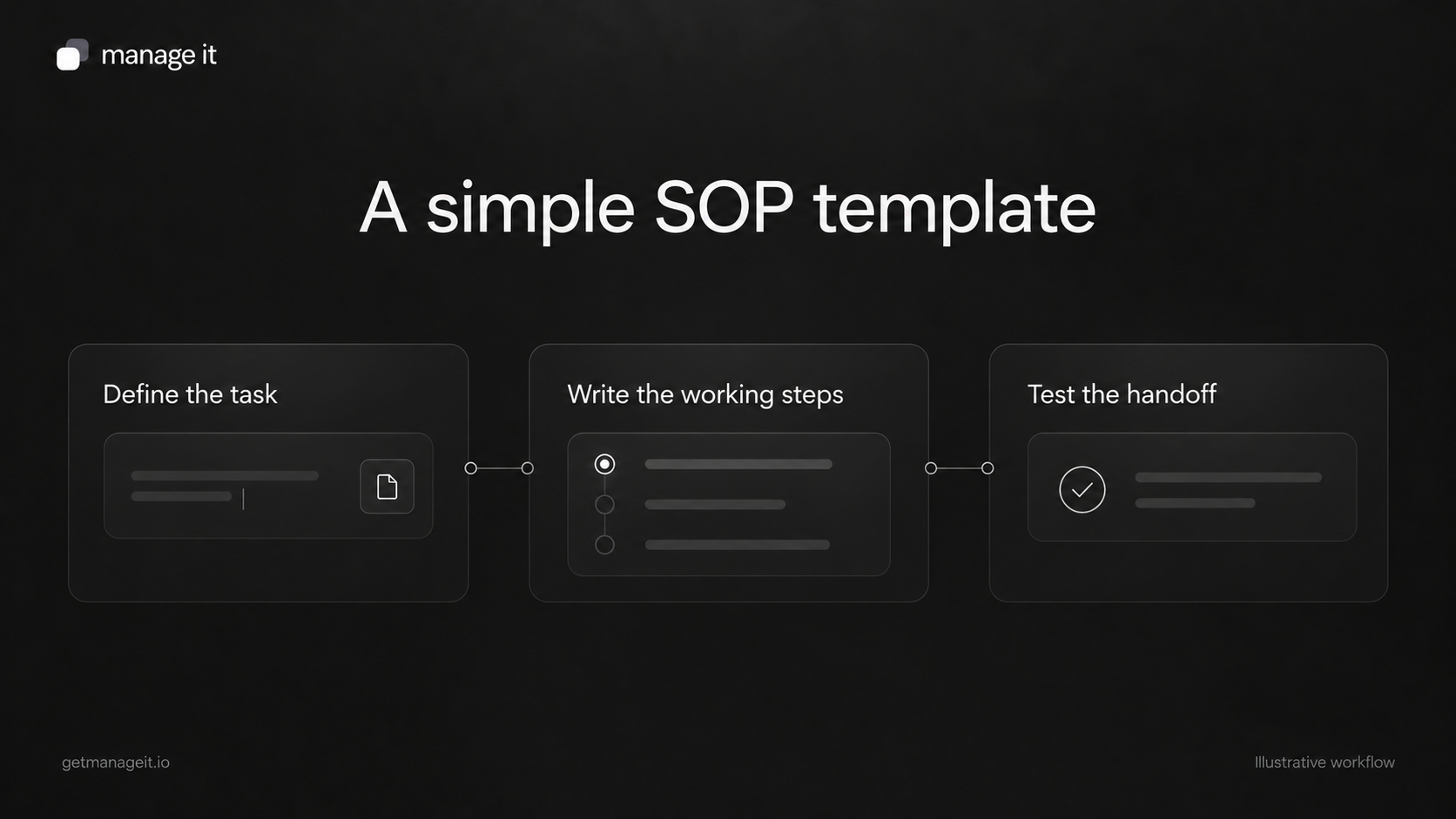
An SOP should tell a specific person when to start, what to do, and how to confirm the task is complete.
Include exceptions, a backup contact, and the records the person needs.
Test the procedure with someone who didn't write it before building automation around it.
Write a usable standard operating procedure with a trigger, owner, ordered steps, exceptions, and completion evidence. Includes a worked scheduling example.
When a business depends on one person's memory, a new tool can make the missing process more visible. Staff still need to know who checks tomorrow's appointments, what happens when a message fails, and when a customer is ready for the first visit.
A standard operating procedure, or SOP, is a written way to perform a repeatable task. Your agency can help the client document that task while setting up the software it uses. Start with one procedure that matters to daily work.
Copy this SOP template
Procedure name
[Use a specific task name, such as “Review tomorrow's service appointments.”]
Purpose and finish
Purpose: [What useful result this task supports.]
Complete when: [The observable result that means the task is finished.]
When to use it
Start: [The event or time that starts the procedure.]
Scope: [Which customers, jobs, or records it covers.]
Do not use for: [Any situation requiring a different process.]
Responsibility
Owner: [Role or named person.]
Backup: [Who takes over if the owner is unavailable.]
Escalation contact: [Who can decide an exception.]
What you need
[Links to the relevant record, view, approved template, or supporting information. Include required access and inputs.]
Steps
[One action, written in the order it is performed.]
[The next action, including where to record the result.]
[A decision and its clear next step.]
[The final check.]
Exceptions
If [specific problem]: [Action, responsible person, and where to record it.]
If [another problem]: [Action and route for help.]
Completion record
[Where the person records completion, unresolved items, and the next owner.]
Maintenance
Procedure owner: [Person responsible for updates.]
Last reviewed: [Date.]
Review when: [Relevant system, staffing, or process changes.]
Worked example: tomorrow's appointments
This is an illustrative procedure for a local service business. Replace the timing, roles, and views with the client's actual arrangement.
Purpose: Make sure the team has accurate details for the next day's confirmed appointments.
Complete when: Each relevant booking has been checked, preparation questions are resolved or assigned, and the delivery team knows where to find the current details.
Start: At the business's agreed end-of-day review time.
Owner: Scheduling administrator. Backup: Duty manager.
Inputs: Tomorrow's booking list, current job details, staff availability, recent customer messages, and the approved contact process.
Open tomorrow's booking list in the business's timezone. Check the date and filters.
Separate confirmed appointments from requests still awaiting approval. Assign pending decisions to the responsible person.
For each confirmed appointment, check the service, time, location, assigned staff, and required preparation.
Review changes communicated by phone or message and make sure the booking record reflects the agreed arrangement.
Check whether the expected reminder is configured. If there is a delivery failure, follow the approved alternative contact route and record the action.
Review unresolved preparation or scheduling issues with the duty manager. Record the owner and next action for each.
Confirm that the staff delivering the service can access the current details. Record that the review is complete.
Exception: If a customer requests a change that cannot be confirmed, record it as awaiting a decision. Do not send a message promising the new time until the responsible person approves it.
Exception: If a notification fails, check the contact details and use the business's approved alternative route. Avoid sending repeated messages without knowing which address or number is correct.
Write for the person doing the task
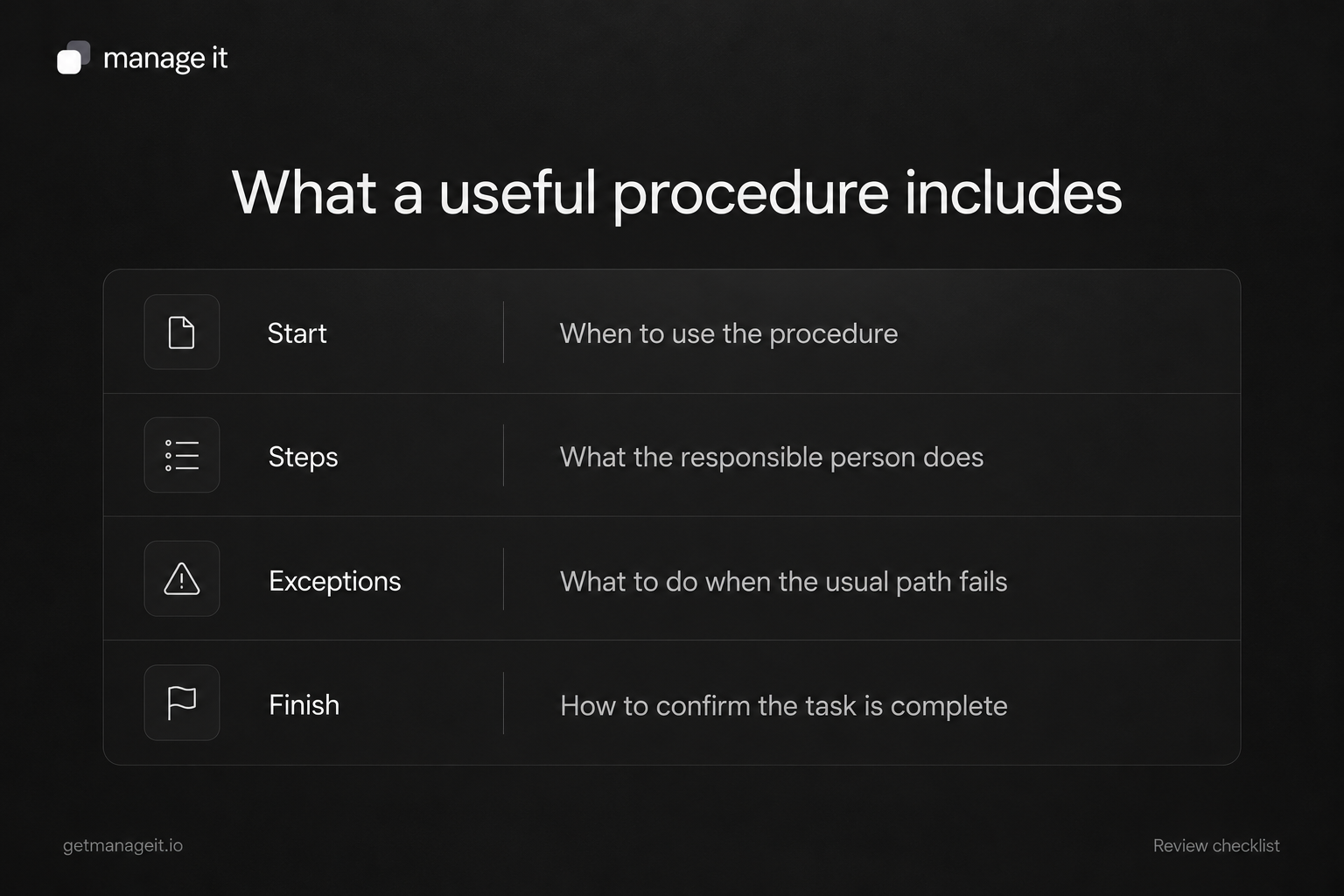
“Check the bookings” leaves too much to interpretation. “Open tomorrow's list, separate pending requests, and verify service, time, location, and staff” gives someone a task they can perform.
Asana's SOP guidance emphasizes a defined reader, ordered instructions, and review by the people doing the work. Keep the procedure as short as those needs allow. Extra policy paragraphs don't help if they obscure the action.
Use exact interface labels when they matter, and explain what the person should observe. A screenshot can support a step, but it should not carry the only explanation because interfaces change.
Connect the procedure to ManageIt
ManageIt's booking management provides booking lists, date and status filters, booking details, and admin notes. Those are concrete places to perform and record parts of the example above.
For automated steps, run history shows status, inputs, outputs, and errors. Reference the relevant run when investigating a failure rather than writing “automation didn't work” with no record of what happened.
ManageIt also describes dry-run simulation. Use it to inspect workflow decisions, then test real delivery separately in a controlled setup. A simulated email action does not prove that a customer's provider received the message.
Test the handoff before automating more
Give the draft procedure to a staff member who did not write it. Ask them to follow it using a controlled example. Note where they need clarification, where a link is missing, and where they cannot make the required decision.
Revise those points, then add one exception such as a canceled appointment or an unavailable owner. The procedure should still lead to a clear next action.
Use the small-business automation review to decide which stable steps are worth automating. Keep the procedure's owner and exception path visible after automation is enabled; the business still needs to know what happens when the normal path stops.