Payment confirmation emails: templates for full and partial payments
Quick answer
Confirm the amount actually received, the invoice it belongs to, and the remaining balance. Use “paid in full” only after checking that balance.
Keep pending payments, partial payments, and final settlement in separate messages so the customer understands the current status.
Send the confirmation to the correct recipient without including card details, bank credentials, or other payment secrets.
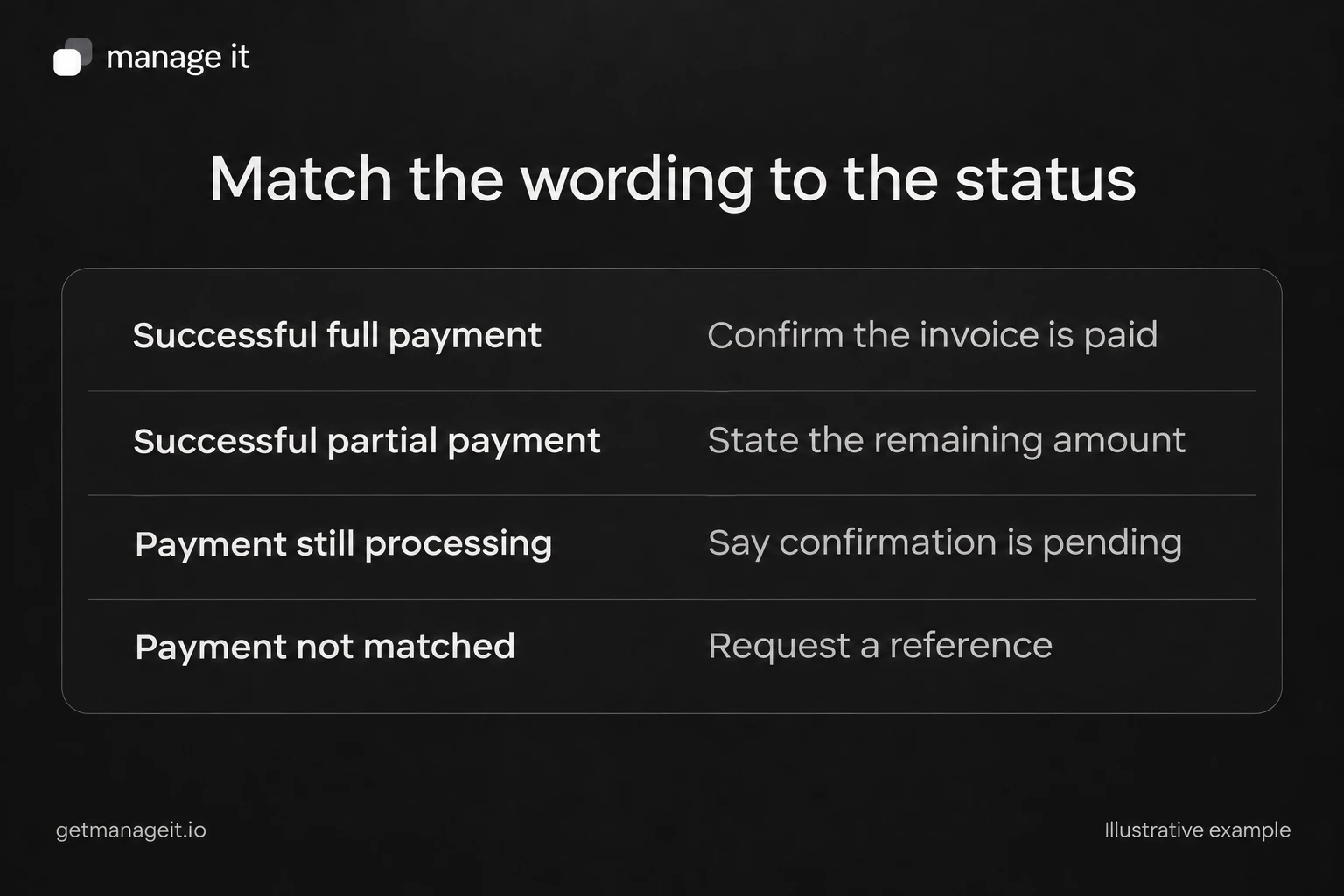
Use distinct messages for full, partial, and processing payments, with checks for the invoice reference, amount received, and remaining balance.
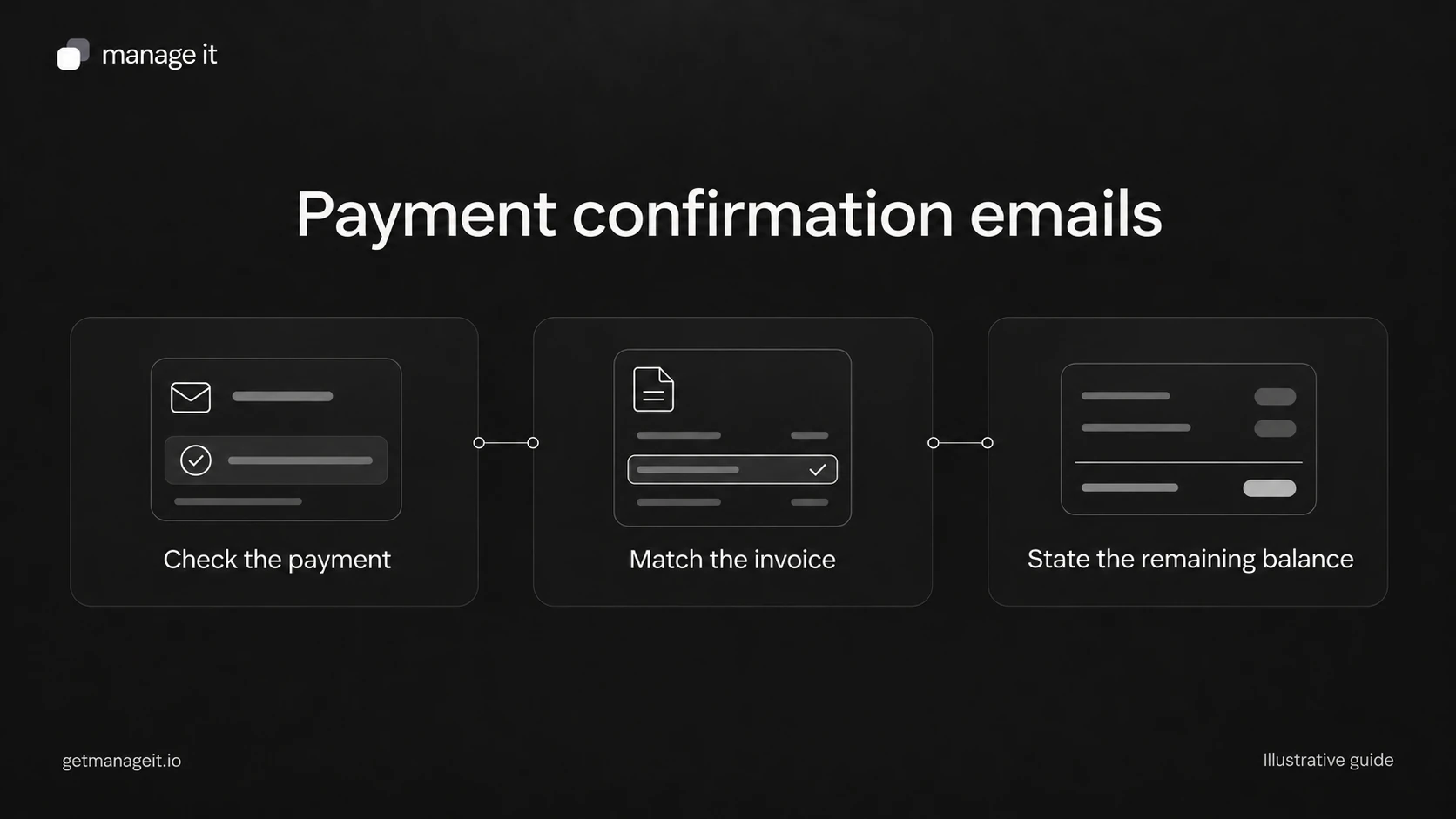
A payment confirmation should close a question for the customer: did the money arrive, and is anything else due? It shouldn't introduce uncertainty by showing the original invoice total as though that were the amount just paid.
Your agency can help a client prepare messages for the actual states staff see. The templates below are original examples for a service business writing to its customer. Bracketed text is a writing placeholder, not a built-in software variable.
When the invoice is fully paid
Use this after a successful payment has been recorded and the relevant invoice balance is zero.
Subject: Payment received for invoice [number]
Hi [first name],
Thank you. We've received [amount and currency] on [payment date] for invoice [number], covering [brief service description].
This invoice is now paid in full. You can find your receipt at [verified receipt link or attached receipt].
[Include an actual next service step only if one is confirmed.]
If you need us to check anything, reply here or contact [monitored route].
[Staff name] [Business name]
If the customer has other invoices, “this invoice is now paid in full” is more precise than “your account is paid in full.” Don't promise a start date or booking in the payment email unless the business has confirmed it.
When the customer has made a partial payment
Subject: [Amount] received toward invoice [number]
Hi [first name],
We've received your payment of [amount and currency] on [date] and applied it to invoice [number] for [service]. Thank you.
The remaining balance on this invoice is [amount and currency]. The next agreed payment is [amount], due [date or defined milestone].
Your receipt is available at [verified route]. If the payment or balance doesn't match your records, please contact [name or team] at [monitored route].
[Staff name] [Business name]
Check the “next agreed payment” sentence before using it. If the customer paid less than expected and a revised schedule hasn't been agreed, state the existing due amount and invite clarification instead of inventing new terms. Our partial-payment guide explains that distinction.
When payment is still processing
This is a status update, not a receipt.
Subject: Payment update for invoice [number]
Hi [first name],
Your payment of [amount and currency] for invoice [number] is currently showing as [accurate pending status]. We haven't recorded it as received yet.
[State the business's actual next check or the payment provider's verified instruction.]
If you have a question before then, contact [monitored route].
[Staff name] [Business name]
Don't add an estimated settlement time unless it is supported for that payment method and situation. Also avoid telling a customer to pay again while the original attempt may still complete. Resolve the status through the business's normal payment process.
Check the record before choosing the message
For every confirmation, verify the invoice number, customer, amount, currency, transaction date, and remaining balance. For a manually recorded payment, confirm that it corresponds to funds actually received and hasn't already been entered.
The receipt may contain a useful transaction reference, but the email doesn't need full card numbers, bank login details, or credentials. Use a verified link and an appropriate recipient. A shared billing address may be correct; it still needs to be the address the customer designated.
Stripe's customer email documentation treats receipts, unpaid reminders, and failed-payment messages as different events. That distinction is useful when designing the client's process, even when the business uses different software.
Check the delivery path in ManageIt
ManageIt's current release notes describe customer receipt emails after payments. An eligible successful recorded payment can trigger a receipt email. That event is separate from someone opening a receipt document, and queueing a message doesn't prove inbox delivery.
Before handoff, check the recipient, sender, receipt details, and an actual received sample in the client's configuration. Include partial and full payments in the review. If staff resend a receipt manually, make sure they can identify the original payment rather than creating another payment entry.
Download the customer communication kit for reusable versions of these messages and a send-check worksheet. Keep a person responsible for payment questions so a customer can resolve a mismatch without being sent through another automatic message sequence.
The editable worksheets and templates include Markdown and CSV files you can adapt with the client.