Invoice numbering: a simple system a client can maintain
Quick answer
Give each invoice a unique reference that staff can use consistently across payments, receipts, and customer questions.
Choose one documented sequence and preserve historical numbers when changing systems. Don't reuse an old invoice number to fill a gap.
Keep customer and project references in their own fields when the invoicing system doesn't support them in the invoice number.
Choose a supported invoice numbering convention, preserve historical references, and document the changeover when moving a client to new software.
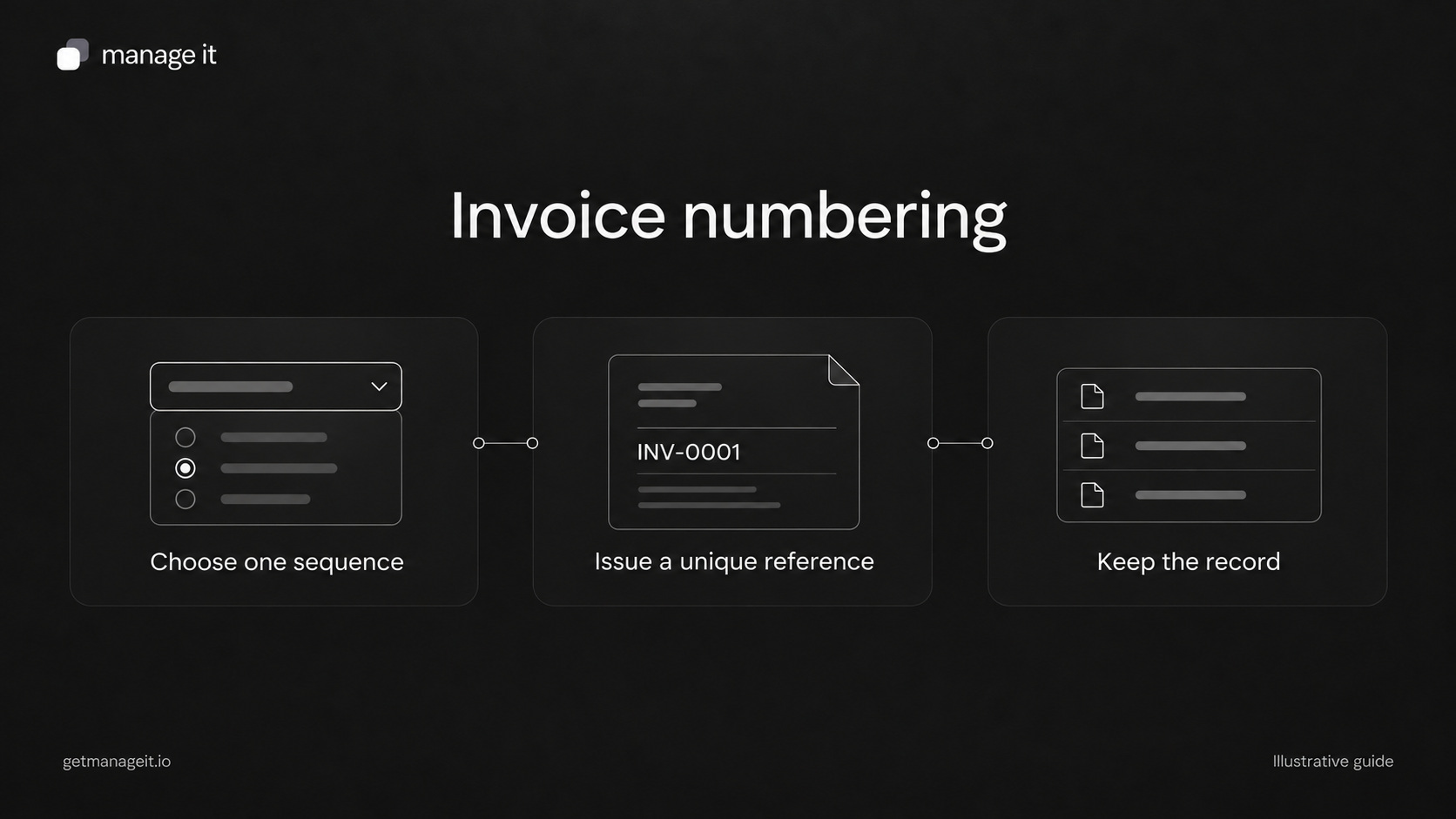
Invoice numbers aren't there just to make a document look official. They help a customer identify what they're paying and help the business match that payment to the right record.
When an agency moves a client from a spreadsheet to invoicing software, numbering deserves a specific decision. Without one, staff may continue the spreadsheet sequence, accept the software's default sequence, and create two invoices with the same visible reference.
Choose a convention the software supports
A simple illustrative sequence is INV-0001, INV-0002, and INV-0003. The prefix identifies the type of record; the number distinguishes one invoice from another.
Some businesses add a year or use a separate sequence for each customer. Those conventions can work in systems designed for them, but they add rules. A year-based sequence needs a documented reset process. Customer-based sequences need a way to prevent confusion when names or accounts change.
Stripe's invoice customization documentation provides examples of customer-level and account-level sequences. Those are Stripe's options, not universal features every invoicing product has. Confirm the client's software capability before designing the format.
Local invoice and tax requirements can differ. Have the client's bookkeeper or accountant confirm the required records and convention. A neat-looking prefix isn't a compliance assessment.
Keep these three references distinct
Invoice number: identifies the issued invoice. It should remain stable so the customer and business can refer to the same document later.
Project or customer reference: identifies the job, purchase order, site, or other business context. It can appear on several related documents without making them the same invoice.
Payment reference: identifies a transaction or the reference the customer supplies when paying. Several payments may relate to one invoice.
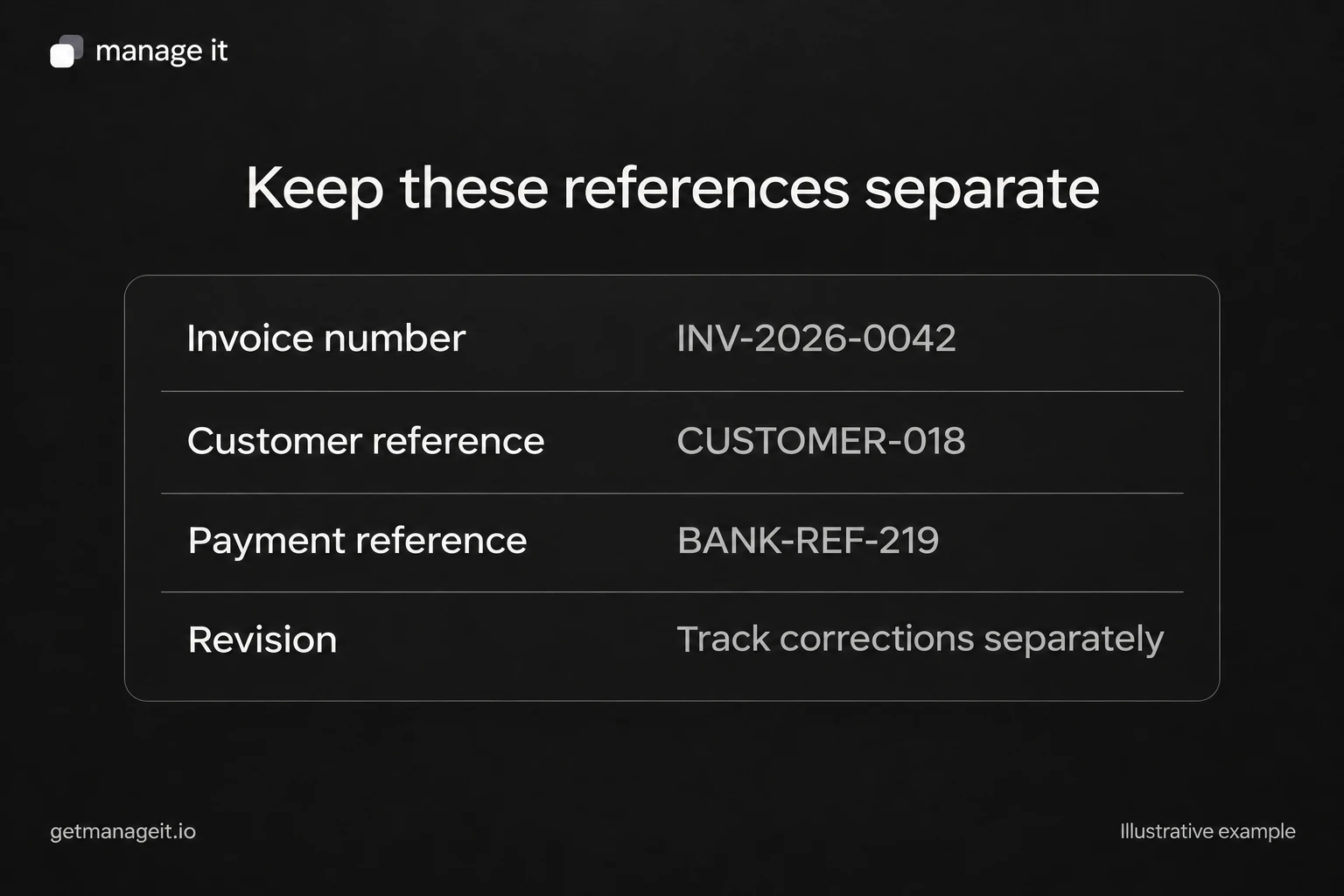
For example, invoice INV-1042 might concern project GARDEN-27 and receive two payments with separate transaction references. Keeping all three fields makes partial payments easier to follow. See the partial-payment ledger for how they fit together.
Write a one-page numbering policy
The client should be able to answer these questions without relying on one staff member's memory:
Which system allocates invoice numbers?
What prefix and next number are configured?
Does the sequence continue indefinitely or follow a documented reset rule?
Where does a project or purchase-order reference go?
Who may change the numbering settings?
How are canceled, voided, or corrected invoices retained and explained?
Where can staff find invoices issued by the previous system?
Add the date the convention took effect and the person who approved it. If staff also issue quotes, document that sequence separately. A quote number and an invoice number identify different records even when they concern the same work.
Plan the changeover before importing records
Take an inventory of the old system's issued numbers and outstanding invoices. Identify the last allocated number, but also check whether drafts, voided records, or another office have reserved later numbers.
Then decide which system will issue new invoices after the cutoff. Preserve old identifiers in the historical records or an explicit mapping. Don't silently renumber an invoice that a customer already holds; the customer's bank reference may still use the original number.
A gap in a sequence should be investigated and documented. Reusing an old number to make the list look continuous can create a worse problem: two different records bearing the same identity.
Configure and check ManageIt
ManageIt's subaccount settings document an invoice prefix and next invoice number, with separate quote settings. Its document fields include a Reference field for the customer's or project's reference.
Use those supported controls rather than assuming the number can contain arbitrary month, customer, or project tokens. Check the next generated invoice, then verify that the customer-facing document, payment record, and receipt use the expected reference.
Include a second staff member in the handoff. Ask them to find an invoice from a customer-supplied number and identify its current balance. If they need the person who configured the system to interpret the reference, simplify the policy or improve the lookup instructions.
The invoice and payment administration kit includes a numbering-policy sheet and a changeover checklist. Complete those before moving the client's next invoice into the new system.
The editable worksheets and templates include Markdown and CSV files you can adapt with the client.