Deposit invoices: how to explain the upfront payment
Quick answer
A deposit invoice requests an agreed upfront portion of a service price. Show the full price, the deposit due now, and how the remaining amount will be requested.
Agree the amount and the condition it satisfies before sending the request. There isn't one deposit percentage that suits every business.
Record the actual payment against the correct job, then make sure the final request doesn't charge that amount again.
Prepare a deposit request that shows the agreed total, amount due now, remaining balance, and next step, with a reusable worksheet.
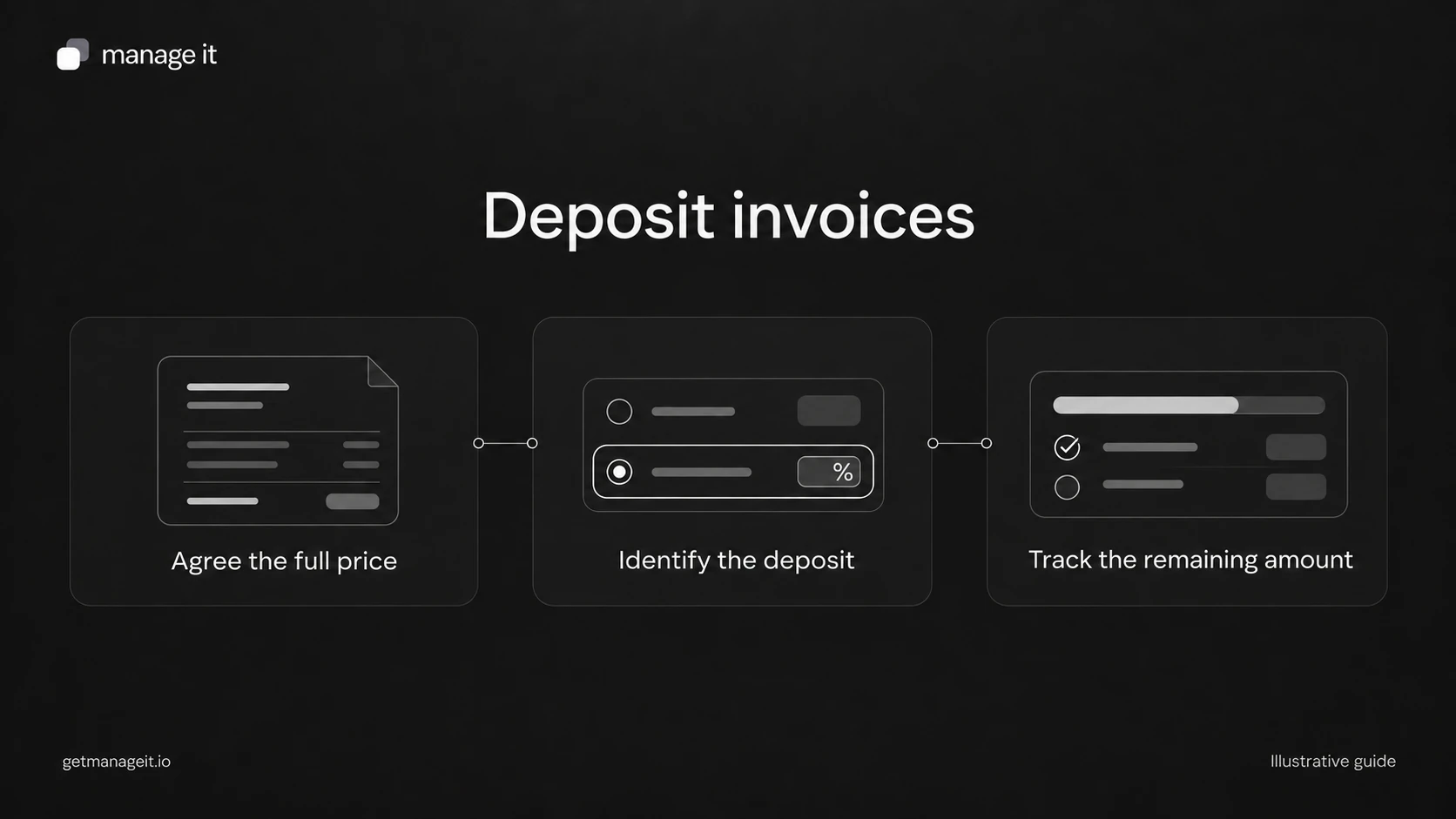
A client may need an upfront payment before reserving a date, ordering materials, or starting a project. The customer's practical questions are simple: what am I paying now, what does it relate to, and what will I owe later?
Help the business answer those questions in the request itself. The software setup should follow the agreed service terms, including what happens if the work changes or is canceled. Calling a payment a deposit doesn't, by itself, determine whether it is refundable or how it must be treated for accounting purposes.
Choose the request structure before building it
Two arrangements often appear similar to the customer but need different administration.
One invoice with a payment schedule: the document shows the full agreed price and divides it into a deposit and later payments. Staff can see the schedule in one place.
A separate upfront request followed by a balance invoice: the later document needs to account for the amount already paid. Without that connection, the business can accidentally request the full price again.
Ask the client's bookkeeper which arrangement fits the records they maintain. Don't create both for the same deposit unless the accounting process explicitly explains their relationship. Stripe's payment-plan documentation illustrates how one invoice can contain a deposit and subsequent installments; that is distinct from a recurring subscription.
Use a deposit request the customer can check
Here is an illustrative worksheet for a $2,000 USD service project with an agreed $600 deposit. The amounts are examples, not pricing advice.
Business and customer: [business details] and [customer details].
Project or service: [plain description and scope reference].
Request reference: [unique invoice number]; project reference [reference].
Agreed total: $2,000 USD, with the treatment of taxes and other charges stated.
Deposit requested now: $600 USD.
Deposit due: [explicit date or agreed trigger].
What this payment enables: [for example, confirmation of the agreed project start].
Remaining amount: $1,400 USD, requested at [agreed date or milestone].
How to pay: [verified payment link or instructions].
Questions or changes: [monitored contact route and relevant agreement reference].
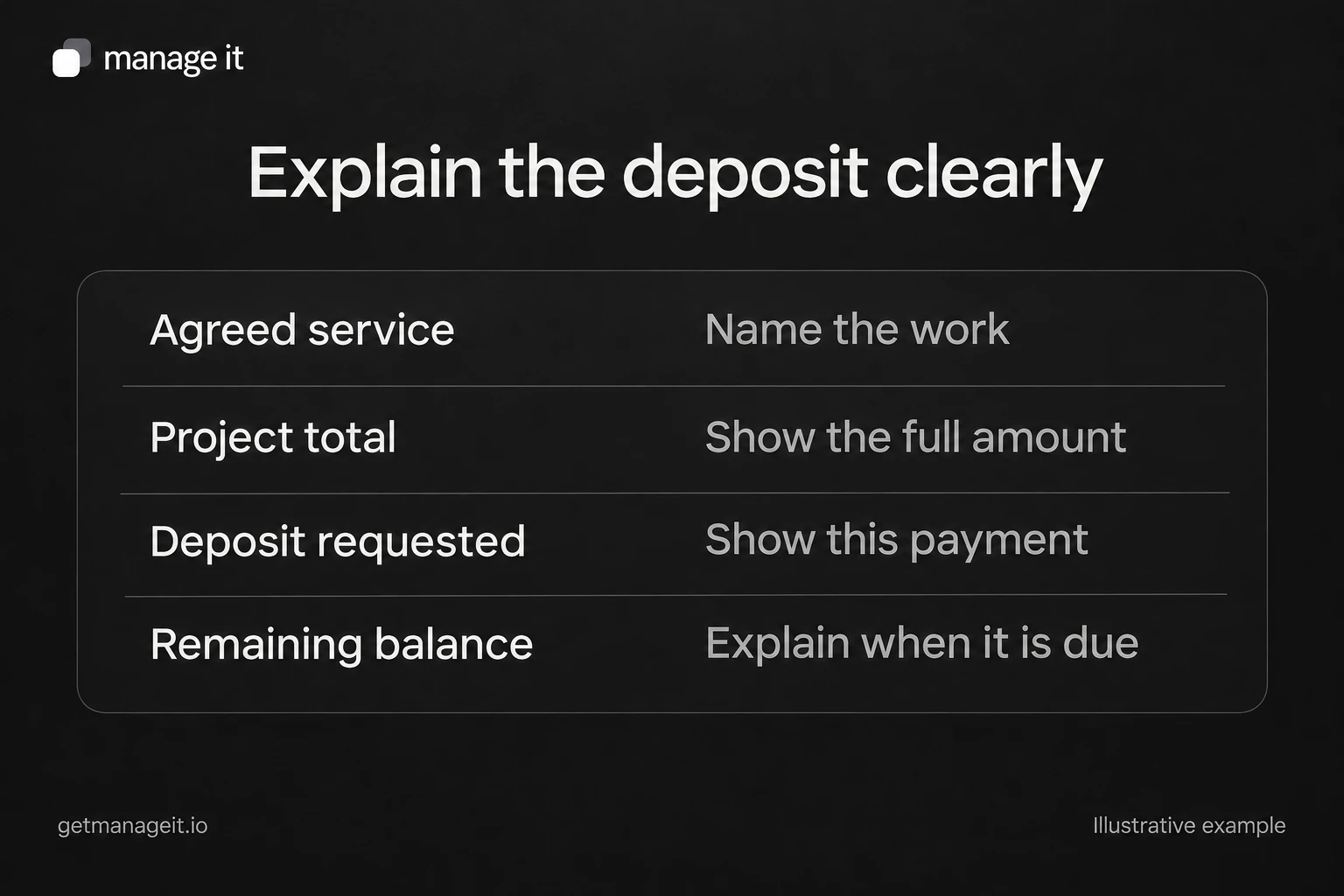
Keep the description specific enough that a customer recognizes the work. “Deposit” alone provides little help when someone is paying several suppliers. “Upfront payment for the kitchen measurement and design service described in quote Q-204” is easier to reconcile.
Connect the request to what happens next
If the business starts work only after payment is received, say that plainly and make staff responsibility explicit. The person who sees the payment may not be the person who books the work.
For example, your handoff note might say: “The office coordinator checks the received payment, records it against the job, and confirms the start date with the customer.” That gives the business an action to complete. A sent invoice or a viewed payment page should not silently stand in for payment.
If the customer pays a different amount, don't automatically treat the deposit condition as satisfied. Record the amount accurately, then have the responsible person decide whether to accept it and what to communicate. Use the payment record and agreed terms to resolve the difference before confirming the start.
Configure the schedule in ManageIt
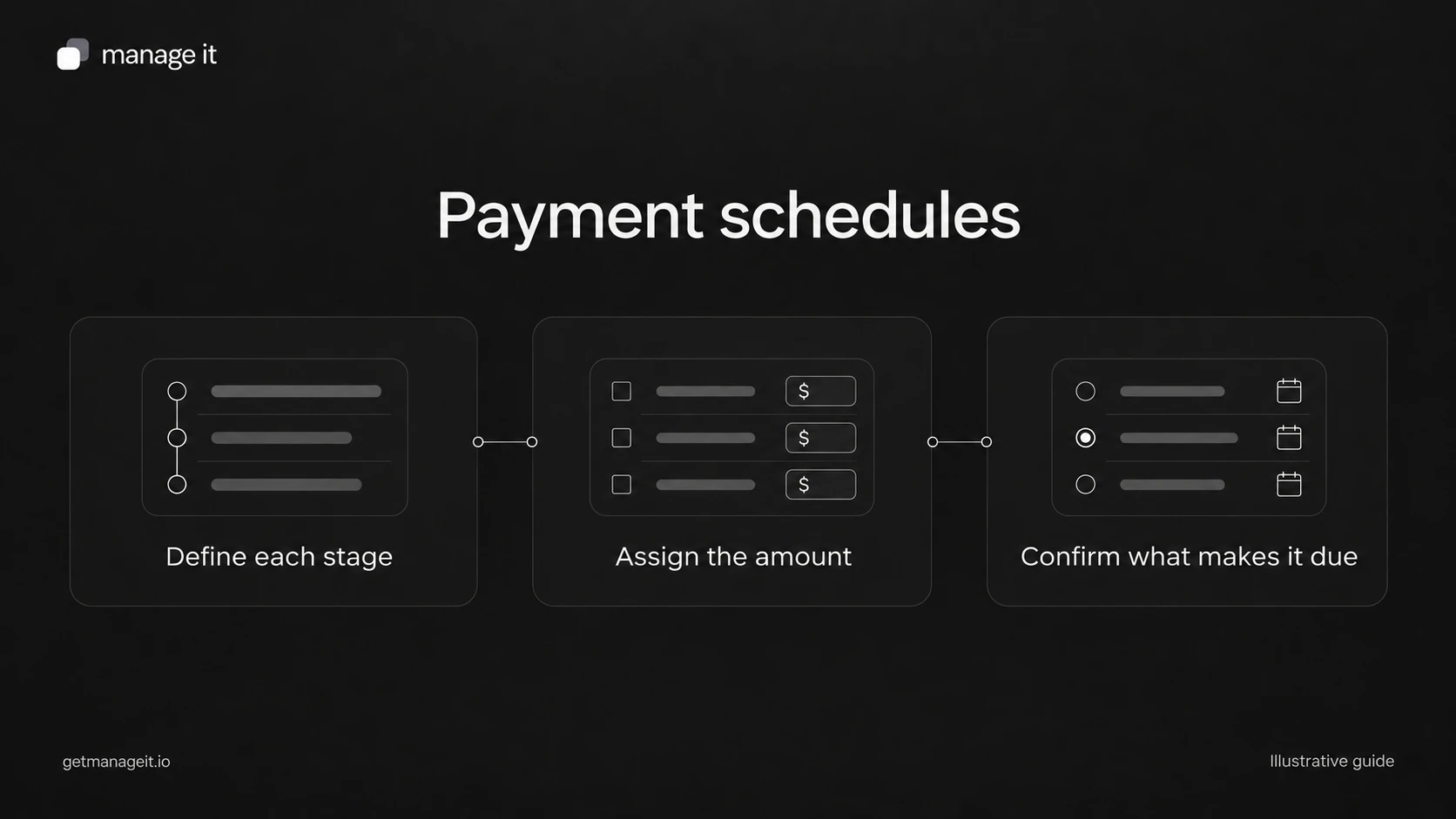
ManageIt's payment schedules support labeled payments, including a deposit, with fixed dates, relative dates, or manually completed milestones. The schedule amounts should add up to the document total.
For the example above, confirm that the customer sees $600 due at the agreed deposit stage and $1,400 at the agreed later stage. If you use a milestone, name who marks it complete. A milestone label doesn't independently verify that the work was delivered.
Before handing the setup over, check the preview, payment instructions, payment recording, and remaining amount with the client. Also check the message staff will send when payment is pending or the customer asks to change the job. Use the client's actual configuration for these checks.
Close the loop when the deposit arrives
A receipt should acknowledge the amount actually received and retain the link to the original invoice or project. If the customer has paid $600 of a $2,000 total, the receipt should leave no doubt that $1,400 remains under the agreed schedule.
The invoice and payment administration kit includes the deposit worksheet and a reconciliation checklist. Fill it in with one real service offered by the client, then use those decisions to configure the request. Have the client confirm refund terms and accounting treatment with the appropriate adviser before turning the sample into their standard process.
The editable worksheets and templates include Markdown and CSV files you can adapt with the client.